
Calligraphy Video Tutorials & Demonstrations
Bite-sized lessons and demonstrations in modern calligraphy and iPad lettering
I share free tutorials on my YouTube channel—short videos that focus on specific lettering and Procreate techniques, along with quiet, meditative calligraphy demonstrations you can simply watch and enjoy. Below is an archive of all these tutorials and demonstrations. Most are accompanied by the full transcript, with screen captures from the video to provide visual aids along the way, so you can watch or read the lessons at your own pace.
To see my free video tutorials as they’re published, subscribe to my YouTube channel ➺
For longer, more in-depth lessons, check out my Skillshare classes ➺

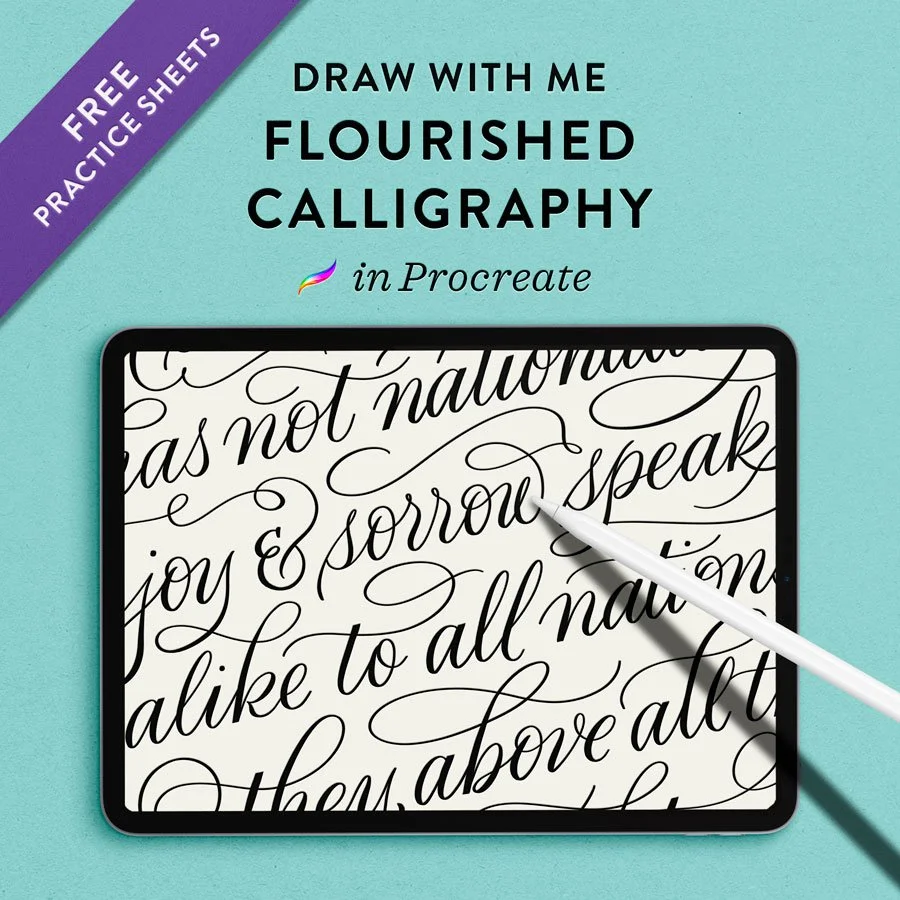
A quiet “draw with me” demo of an extra-flourished calligraphy layout: a Frederick Douglass quote in my own lettering style.
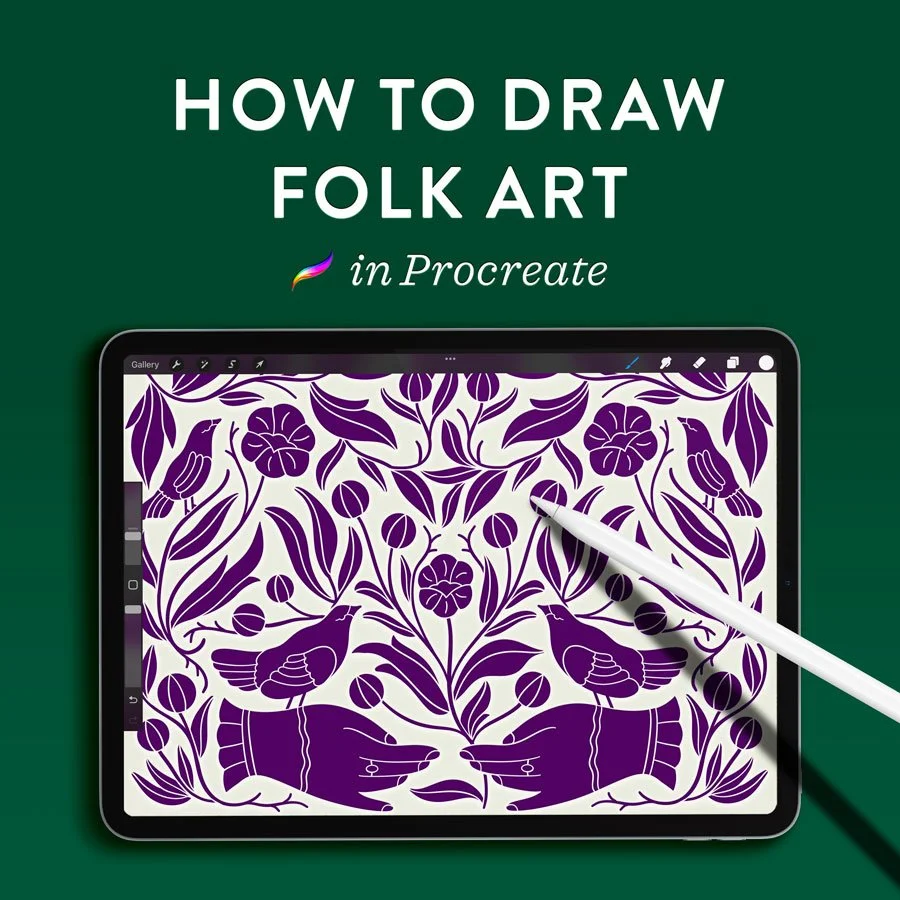
Learn to draw your own folk art-inspired illustration using a handful of repeated motifs and Procreate’s powerful symmetry guides.

Watch me write out the whole uppercase calligraphy alphabet in Procreate – flourishing included! – using my Vintage Pointed Pen brush.
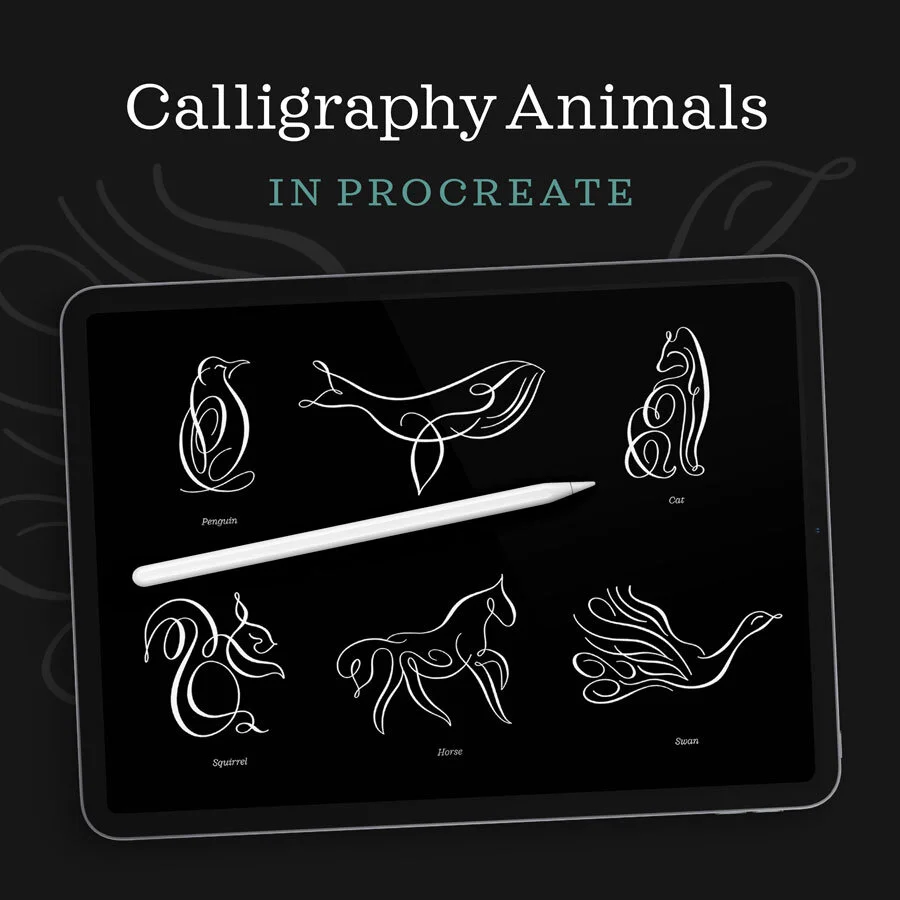
A relaxing, slow demonstration of animal flourish illustrations using my favorite pointed pen calligraphy brush for the Procreate app.

Learn four ways to paint mesmerizing marbled paper pattern effects on your iPad. These make beautiful backgrounds for hand lettering designs.
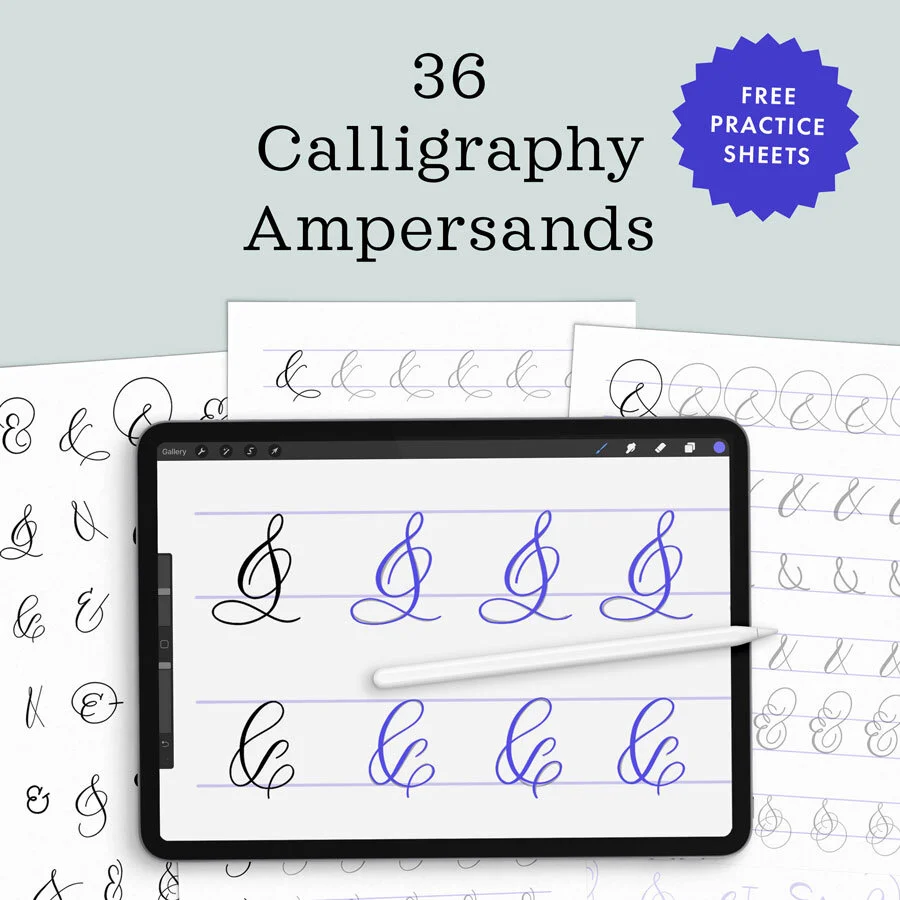
Watch me write 36 different styles of everyone’s favorite glyph: the ampersand. Download free practice sheets to follow along on paper or your iPad.
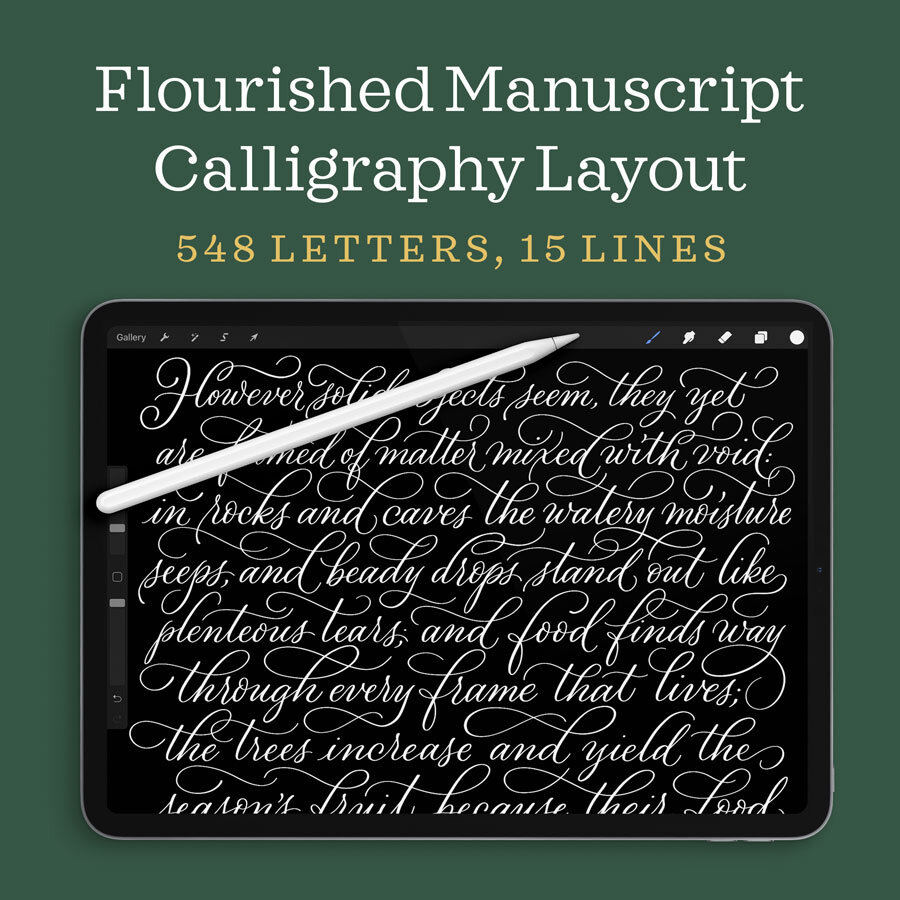
Watch my complete process for a flourished manuscript layout on iPad, from sketch to pointed calligraphy pen. This is a relaxing, quiet video with simple instructions.
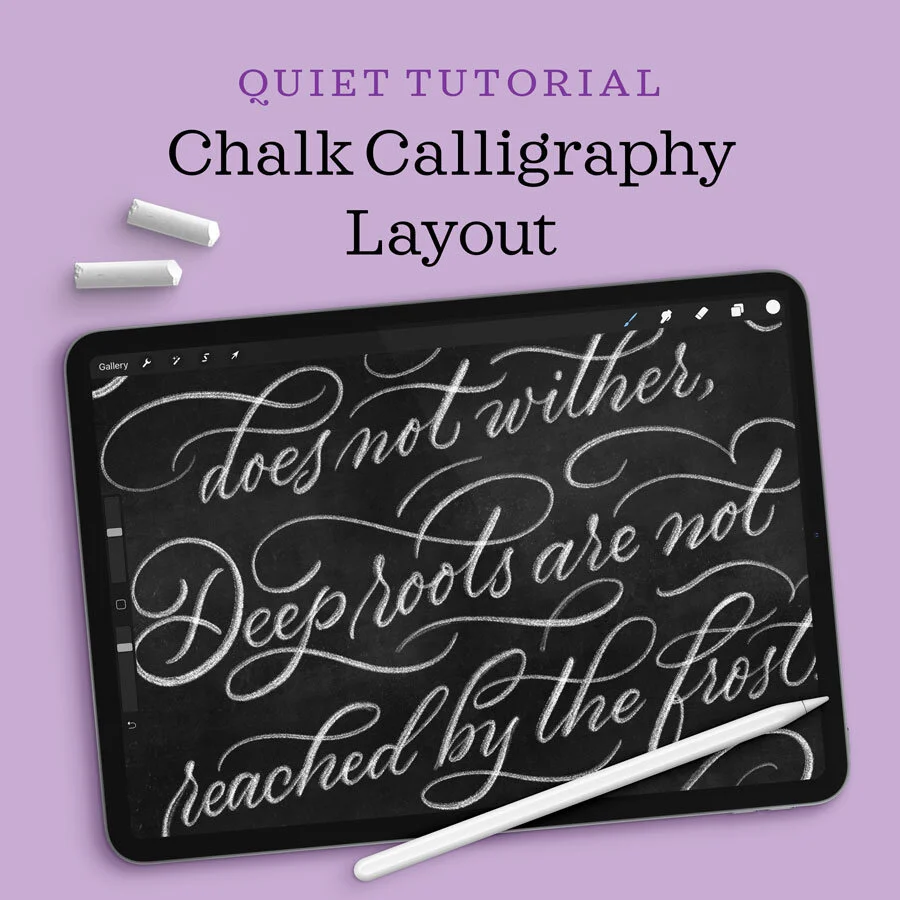
A quiet follow-along calligraphy demonstration in Procreate using a wide, textured writing tool: chalk.
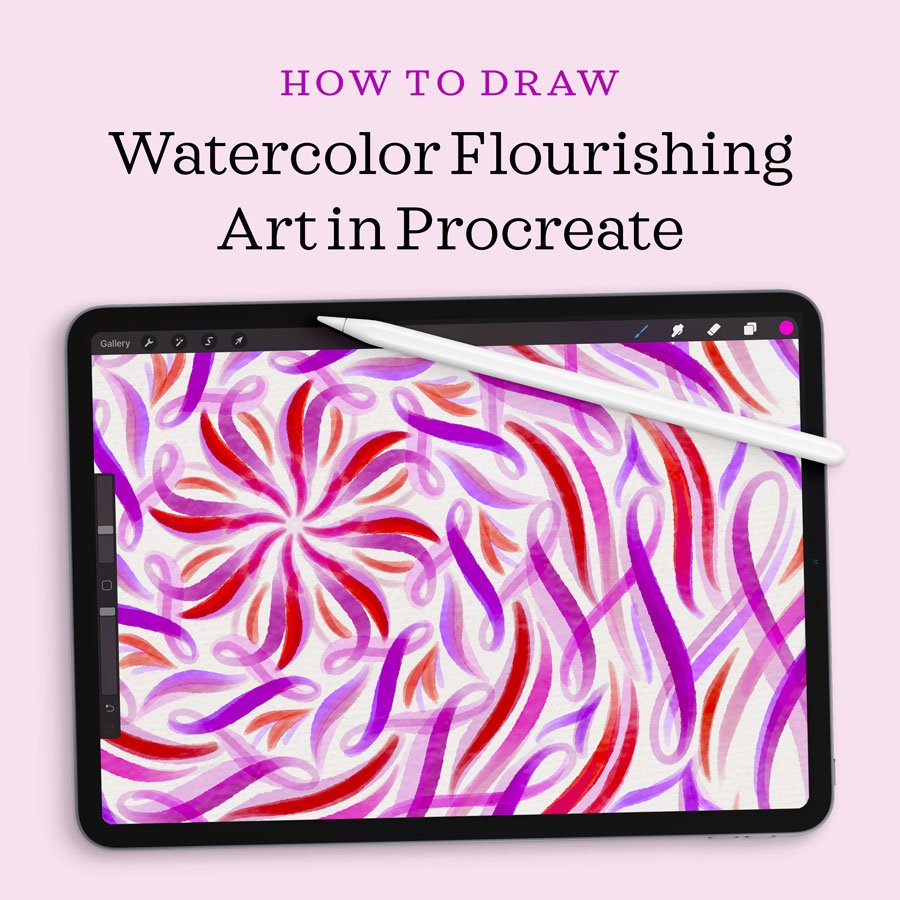
Learn to design flourished watercolor mandalas in Procreate with this video and written tutorial covering symmetry tools and painterly textures.
Most digital lettering brushes lack the nuanced pressure sensitivity and ink-bleed textures that define our craft. I developed this kit to solve that problem.

Learn my process for drawing intricate calligraphy artwork in Procreate. The illustrative border features a whale, surrounding a calligraphy quote.

Watch me flourish a quote in this uncut video of my calligraphy layout design process—all in real-time.

Learn how to draw a 3D drop cap letter on your iPad, with dramatic shading, texture, and highlights.
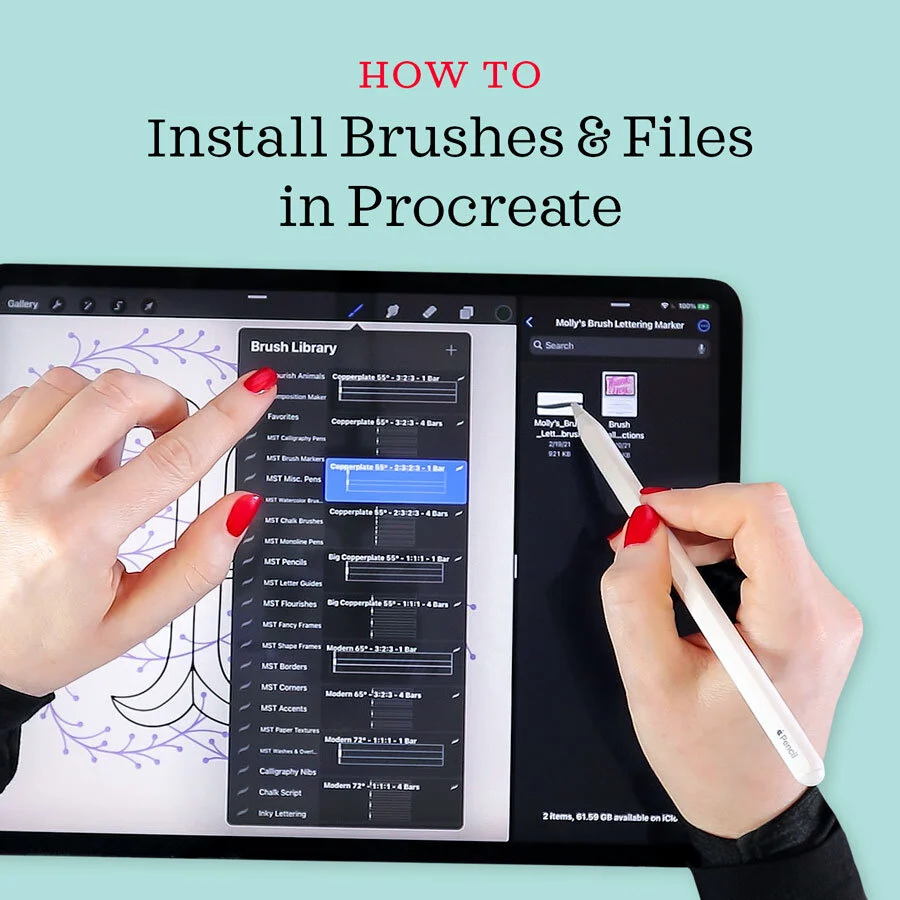
In this quick video and written tutorial, l teach you the simple process of installing brushes, swatches, and files in Procreate.
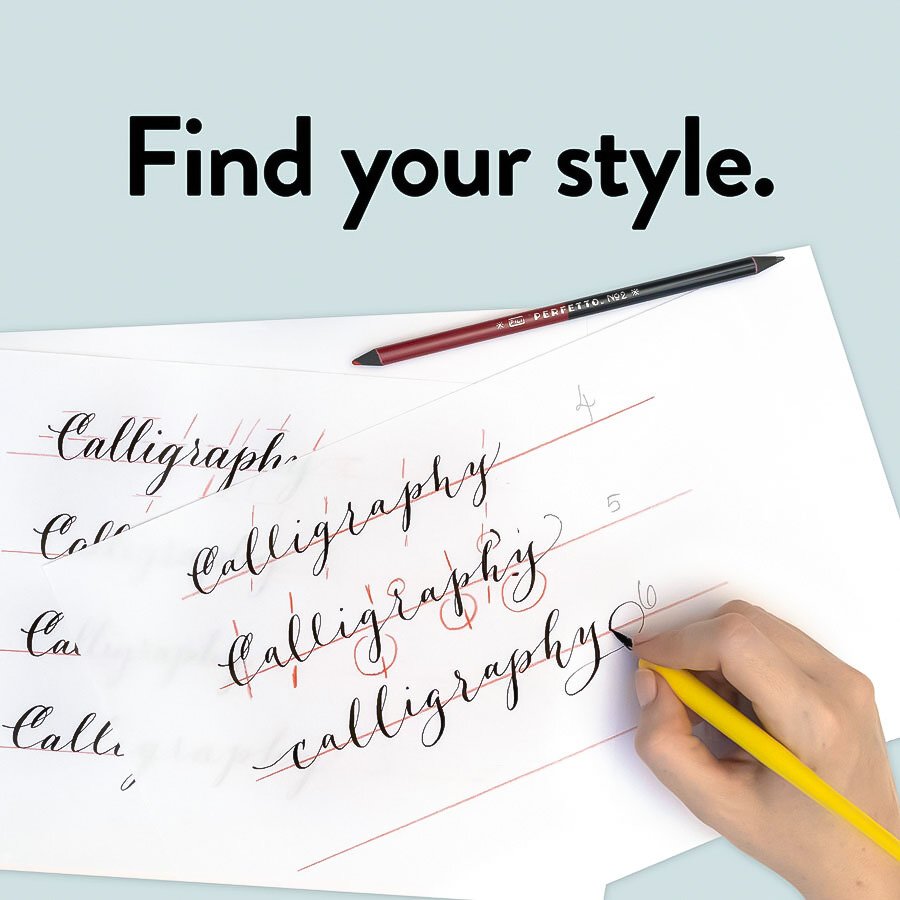
Learn my favorite exercise for calligraphers looking to transform their modern calligraphy—or add more styles to their repertoire.
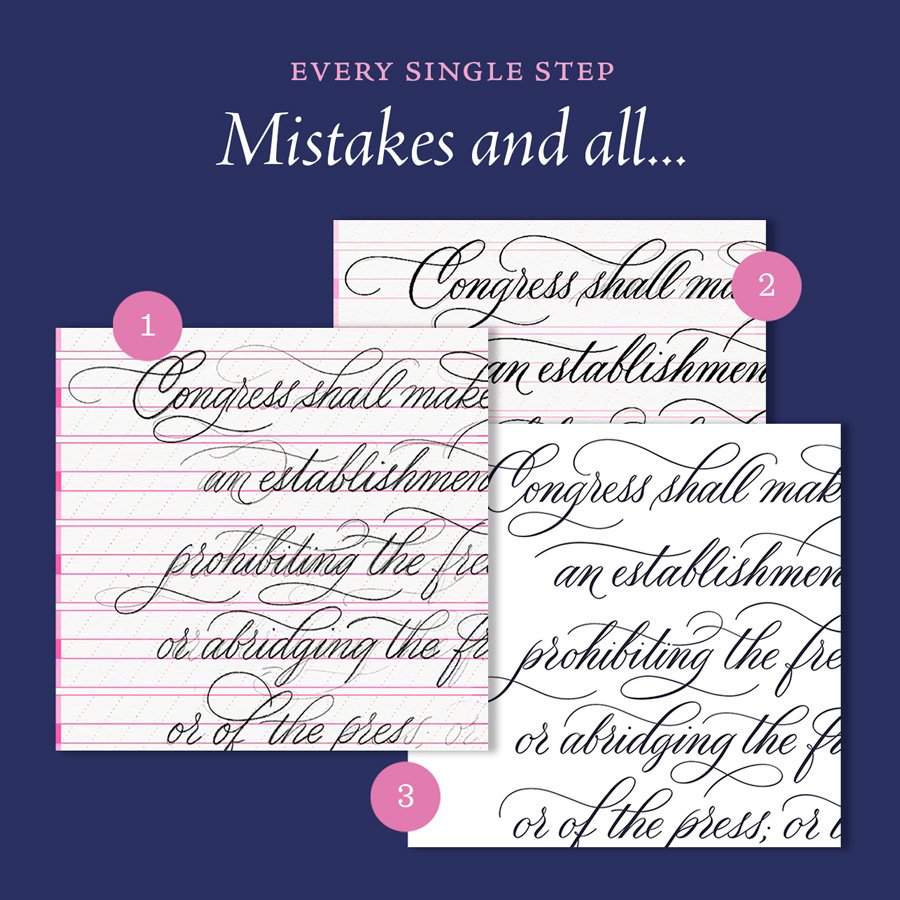
Watch a totally uncut time lapse of a start-to-finish, flourished layout design. You may be surprised how many versions I sketch in pencil first….
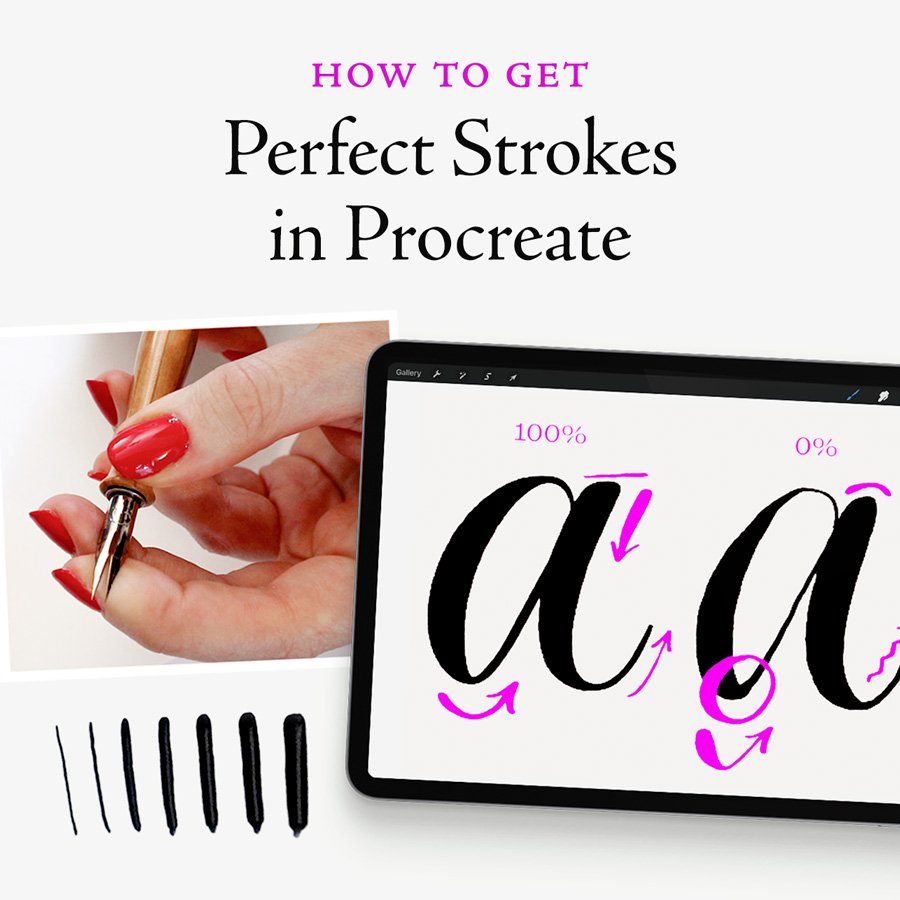
Learn my technique for smooth calligraphy strokes in Procreate, with beautiful thins and thicks that emulate ink-on-paper writing.
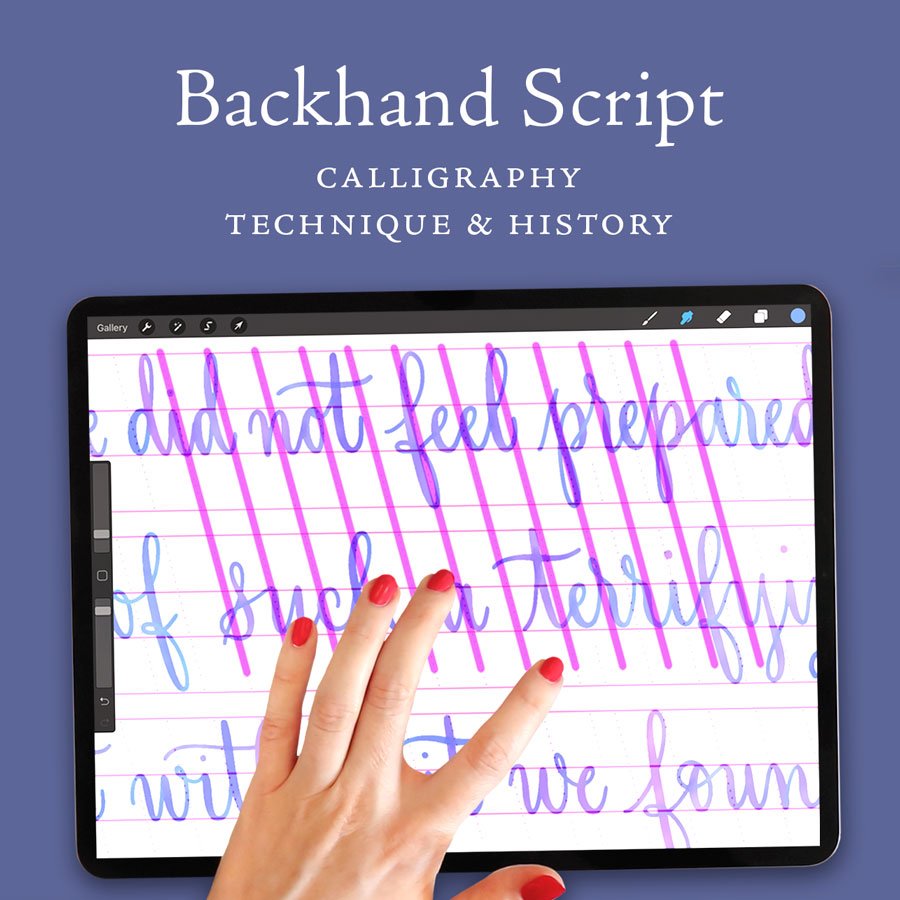
Learn how to draw a layout with negative slant guide lines, paired with modern, watercolor calligraphy.
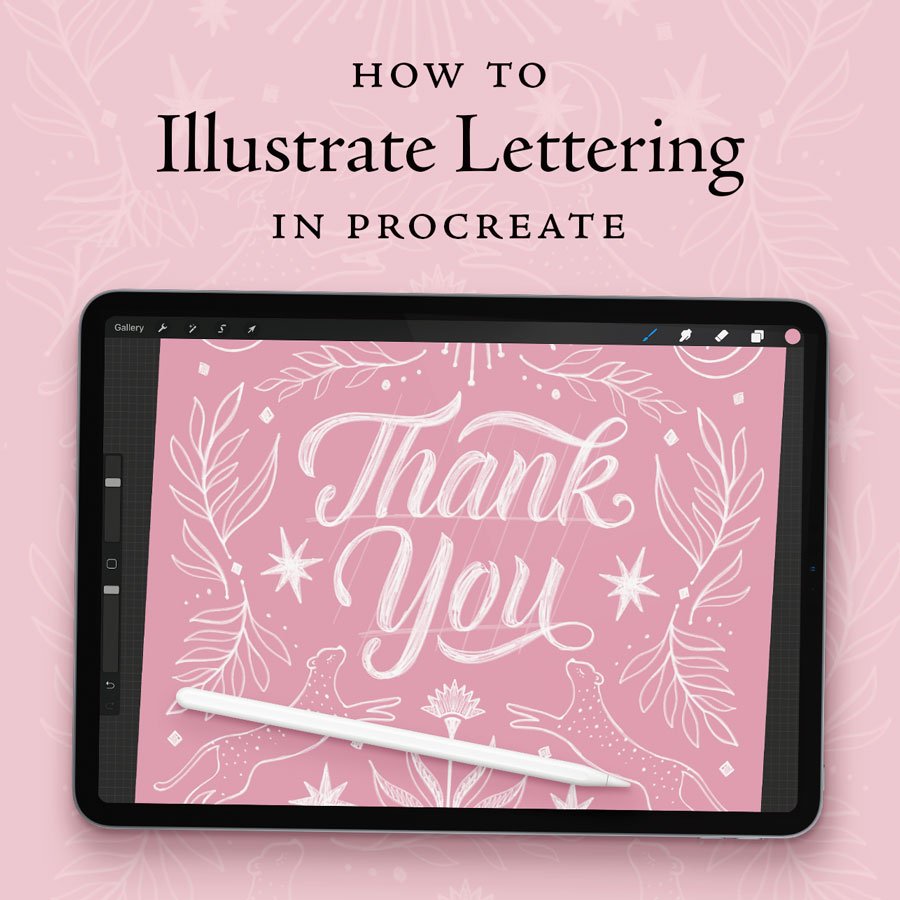
A start-to-finish Procreate demonstration of my process for illustrating a hand lettered design.
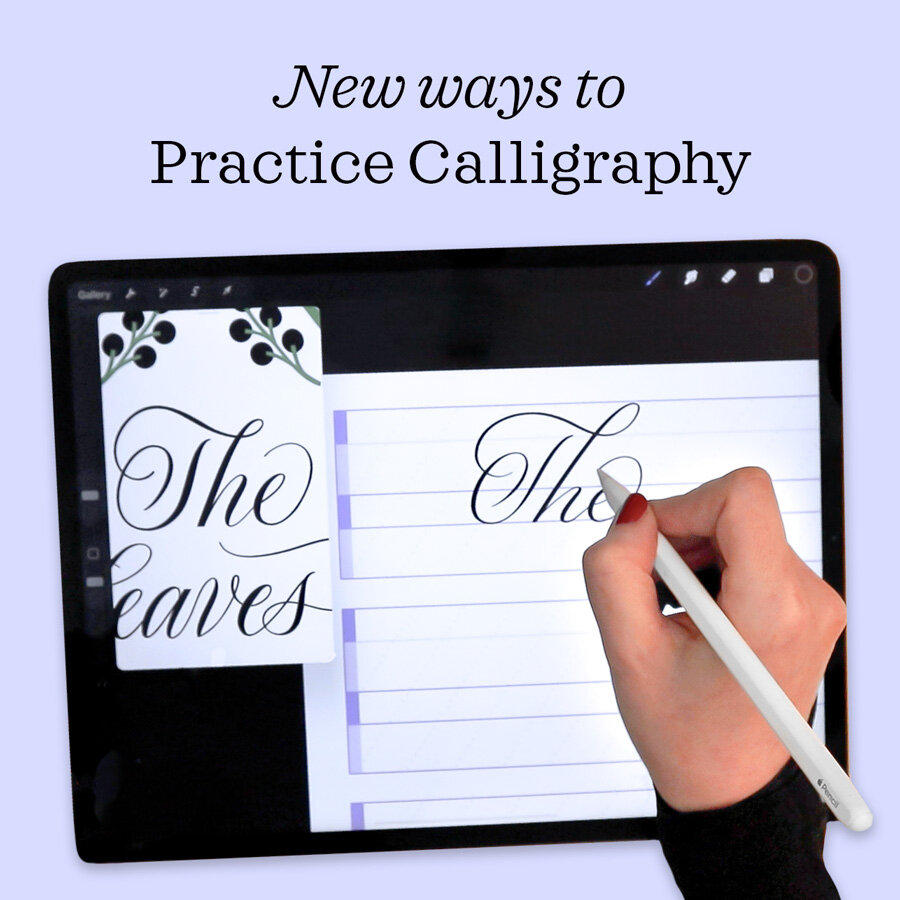
A very useful tool for practicing calligraphy on my iPad has arrived with the Procreate update: the reference window.

Learn to write Merry Christmas in calligraphy and illustrate a Christmas wreath frame! Perfect for Christmas card design and other DIY applications.
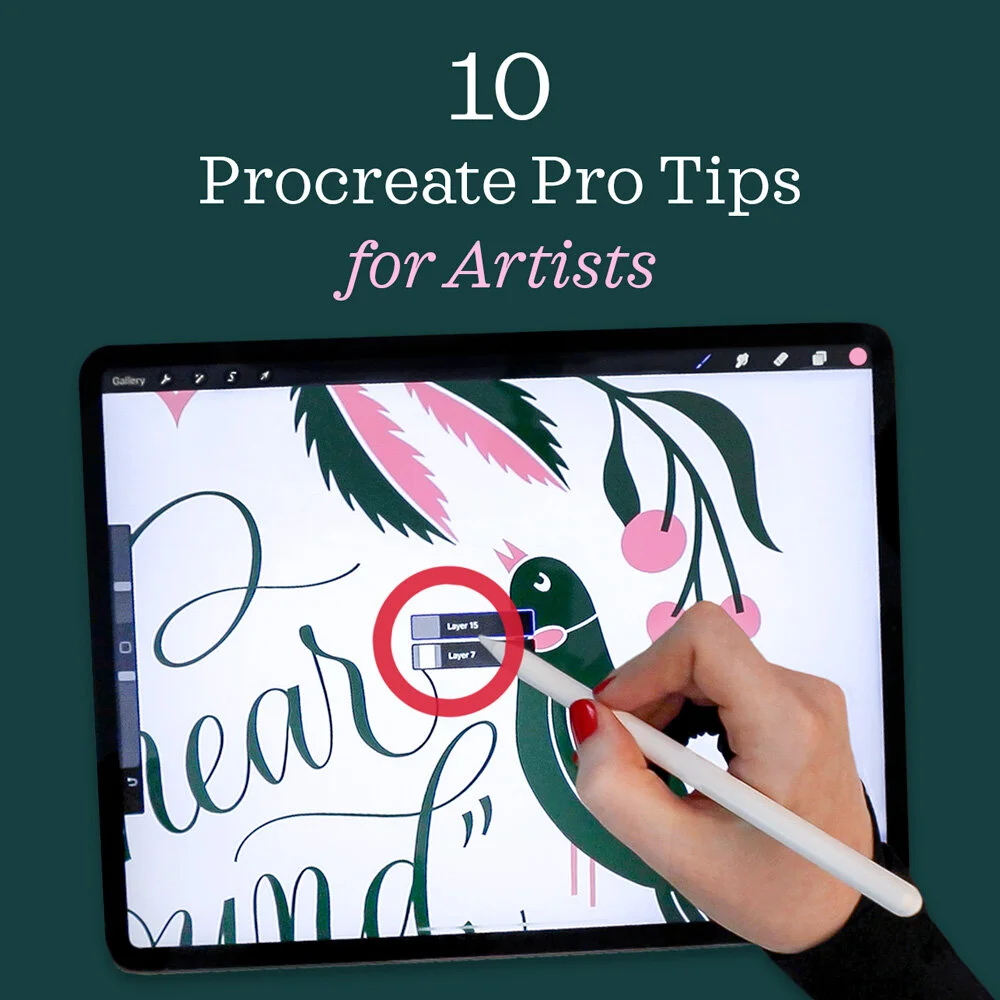
I share my most-used Procreate hacks, shortcuts, and actions that streamline my lettering and illustration process. You’ll see just how much they can transform your workflow!

Today I use one of my free flourishing practice sheets to create a calligraphed layout, then draw a flourished, decorative border to complete the design.
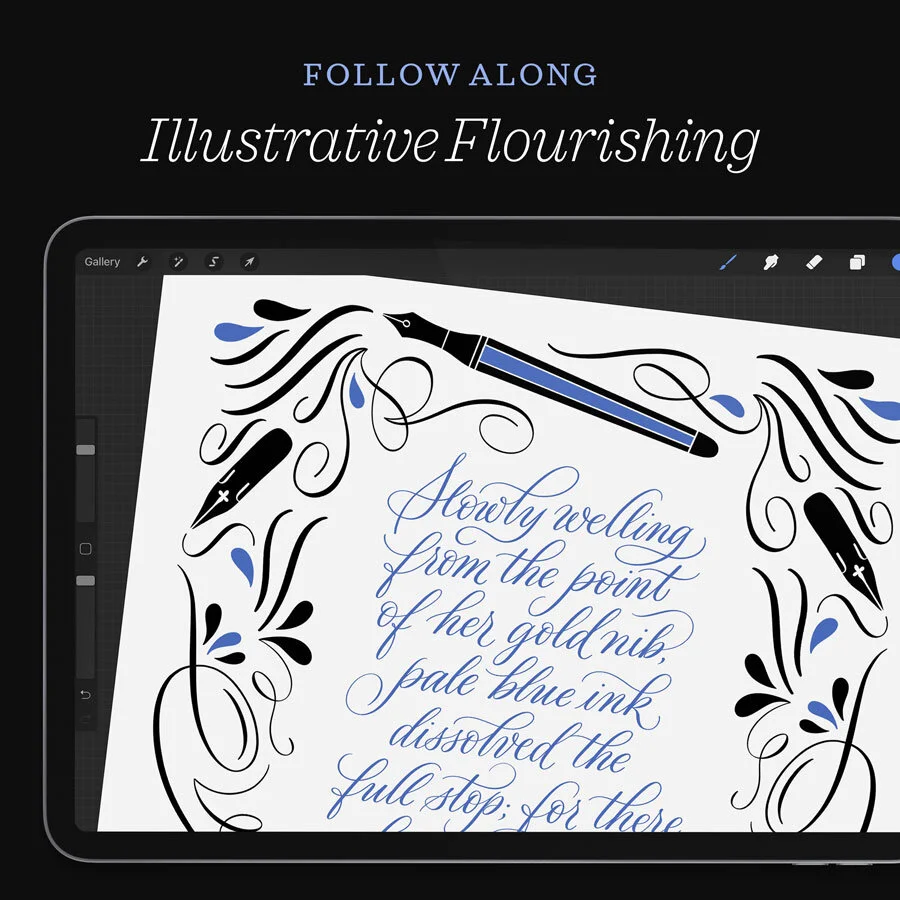
Fancy flourished calligraphy on the iPad! In this time lapse, you can watch me sketch, calligraph, flourish, and illustrate a quote in Procreate.
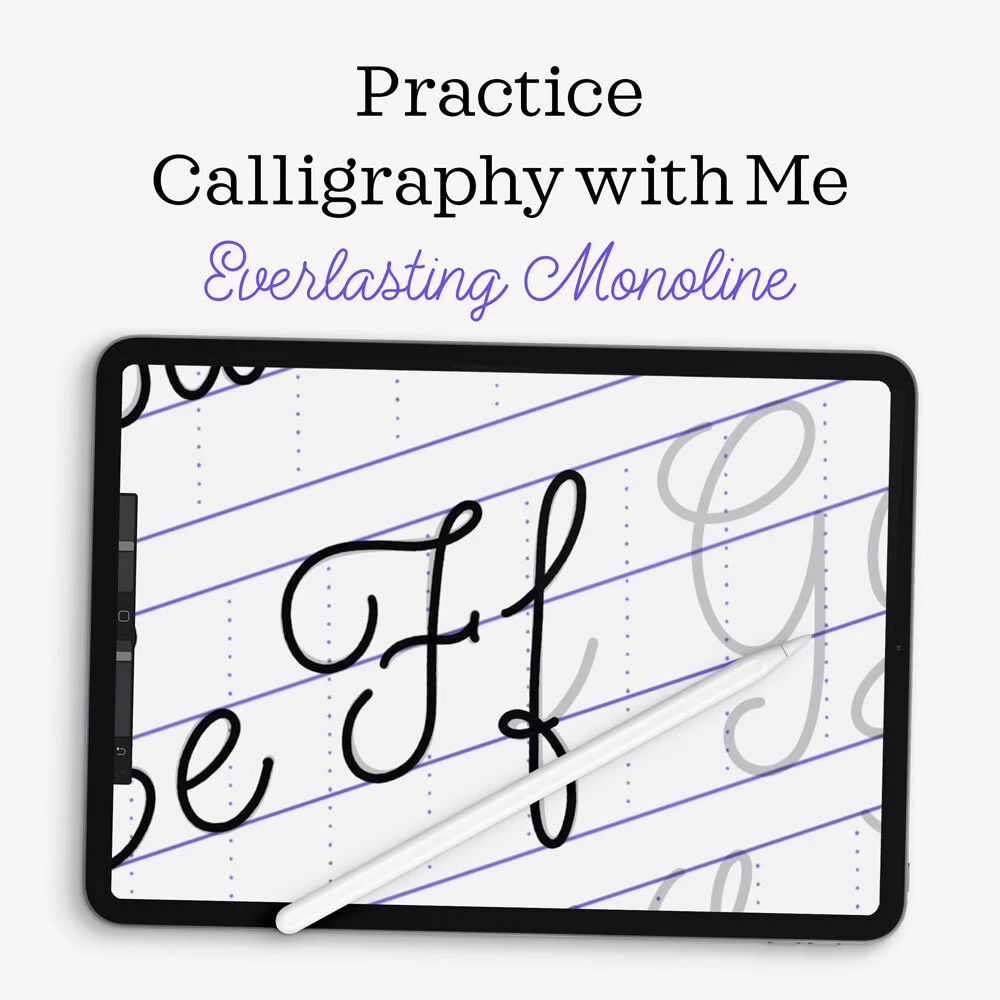
I’m excited to share the first in a brand new series of YouTube videos that I’m calling Practice with Me.
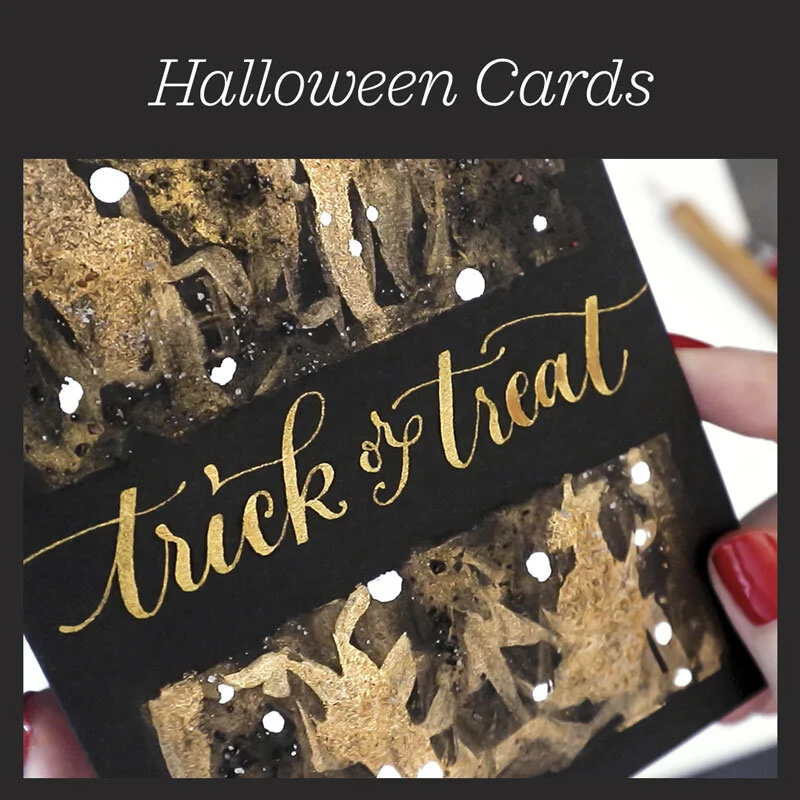
This is my favorite technique for DIY holiday cards: metallic watercolor, gold ink calligraphy, and abstract paint washes combine for unique, handmade cards.

Throughout the development process of my Watercolor Calligraphy Brushes for Procreate, I came up with lots of techniques for getting the most realistic watercolor look possible. I turned those tips into a tutorial for you!

A demonstration of dreamy, ethereal waves of calligraphy using my Watercolor Calligraphy Procreate Brush Pack.
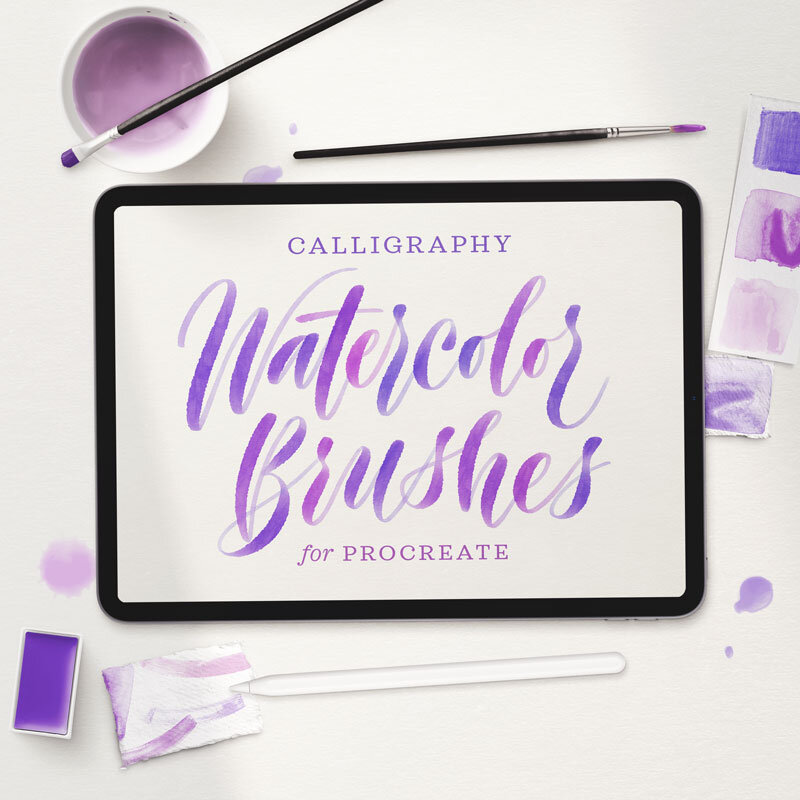
The Watercolor Calligraphy Procreate Brush Pack is the complete kit for drawing realistic watercolor calligraphy on your iPad.

If you’re an iPad lettering artist, you may be interested in my Procreate brush packs:
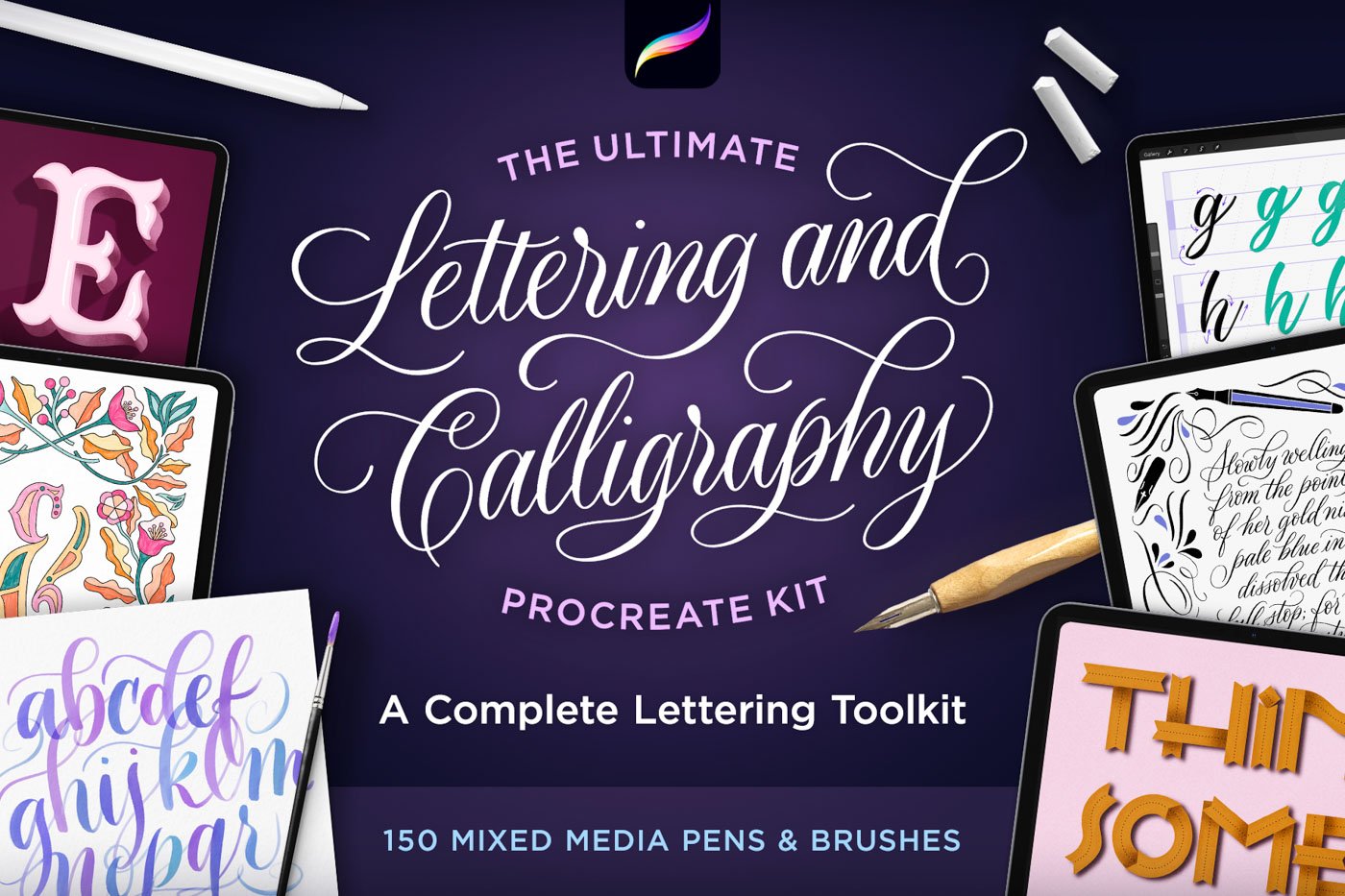
My all-time bestseller—and the brushes I use the most in my own work.
The Ultimate Procreate Kit started as a collection of brushes and textures I built for myself, to recreate the look and feel of writing on paper with all my favorite pens. Over time, it grew to 200+ brushes, backgrounds, and guides for every kind of hand lettering style—from flourished calligraphy and watercolor script to bold sign painting and chalk lettering. They’ve been my bestselling brushes for years, and I still use them every day.
Who is this kit for? Everyone from total beginners to professional artists. If you’re just starting out with iPad lettering, you’ll get tools to help you learn, play with, and master digital hand lettering—plus step-by-step practice files that teach you proper technique. If you’re already an experienced calligrapher or lettering artist, you’re getting professional-quality tools you can use in client work and commercial projects without limitations—tools that make digital lettering feel as natural as ink on paper.
14 Professional Brush Collections (200+ Brushes Total):
✓ Pointed Calligraphy Pens for flourished script work
✓ Lettering Markers for modern, brushy styles
✓ Watercolor Pens with realistic paint and paper texture
✓ Chalk Writers for vintage and rustic designs
✓ Flat Tip Pens for Gothic and sign lettering
✓ Letter Inkers for organic, gestural calligraphy
✓ Monoline Pens for smooth, minimalist penmanship
✓ 3D Pens with built-in two-color drop shadows
✓ Novelty Pens for fun effects like ribbon writing
✓ Letter Guides for creating endless layouts
✓ Textured Backgrounds like paper and chalkboards
✓ Bonus – Shape Frame Stamps for decorative borders
10 Practice Files & Guides
In addition to brushes, this kit includes practice sheets and step-by-step guides that walk you through each technique. The layered Procreate practice files will teach you how to write different calligraphy and brush lettering alphabets. The quick guides and video tutorial show you how make the most out of this powerful kit.
→ 3 pointed pen calligraphy practice files including stroke-by-stroke tutorials
→ 2 marker brush lettering practice files with modern alphabet templates
→ 2 monoline script practice files for clean penmanship styles
→ Letter inkers quick guide for gestural techniques
→ Watercolor pens quick guide to master realistic blending
→ Complete background texture reference library
Please note: None of my brush packs overlap—every pack contains different brushes so you’ll never pay for the same brush twice.
Frequently bought together:
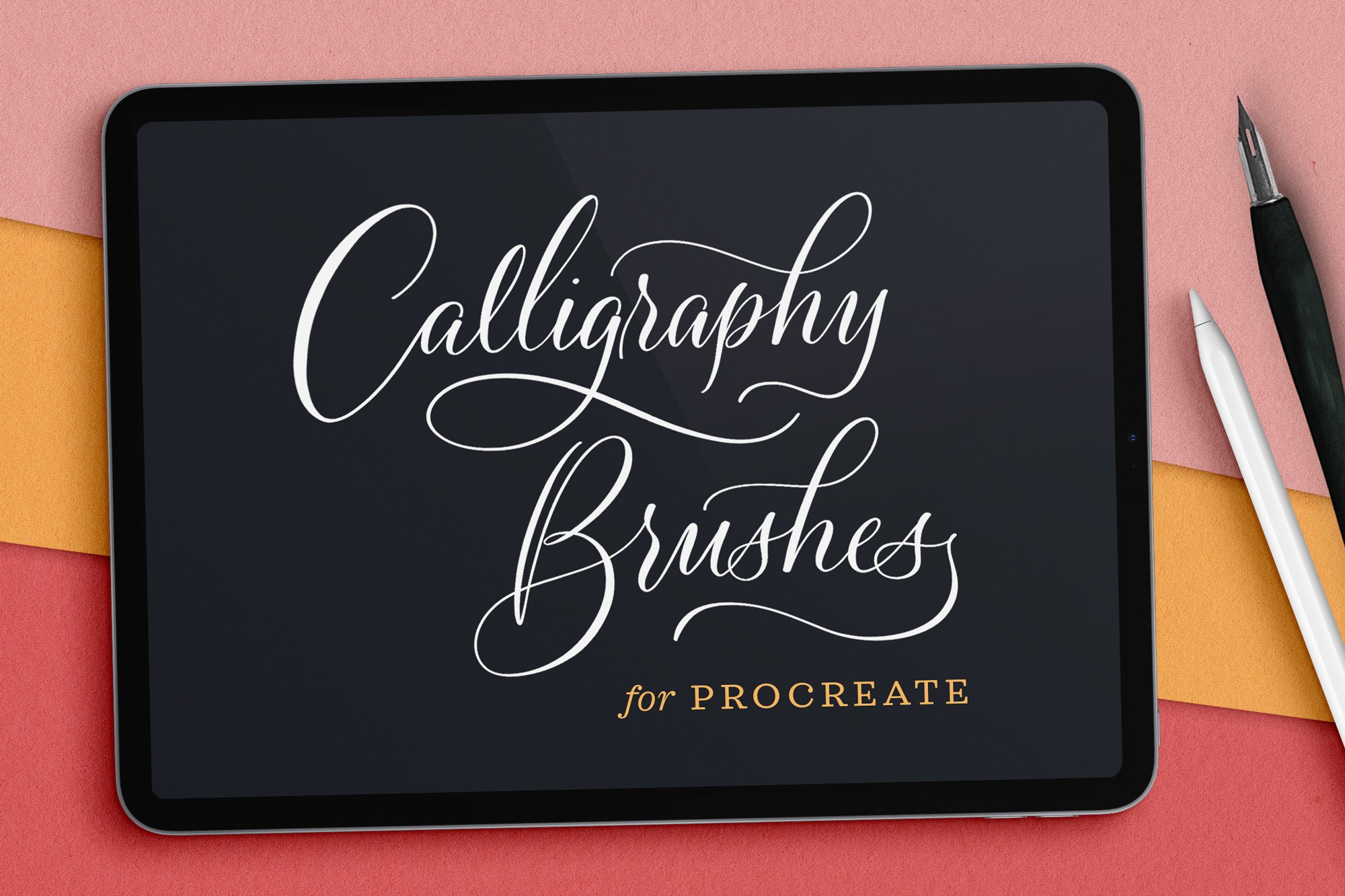
Pressure-sensitive Procreate brushes that emulate real pointed calligraphy nibs: fine point and monoline styles with smooth, scratchy, and bleed textures.
As a professional calligrapher, I understand how real ink-on-paper tools write and feel, so I worked hard to replicate those same delicate, pressure-sensitive qualities in each of these digital brushes. They offer the perfect balance of sensitivity and control: fine hairlines on the upstrokes, natural swelling on the downstrokes, and effortless stroke contrast for flourishing. No ink splatters or paper snags, just smooth flowing letters.
Each brush comes in a different texture so you can match the feel to your style:
Digital calligraphy brushes:
Fine Point Calligraphy Pen — Smooth Stroke
Fine Point Calligraphy Pen — Scratchy Nib
Fine Point Calligraphy Pen — Paper Bleed
Thick Nib Calligraphy Pen — Smooth Stroke
Thick Nib Calligraphy Pen — Scratchy Nib
Thick Nib Calligraphy Pen — Paper Bleed
Monoline Dip Calligraphy Pen
What’s included:
1 brush collection file containing 7 Procreate brushes (.brushset)
Beginner-friendly installation instructions (.PDF)
Folder of sample graphics
Please note: None of my brush packs overlap—every pack contains different brushes so you’ll never pay for the same brush twice.
Frequently bought together:
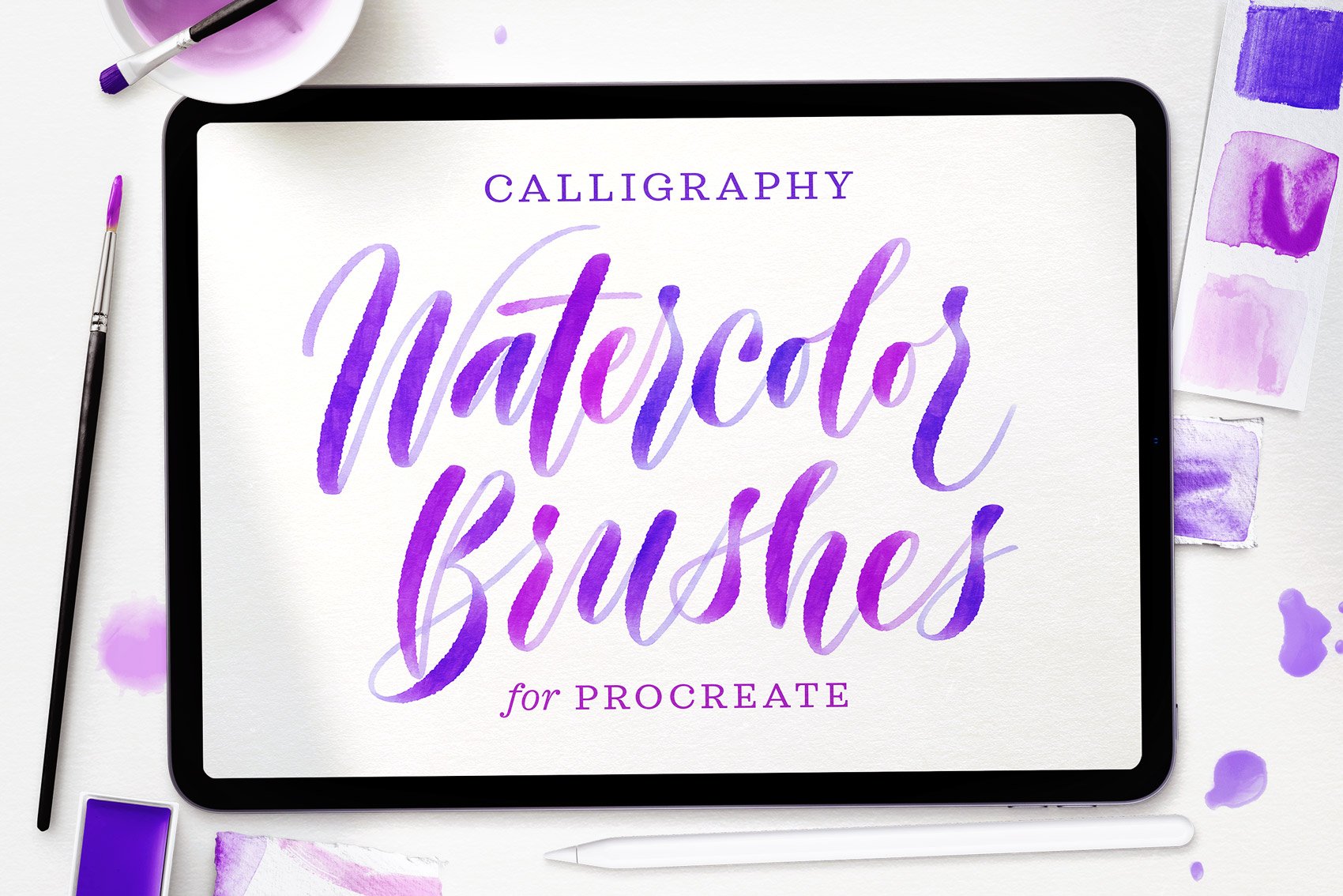
My complete watercolor calligraphy toolkit has 37 Procreate brushes that capture the soft, watery feel of real pigment on paper—for iPad lettering, washes, textures, and splatters.
This pack has everything you need to bring beautiful watercolor calligraphy to life on your iPad. I designed these brushes to take the guesswork out of digital watercolor lettering, whether you’re designing fancy flourished calligraphy or free-flowing brush scripts.
The 20 calligraphy brushes capture bleeding edges, translucency, and natural pigment variation. Each one comes in an ombré version for effortlessly adding beautiful gradients and color transitions.
To complete your watercolor lettering compositions, you’ll get 17 additional brushes for lush watercolor washes, paper texture backgrounds, and paint splatters.
37 Realistic Procreate Brushes:
10 Watercolor Script brushes for single-color calligraphy
10 Watercolor Script brushes for ombré calligraphy
8 Watercolor Wash brushes for adding texture and depth
4 Watercolor Wash Background brushes for painting your canvas
1 Splatter Stamp for realistic paint details
2 Smudge brushes for blending stroke overlaps and creating extra bleed
Bonus: 1 Cotton Paper brush for realistic paper backgrounds
Bonus: 1 Soft Graphic Pencil brush for sketching and colored pencil detail
What’s included:
1 brush collection file containing 37 Procreate brushes (.brushset)
Guide on how to use the brushes (.PDF and .procreate)
Beginner-friendly installation instructions (.PDF)
Please note: None of my brush packs overlap—every pack contains different brushes so you’ll never pay for the same brush twice.
Frequently bought together:
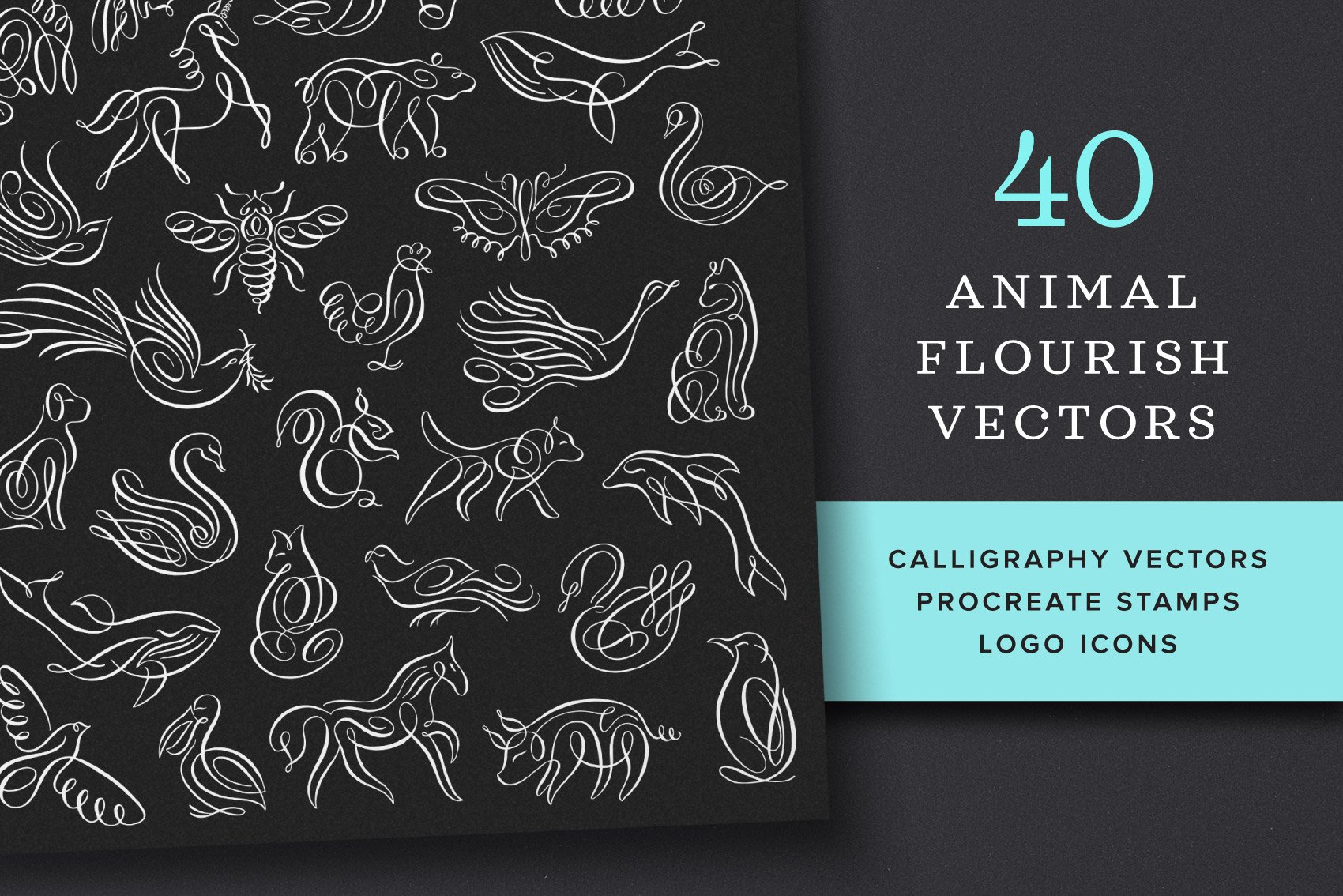
40 of my calligraphy flourish animal illustrations as vectors, high-res PNGs, and Procreate brush stamps—ready to use in your own branding and artwork projects.
Each illustration is hand drawn by me, then meticulously vectorized to be smooth, detailed, and easy to recolor at any size. I’ve worked for years on a method to vectorize my calligraphy as authentically as possible—no sharp corners, wobbly lines, or extraneous points when you zoom in. They’re great to incorporate into logo designs, wedding invitations, letterpress stationery, monograms, framed prints, patterns, and gifts.
You also get the full set as Procreate brush stamps, so you can drop them right into your iPad artwork.
What’s inside:
40 vector icons (infinitely resizable, easy to recolor)
40 transparent high-resolution PNG icons (print and web ready)
1 Procreate brush collection containing all 40 icons as stamps
Frequently bought together:

One of my all-time bestsellers, this kit has everything you need to create realistic illustrated mosaics (a.k.a. fauxsaics) on your iPad. If you’ve never tried drawing fauxsaics before, they’re incredibly meditative to make—like a coloring book you draw yourself.
You’ll get 72 Procreate pattern brushes, tile stamps, and textures that I perfected for creating convincing mosaic illustrations. The kit also includes 5 sample fauxsaic files you can open in Procreate to use for reference, practice, or inspiration, and 6 color palettes that install right into your Procreate swatch menu.
Plus, there’s a 20-minute video tutorial to get you started, with complete installation instructions, a walk-through of the brushes and sample files, and start-to-finish lessons for creating realistic mosaic designs. Scroll down to watch the video. ↓
72 Brushes:
Tile pattern brushes that draw repeating mosaic textures on your canvas (which you can customize and color)
Tile pens for drawing rows of tiles and individual mosaic pieces
Tile stamps of intricate, large tiles you can color
Grout and texture brushes for realistic finishing details and backgrounds
What’s included:
1 .brushset file containing 72 brushes for Procreate 5 or later
5 layered Procreate files of sample fauxsaics for practice and reference
(Make sure you have at least 3GB of available space on your iPad if you plan to use the sample files, which are large because they are very detailed.)1 layered Procreate file showing samples of all 72 brushes
6 Procreate color palettes
Installation guide (.PDF)
Free 20-minute YouTube tutorial
Please note: None of my brush packs overlap—every pack contains different brushes so you’ll never pay for the same brush twice.
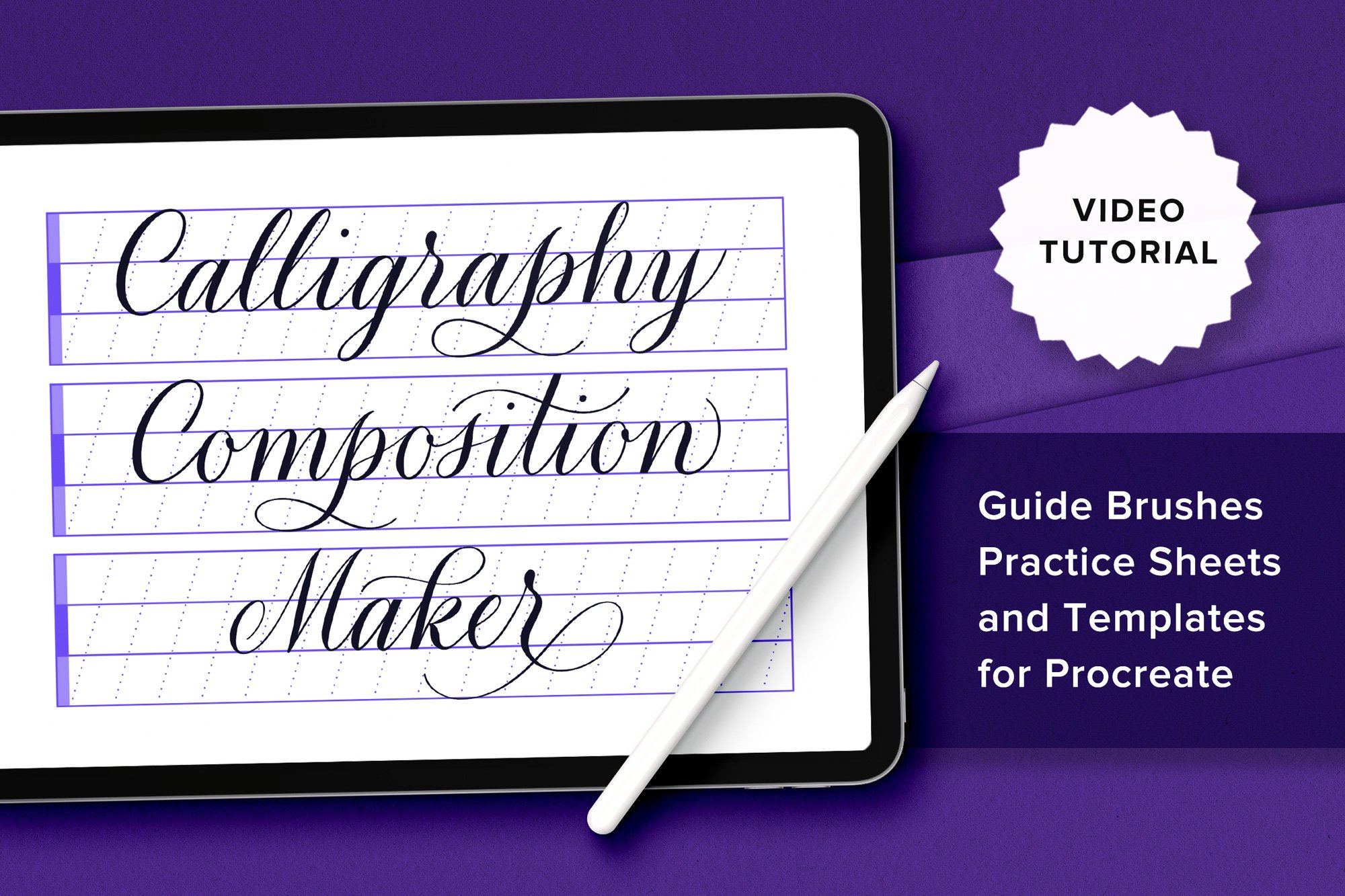
I made this toolkit to solve some of the trickiest parts of calligraphy: achieving consistent slant, even baselines, and compositions that look balanced. The 65 stamp and pattern brushes handle the structure so you can focus on the lettering.
You get guideline stamps for a range of calligraphy styles—Copperplate, modern, wavy, and cursive—plus shape frames, radial grids, ribbon banners, and pre-made composition templates. The kit also comes with calligraphy practice sheets and flourish drills so you can warm up, learn new styles, or use them for inspiration in your own work.
↓ Scroll down to watch the video tutorial ↓
The 65 Brushes:
18 Letter Guide Stamps (Copperplate, modern, upright, backhand)
4 Lined Paper Guide Stamps (lined, graph, dot grid, cursive)
4 Flourish Drill Frame Sets (ellipses, rectangles, short and long triangles)
6 Shape Frames (circle, ellipse, square, rectangle variations)
17 Pre-made Layout Stamps & Ribbon Banners
4 Radial Grids
1 Dotted Line Maker Brush
11 Seamless Guideline Pattern Brushes (baselines, slants, wavy lines, graph paper, and dot grid)
What’s included:
1 brush collection file containing 65 Procreate brushes (.brushset)
1 practice file with 4 calligraphy and flourishing practice sheets (.procreate)
1 reference file with samples of all 65 brushes so you can browse the collection and find the brush you need. (.procreate)
Installation guide (.PDF)
Please note: None of my brush packs overlap—every pack contains different brushes so you’ll never pay for the same brush twice.
Frequently bought together:
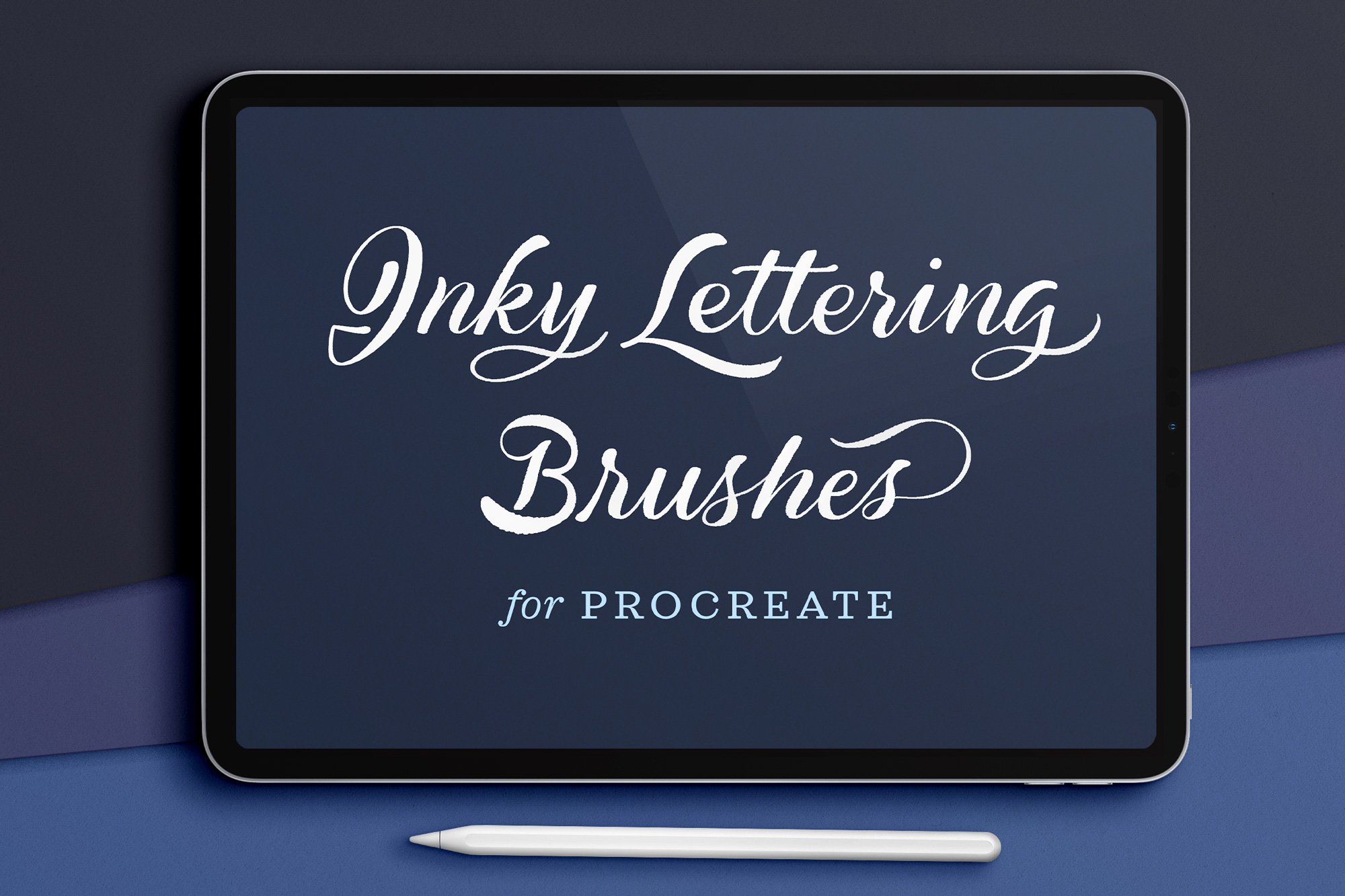
This diverse set of brushes are for inky, brushy, painted hand lettering. You get a little bit of everything, from chunky, color-changing markers to fine-tip water pens.
All are brushes I use in my own work, refined over the years for the exact inky effects I wanted for different projects. You get watercolor brushes with beautiful translucency and bleed, felt-tip brushes that range from bone-dry to silky smooth, and two “magic paint” brushes that create impossibly smooth curves the slower you write. You’ll also get a smudge brush and an eraser brush for fine-tuning your letters.
↓ Scroll down to watch the video tutorial ↓
5 WATERCOLOR BRUSHES:
Watery Pointed Watercolor Brush
Tapered, elegant translucencyWatery Round Watercolor Brush
Monoline calligraphy watercolorSubtle Ombré Watercolor Brush
Whimsical, watery color changingBold Ombré Watercolor Brush
Dramatic two-color effectWatery Ink Brush
Fluid fountain pen ink
3 MARKER BRUSHES:
Ombré Marker Brush
Smooth, rounded, and dramaticVery Dry Marker Brush
Realistic and rough matte textureSmooth Round Brush
Elegant and subtle swells
2 MAGIC PAINT BRUSHES:
Magic Flourishing Brush
Smoother, bolder curves the slower you writeOmbré Magic Flourishing Brush
Subtle color-changing flow
2 BONUS BRUSHES:
Watery Smudge Brush
For use with the smudge tool to add extra watery texture to edges and overlapping strokes.Eraser Brush
For use with the eraser tool for precise refinements.
What’s included:
1 .brushset file containing 12 brushes for Procreate
Installation guide (.PDF)
Folder of sample graphics
Please note: None of my brush packs overlap—every pack contains different brushes so you’ll never pay for the same brush twice.
Frequently bought together:
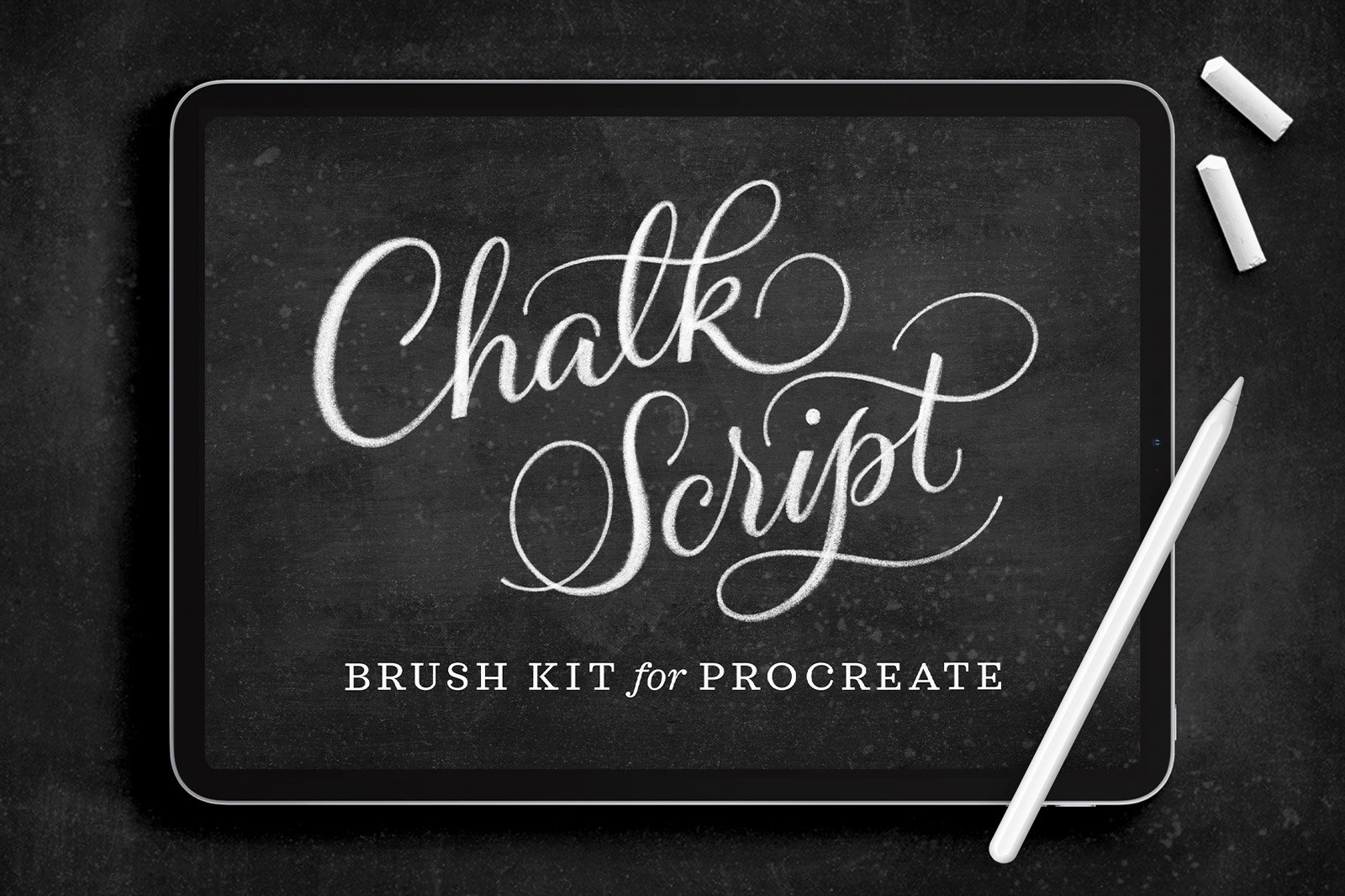
I made this kit for my fellow chalk lettering lovers—all the dusty, textured imperfections of real chalkboard work, with the flexibility of Procreate.
I designed the 12 chalk lettering brushes specifically for drawing calligraphy and flourishes. They run the gamut in their chalky textures, from soft and grainy to sharp and opaque. The other 13 brushes handle chalk dust, shading, smudges, and eraser marks.
You also get 6 high-resolution chalkboard backgrounds and 10 layout templates with flourished borders for creating endless, beautiful lettering compositions.
↓ Scroll down to watch the video tutorial ↓
25 Procreate brushes:
12 chalk lettering brushes
9 chalk texture and smudge brushes
4 chalk pencil and eraser brushes
17 High-resolution graphics:
6 high-resolution chalkboard backgrounds
10 layout templates with flourished borders
1 letter guide sheet
Also included:
Beginner-friendly installation guide PDF
Folder of sample graphics including brush and template key
Please note: None of my brush packs overlap—every pack contains different brushes so you’ll never pay for the same brush twice.
Learn how to draw a 3D drop cap letter with retro vibes, geometric dimension, and real texture on your iPad.