Draw with Me: Extra Flourished Calligraphy Layout in Procreate
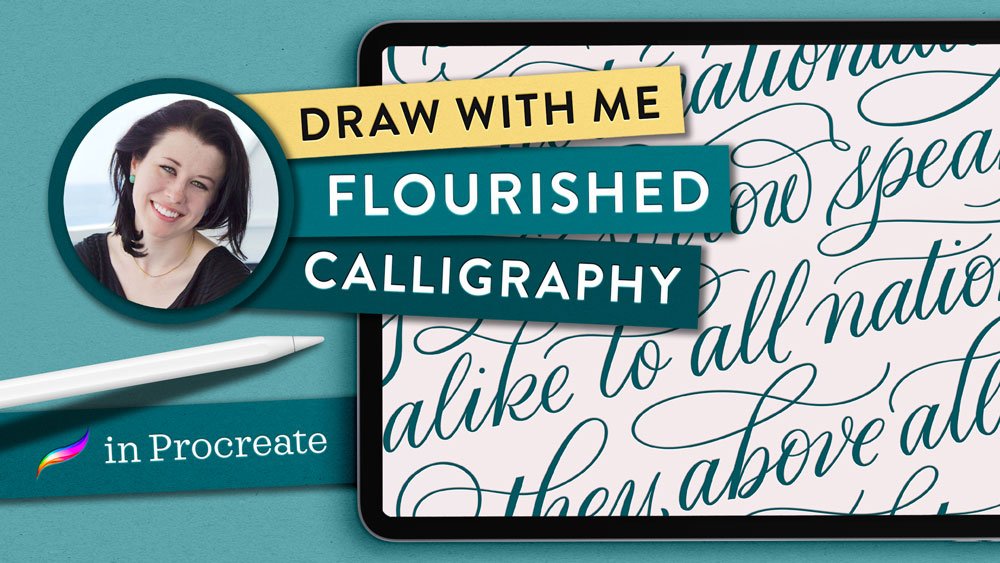
This video is a quiet “Draw with Me” demonstration of an extremely flourished calligraphy layout design in Procreate. I’ve chosen a quote by Frederick Douglass to demonstrate my process for designing multi-line script calligraphy layouts with lots of ornamentation.
I’m using the Classic Pointed Pen from The Ultimate Lettering & Calligraphy Procreate Kit. I love this for ultra-flourished scripts because its pressure sensitivity ensures really thin upstrokes and lots of control over downstroke width.
From my initial pencil sketches to the final “inking” of the letters in Procreate, I hope this provides you a relaxing art experience.
Watch the video:

Free practice sheets
Follow along from home using my free practice sheets of this design. Simply get my Lettering Toolkit. Sign-up is free and only takes a minute. (Find this design in the “Flourished Layouts” section of the downloads page.)
Click to enlarge.
Procreate brushes used:
All are from my own brush pack,
The Ultimate Lettering & Calligraphy Procreate Kit
iPad tools used:
Procreate App
13-inch iPad Pro
Apple Pencil Pro
Touch screen glove
More iPad drawing videos:
How to Paint Watercolor Flourish Mandalas in Procreate
How to Draw a Calligraphy Whale Flourish Illustration
How to Draw a 3D Drop Cap Letter in Procreate
How to Draw a Flourished Border Illustration in Procreate
If you found this tutorial useful, consider sharing it. That’s the best, free way to support artists and authors you appreciate. (You could also buy me a coffee, if you wish.)
And if you create your own version of this lovely quote, please tag me in your work on Instagram so I can have a peek!