 Image 1 of 11
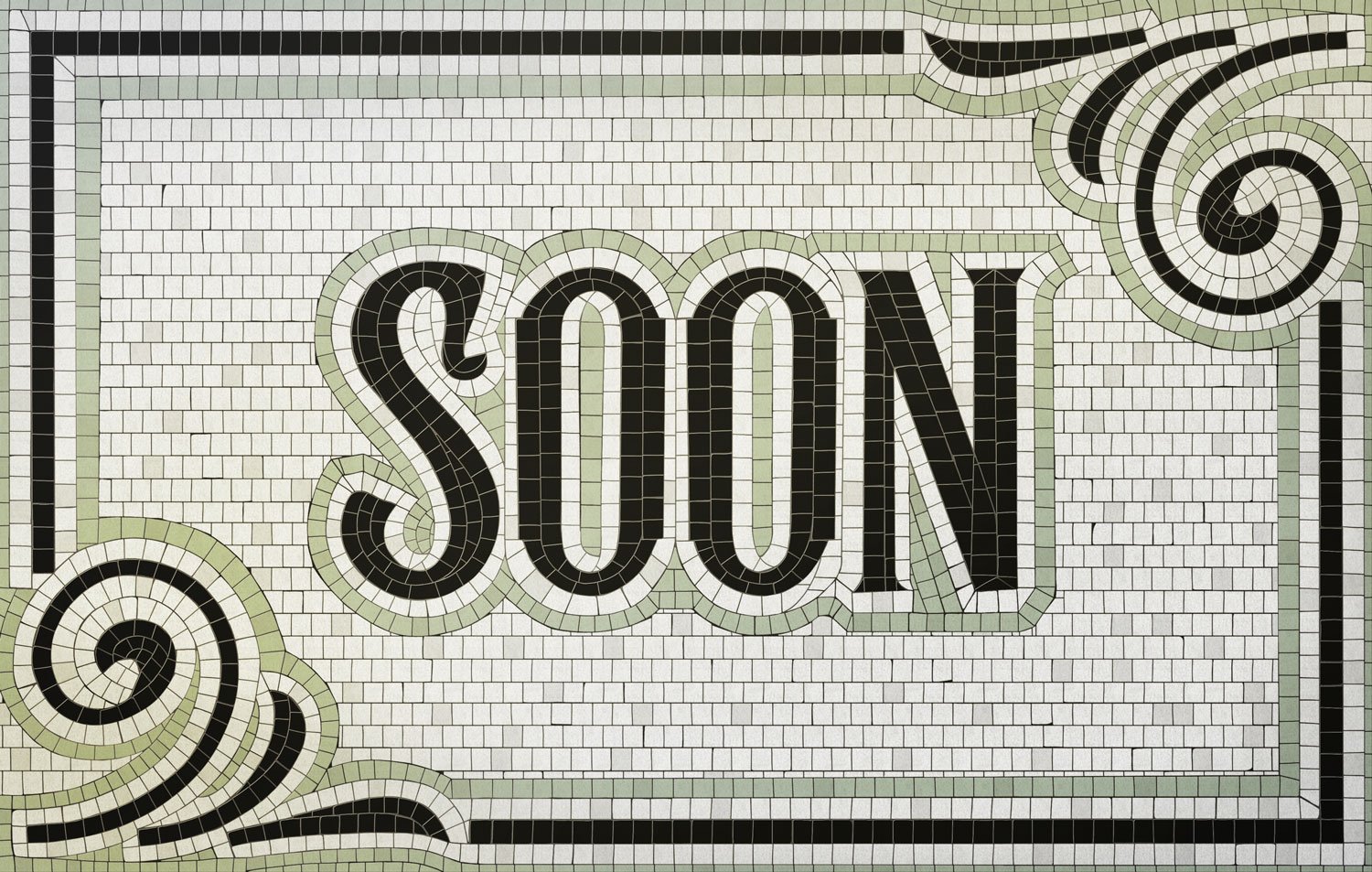 Image 2 of 11
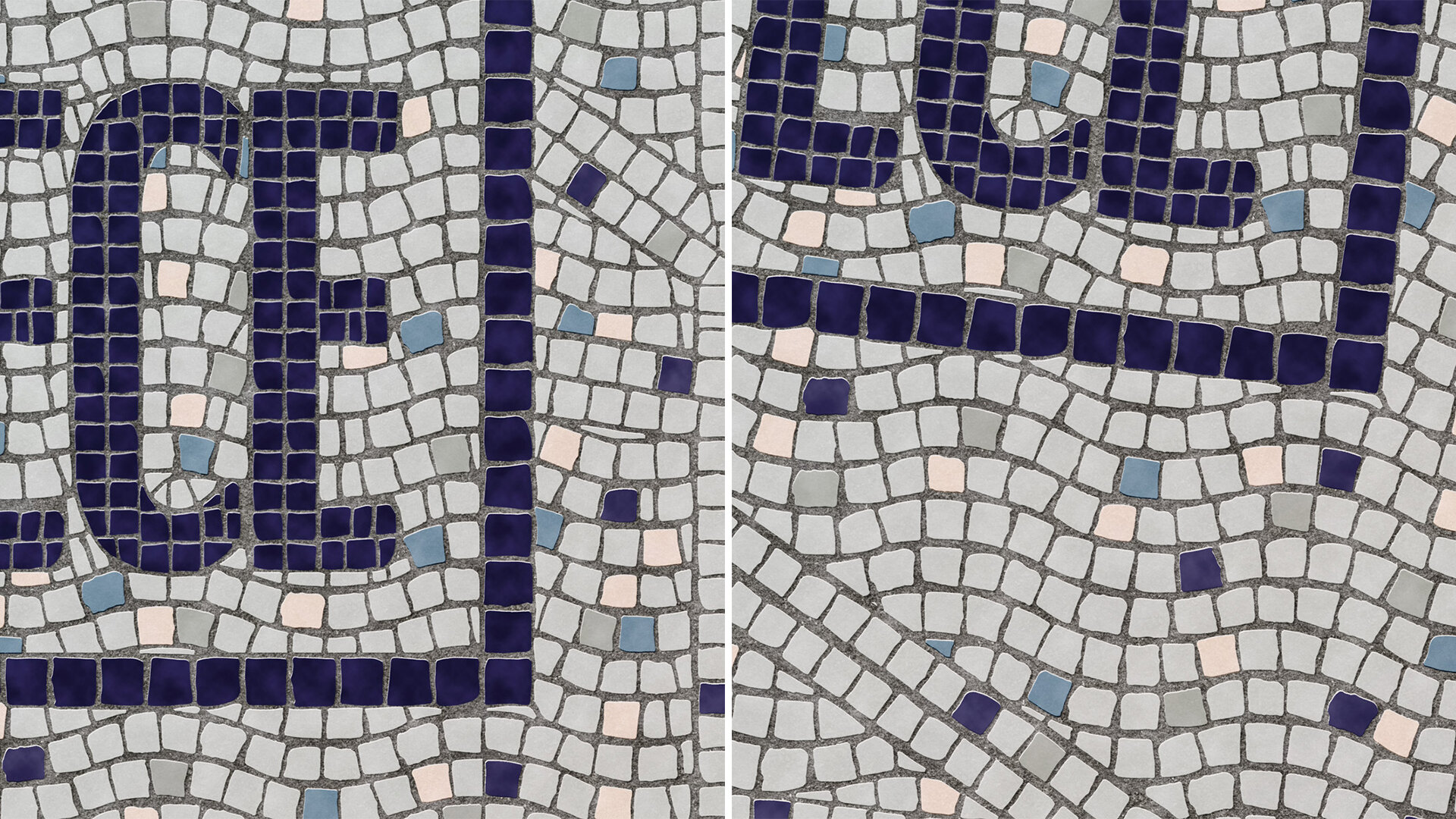 Image 3 of 11
 Image 4 of 11
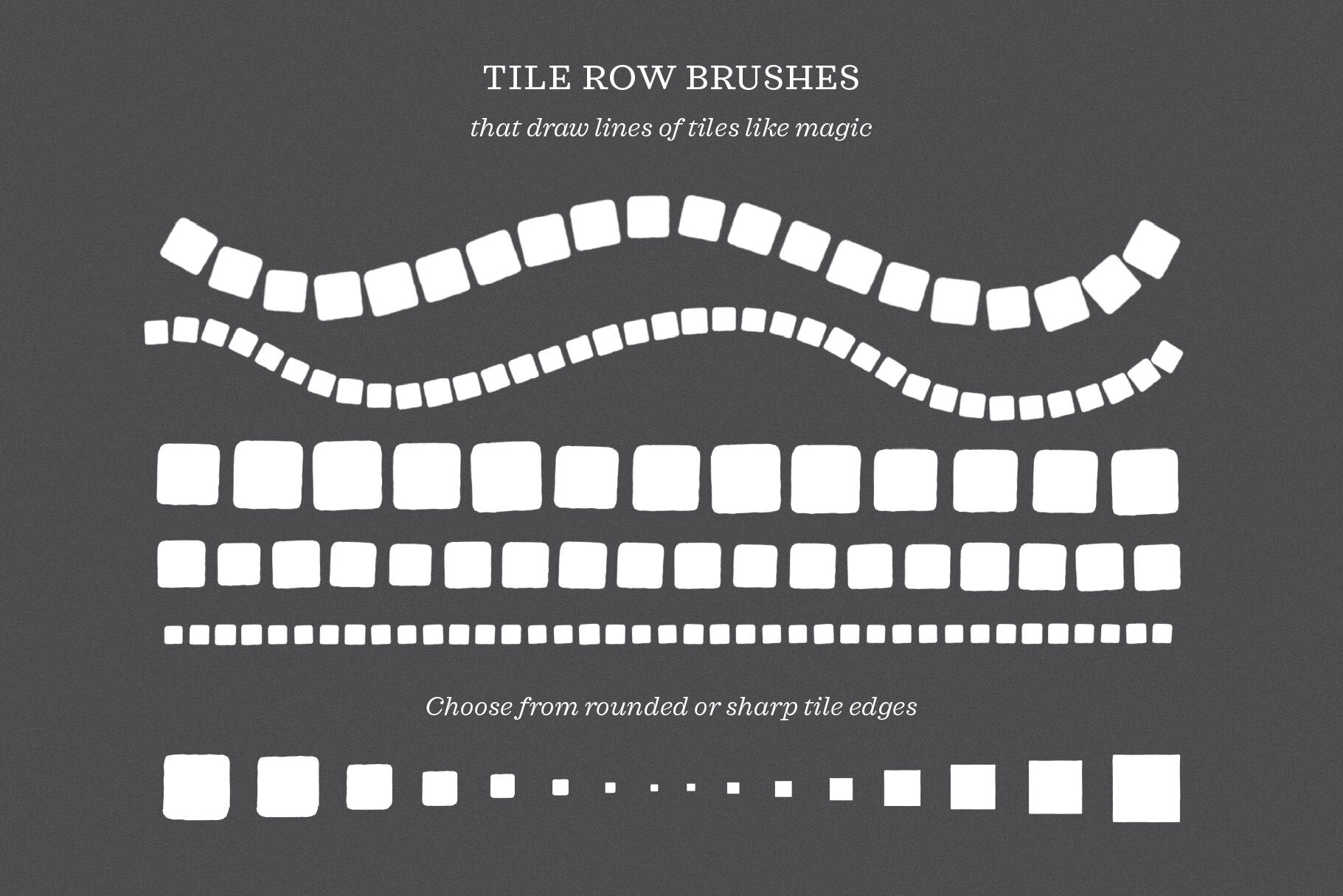 Image 5 of 11
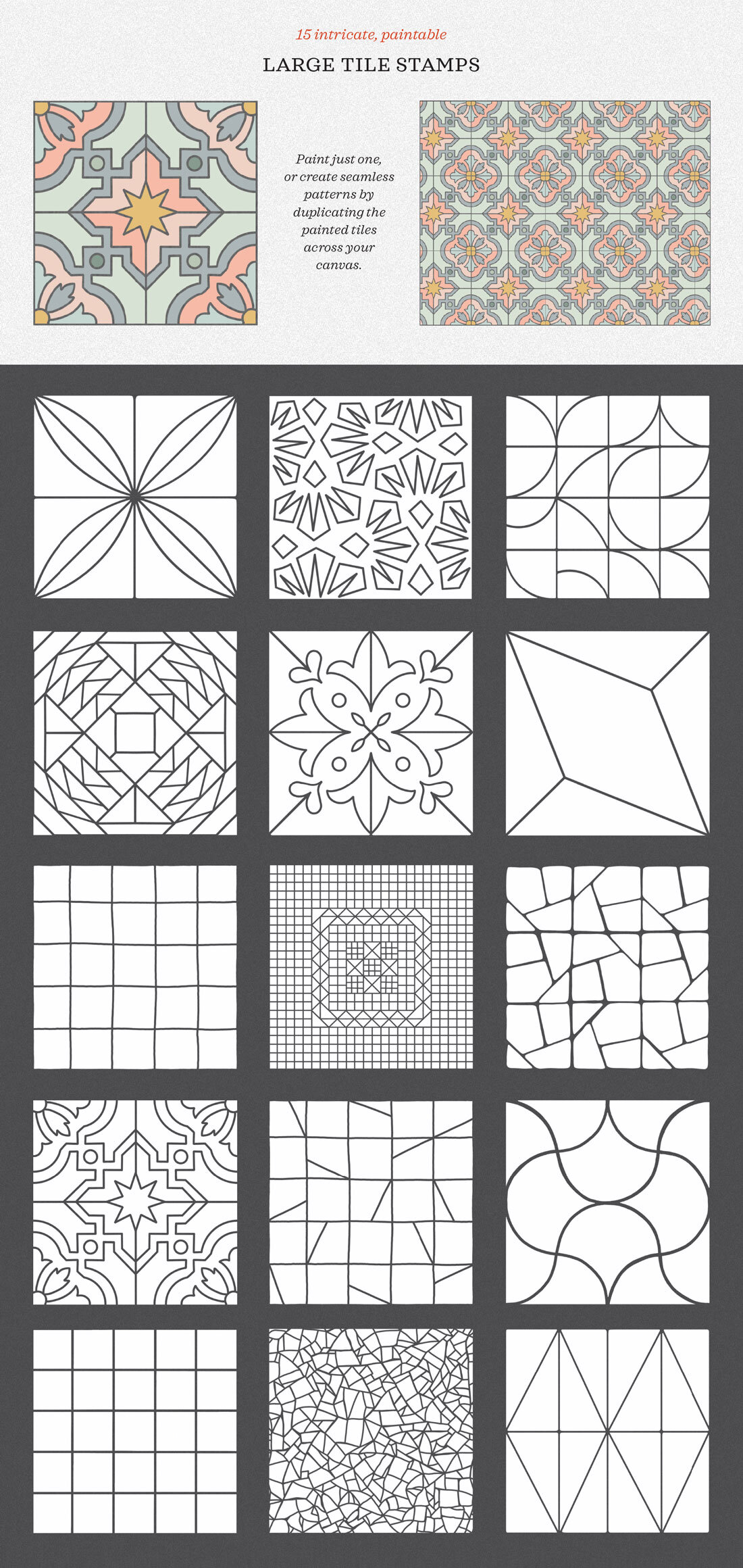 Image 6 of 11
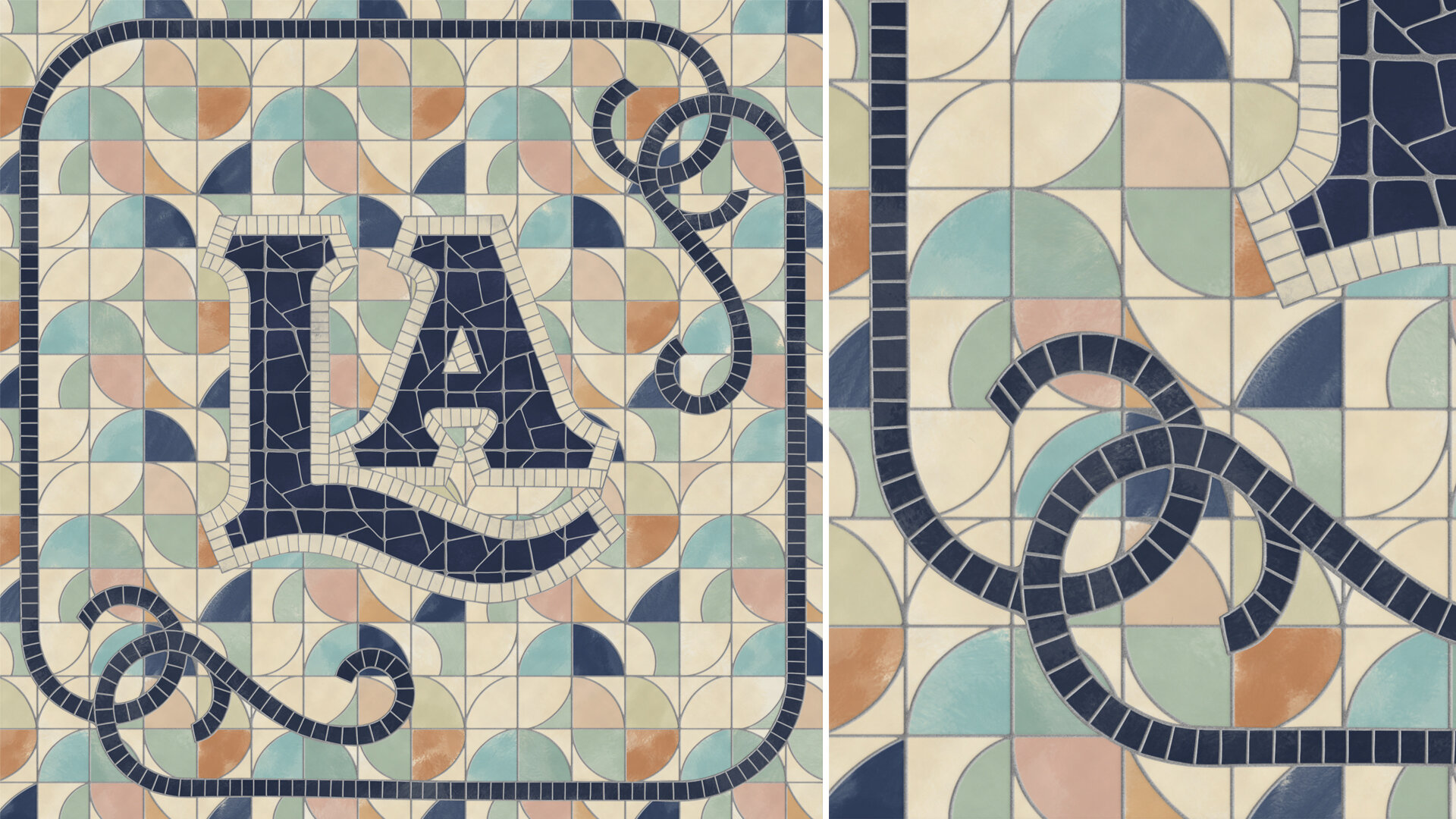 Image 7 of 11
 Image 8 of 11
 Image 9 of 11
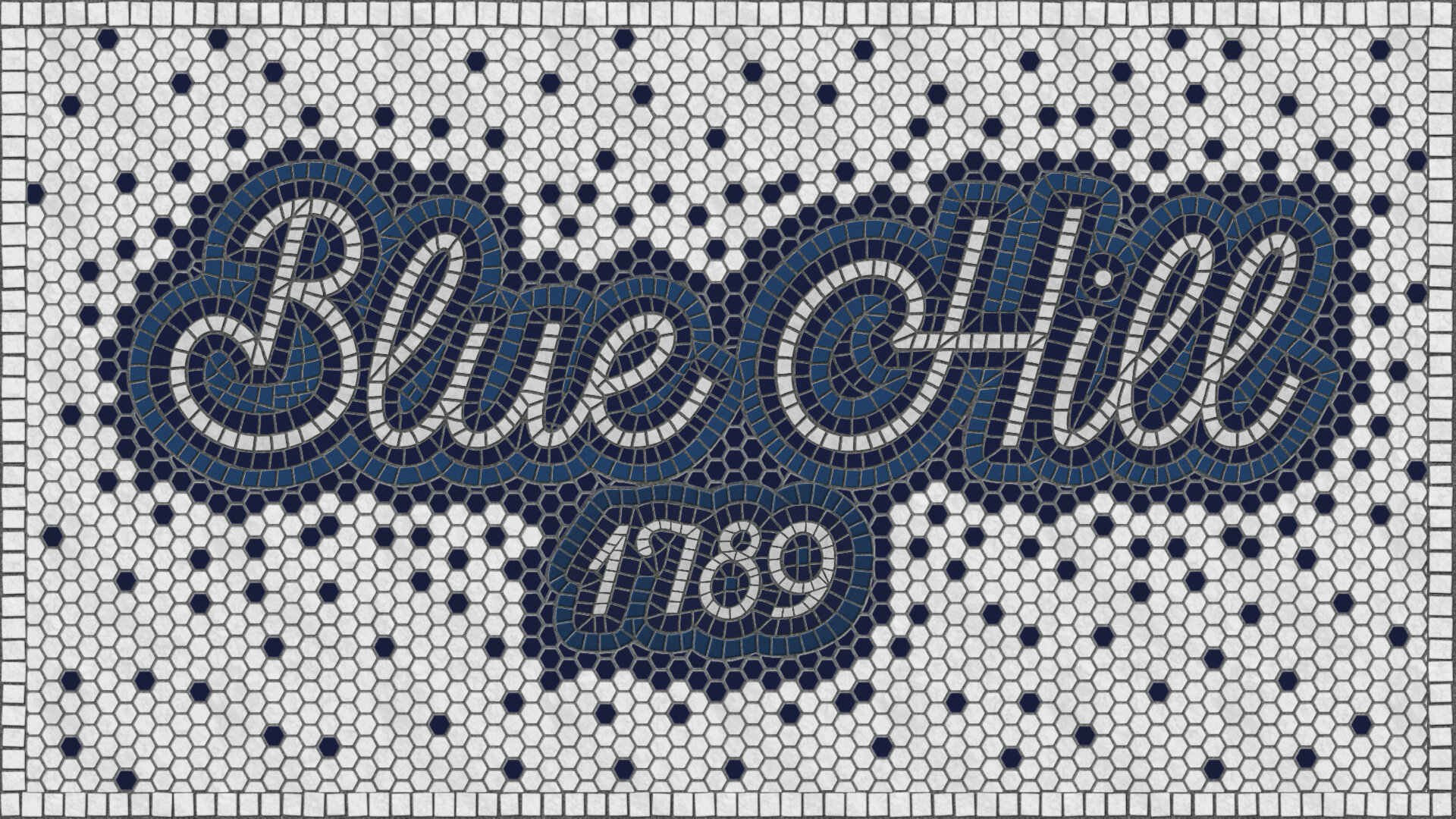 Image 10 of 11
 Image 11 of 11
Video tutorial and demonstration:
Download and usage information:
-
This is a digital product. After purchase, you’ll receive a link to a small PDF on the Order Confirmation page and by email. Once you download that PDF, you’ll find a secure download link for all the product files inside. This link never expires, so you can use it to re-download your files whenever you need!
-
Software: These brushes and reference files are designed for Procreate 5 or later. They are not compatible with Photoshop, Illustrator, Affinity, or other apps.
Hardware: An iPad and Apple Pencil are required to use these brushes.
-
Use these brushes freely in your personal and commercial projects, including client work and products you sell. However, you may not resell, redistribute, share, or transfer any of the files included in this kit.
-
Because this is a digital product, I don’t offer cancellations, refunds, or exchanges. But if something goes wrong with your download, please contact me—I’m happy to help.
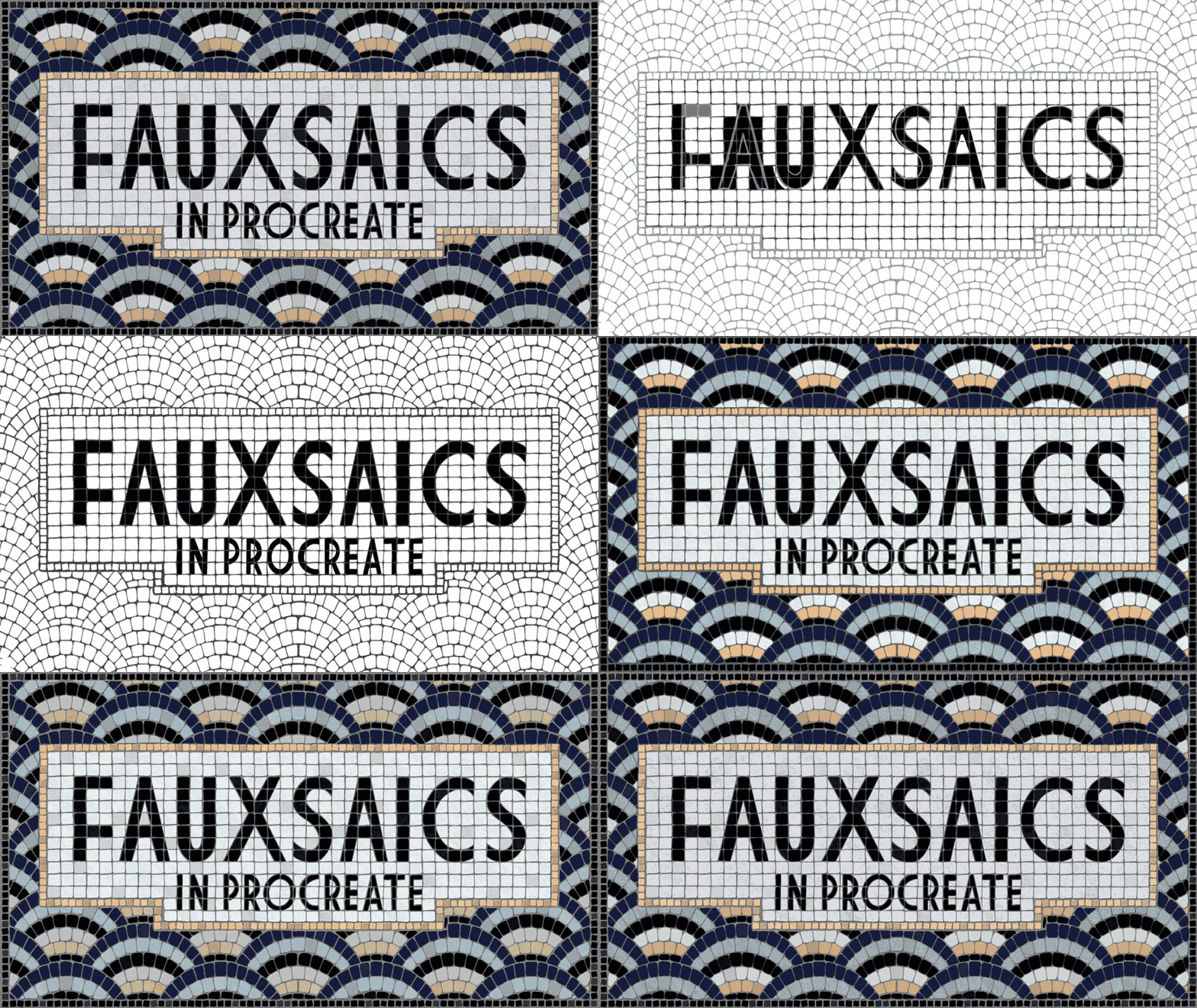
One of my all-time bestsellers, this kit has everything you need to create realistic illustrated mosaics (a.k.a. fauxsaics) on your iPad. If you’ve never tried drawing fauxsaics before, they’re incredibly meditative to make—like a coloring book you draw yourself.
You’ll get 72 Procreate pattern brushes, tile stamps, and textures that I perfected for creating convincing mosaic illustrations. The kit also includes 5 sample fauxsaic files you can open in Procreate to use for reference, practice, or inspiration, and 6 color palettes that install right into your Procreate swatch menu.
Plus, there’s a 20-minute video tutorial to get you started, with complete installation instructions, a walk-through of the brushes and sample files, and start-to-finish lessons for creating realistic mosaic designs. Scroll down to watch the video. ↓
72 Brushes:
Tile pattern brushes that draw repeating mosaic textures on your canvas (which you can customize and color)
Tile pens for drawing rows of tiles and individual mosaic pieces
Tile stamps of intricate, large tiles you can color
Grout and texture brushes for realistic finishing details and backgrounds
What’s included:
1 .brushset file containing 72 brushes for Procreate 5 or later
5 layered Procreate files of sample fauxsaics for practice and reference
(Make sure you have at least 3GB of available space on your iPad if you plan to use the sample files, which are large because they are very detailed.)1 layered Procreate file showing samples of all 72 brushes
6 Procreate color palettes
Installation guide (.PDF)
Free 20-minute YouTube tutorial
Please note: None of my brush packs overlap—every pack contains different brushes so you’ll never pay for the same brush twice.