
My Calligraphy Classes on Skillshare
I’ve taught on Skillshare since 2013 and am recognized as a Top Teacher on the platform. My classes on calligraphy, handwriting, digital lettering, and illustration have been taken by more than 50,000 students worldwide, accumulating over 2 million minutes of watch time.
These courses invite you to work carefully through each technique—ideal if you want to develop precise writing techniques while understanding the creative and technical processes in depth.*
If you’re new to Skillshare, you can begin with a 4-week free trial using my links below.
* If you prefer shorter lessons, you may enjoy my free video tutorials, which also include written instructions.

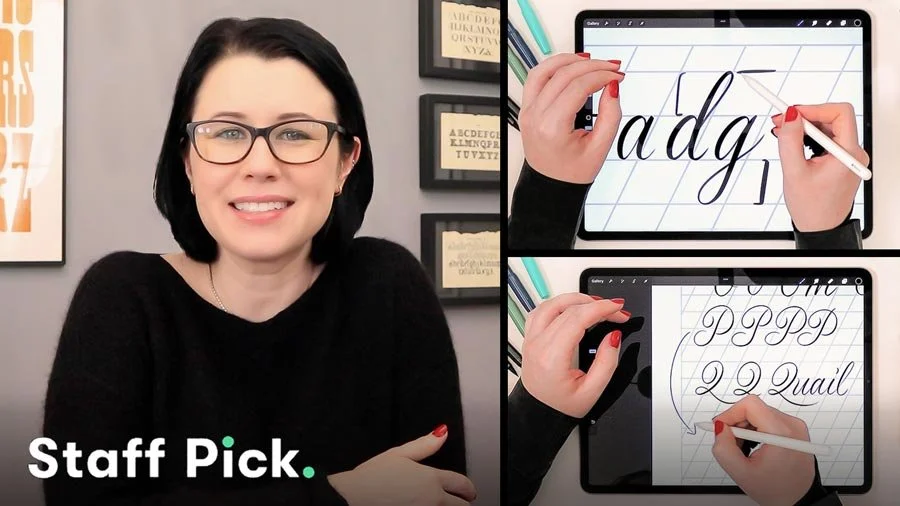
Brush Lettering in Procreate for Beginners: Everything You Need to Know
This beginner-level class introduces brush lettering in Procreate through a clear, step-by-step approach, starting with how to draw your very first stroke. You’ll learn how calligraphy works on the iPad app, how digital brushes respond to pressure and movement, and how to practice lettering with intention rather than guesswork.
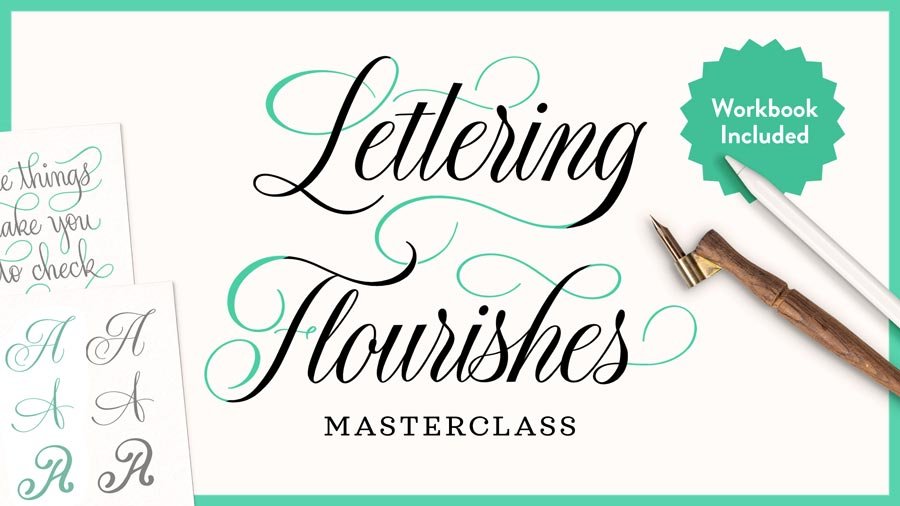
Lettering Flourishes Masterclass: The Secrets to Elegant, Effortless Calligraphy Flourishing
Learn how to create elegant, intentional calligraphy flourishes with confidence. This class focuses on where, when, and how to flourish so it strengthens your lettering rather than distracts from it. You’ll develop a clear framework for calligraphy flourishing, with access to a downloadable workbook to continued practice.
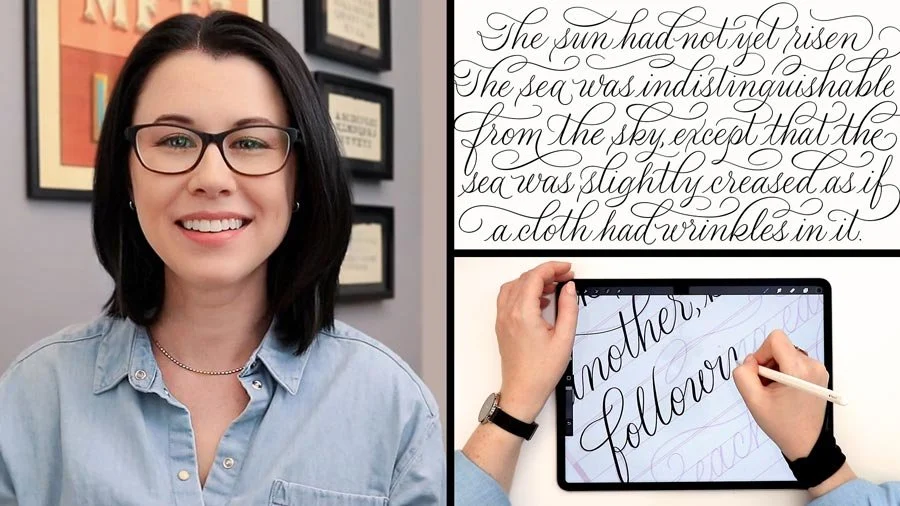
Modern Calligraphy: Design A Flourished Script Layout in Procreate
This class will teach you how to design modern calligraphy layouts by combining 10+ lines of script into a single composition. The focus is on planning, spacing, and polishing a flourished layout so the final piece is both clear and expressive—one you can print, share online, or adapt for products and client work.

Digitizing Calligraphy from Sketch to Vector
I share my clear, repeatable process for turning ink-on-paper calligraphy into polished digital artwork. Beginning with sketching and inking, you’ll move into Adobe Photoshop and Adobe Illustrator to refine, clean, and convert your calligraphy into scalable vector files suitable for print and professional use.
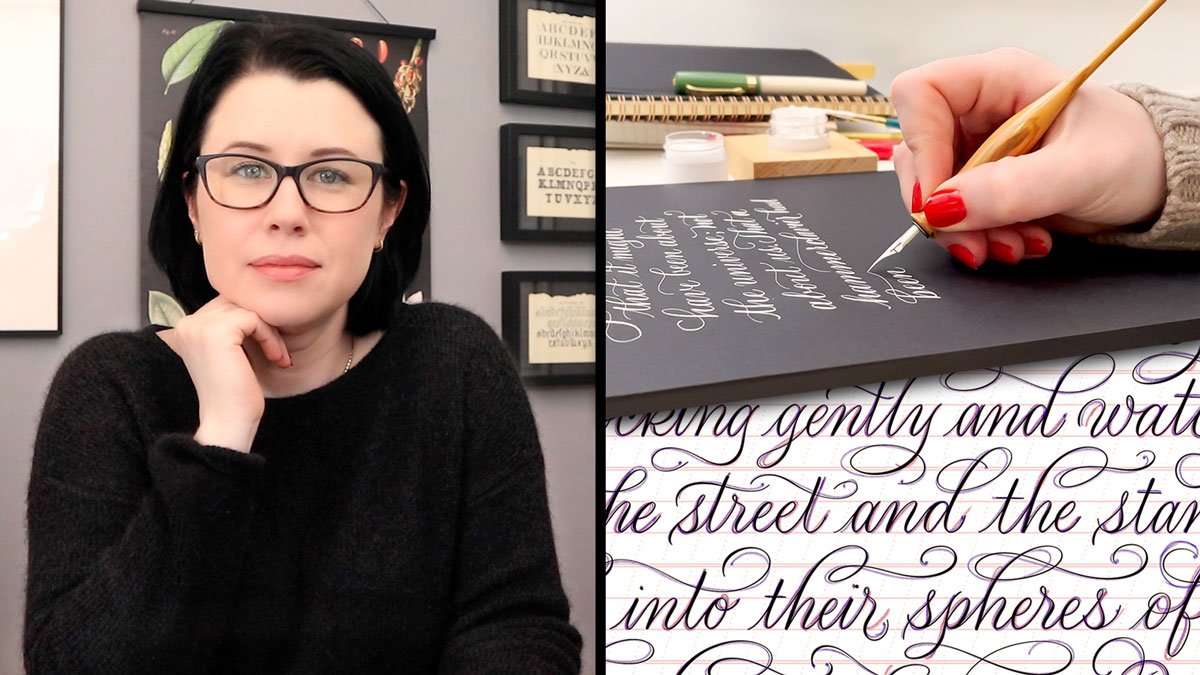
Calligraphy for Mindfulness: Eight Reflections and A Meditative Exercise
Calligraphy connects thought, language, and physical movement in a way that naturally supports mindful focus. This class approaches calligraphy not as a technical skill to be mastered, but as a reflective practice that encourages attention, creativity, and presence.
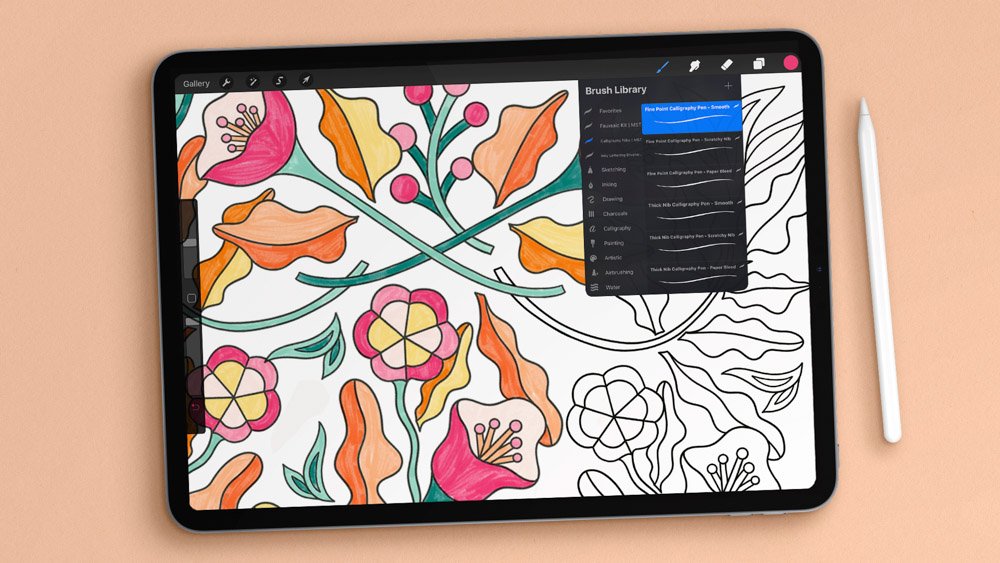
Procreate for Absolute Beginners: An In-Depth Intro to iPad Drawing
This course is designed for artists starting from the very beginning, with no prior experience using Procreate. Across a structured series of 38 lessons, you’ll gain a clear understanding of the Procreate app’s tools, gestures, and settings for drawing and lettering on your iPad.

Publish A Coloring Book: How to Illustrate and Sell Your Book Online
Publishing a coloring book brings illustration and layout design together into a sellable publication. This course covers the full process—from developing illustrations to laying out and selling your new book online.
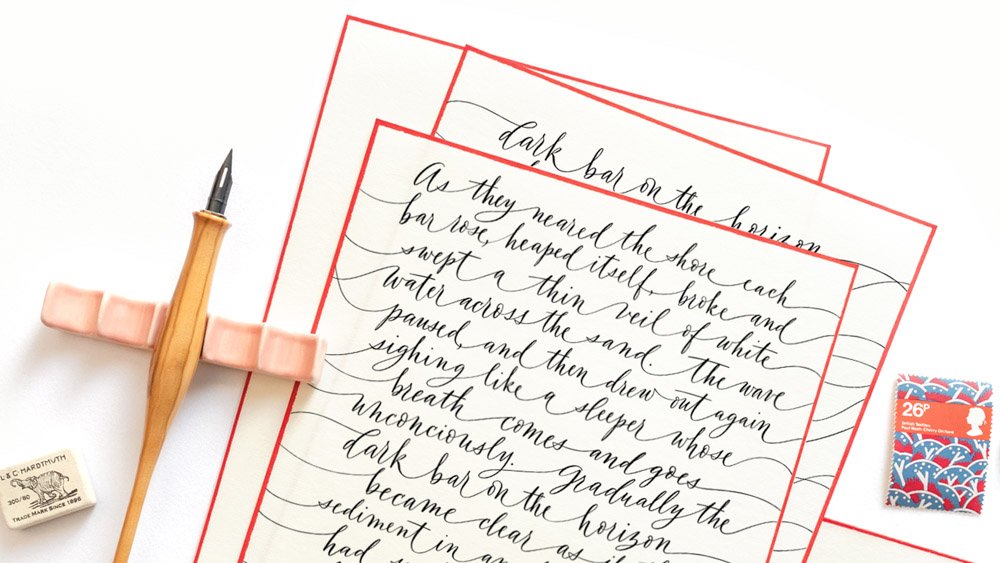
The Business of Calligraphy: Pricing & Freelancing for Lettering Artists
Drawing on more than fifteen years of professional experience, I help you navigate the best business practices and pricing strategies that shape a sustainable freelance calligraphy business.
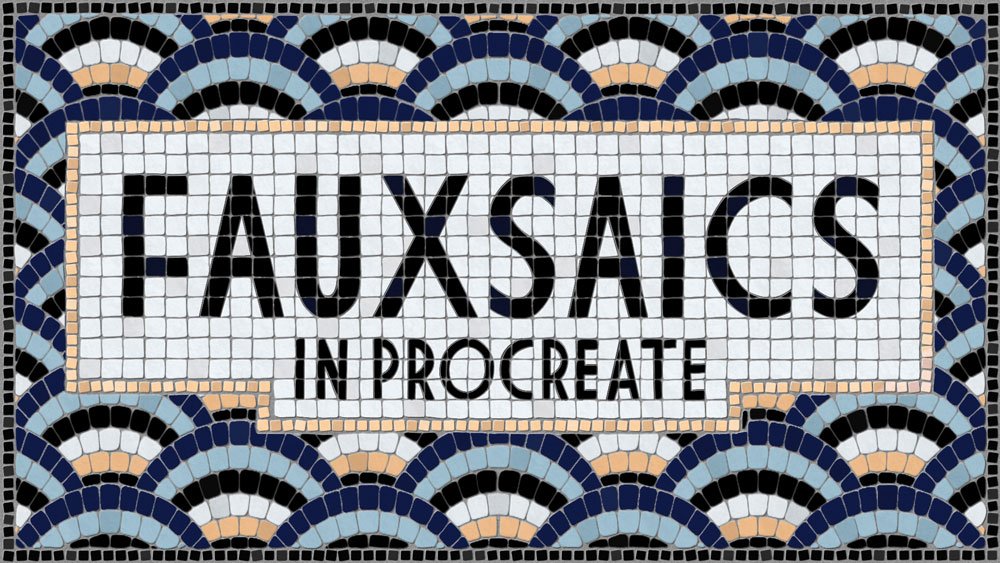
Fauxsaics in Procreate: Make A Digital Mosaic Illustration
Fauxsaics translate traditional mosaics into a fun illustration technique for the iPad. You’ll learn how to create typographic fauxsaics in Procreate—and get a free bundle of mosaic pattern brushes when you enroll.
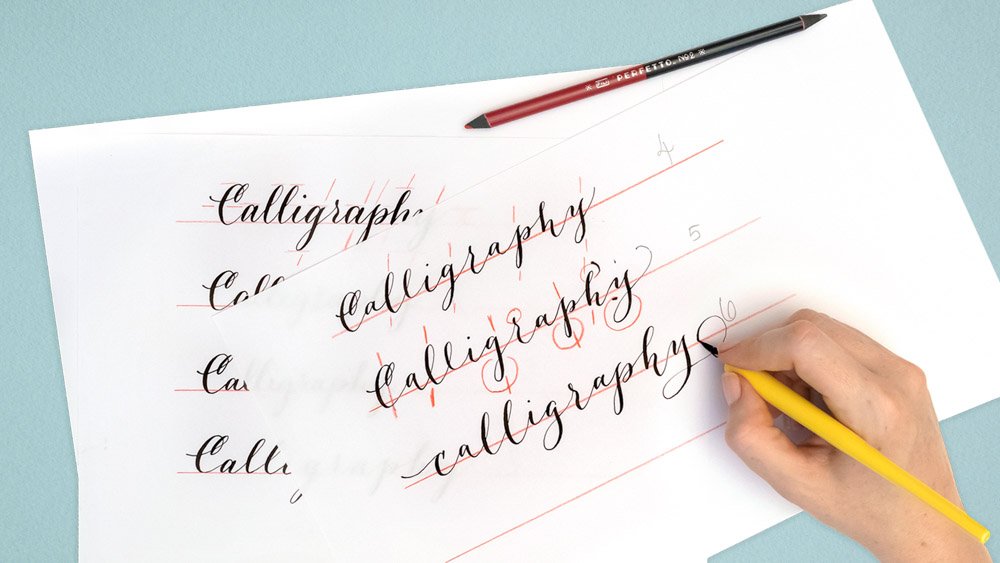
Transform Your Modern Calligraphy Style One Step at a Time
The one-step-at-a-time approach is among the most effective exercises for modern calligraphers wanting to transform their calligraphy style. I’ll walk you through the process in real time, with detailed commentary as I go.
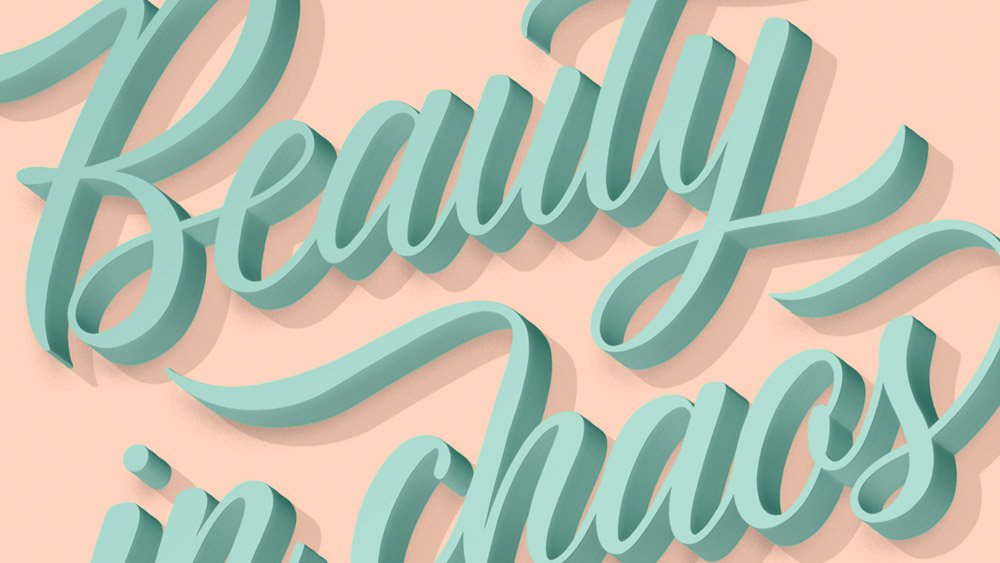
3D Lettering Effect in Adobe Photoshop
Learn to make a beautiful, 3D text effect in Adobe Photoshop with your own hand lettering. I use smart objects and non-destructive layer styles to create a flexible design that can be refined, adjusted, and reused in different projects without starting over.
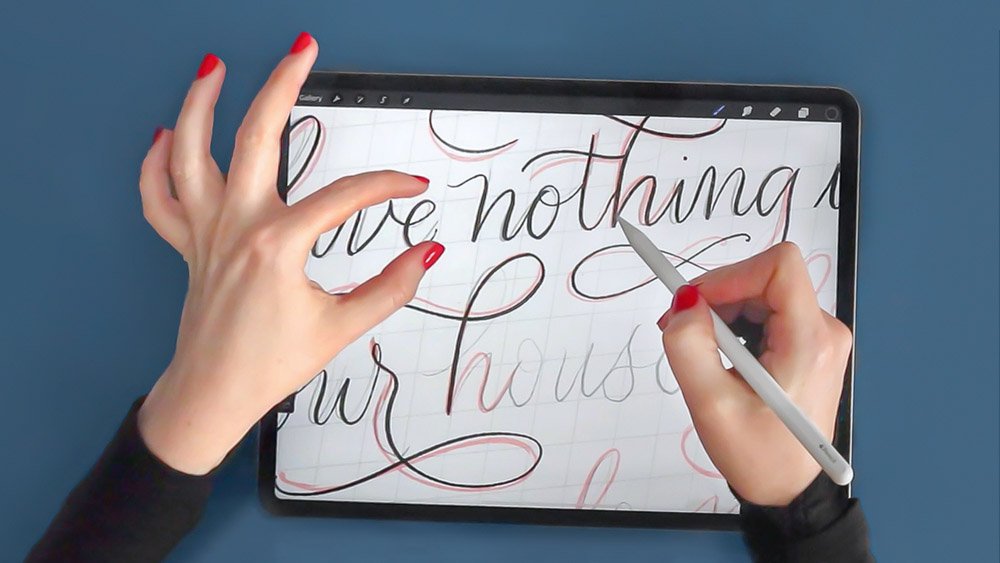
Flourished Calligraphy Layouts in Procreate
A flourished calligraphy layout can look effortless, but it’s built from a series of small, deliberate choices. This class is a start-to-finish demonstration in Procreate, with tips and techniques for planning, spacing, and flourishing as the composition comes together.
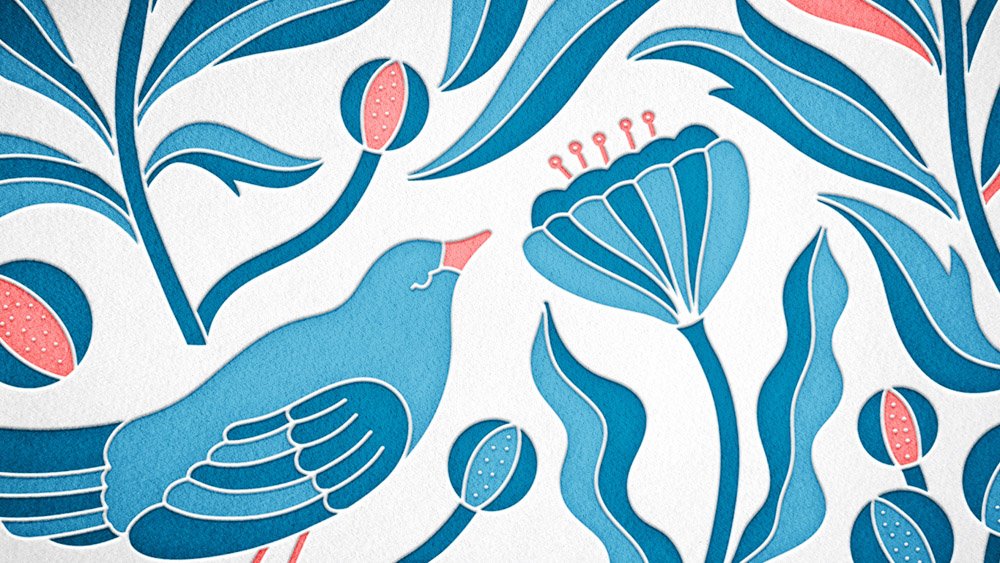
Digital Letterpress: Create Stunning Printed Effects in Adobe Photoshop
This course explores how Adobe Photoshop—combined with real paper textures—can emulate the depth, impression, and irregularity of traditional letterpress printing, producing convincing effects for your own design mockups and client proofs.
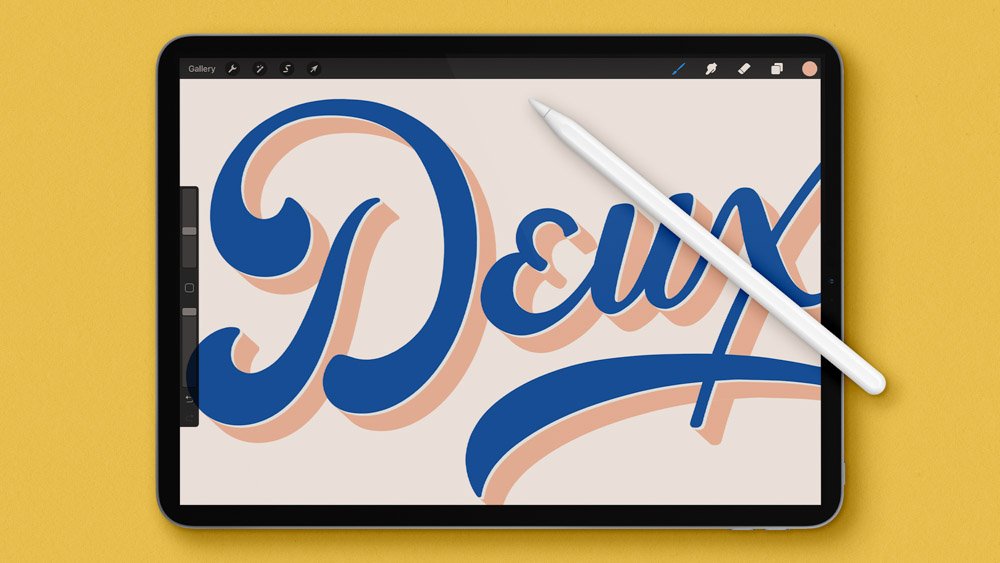
Master iPad Lettering with Procreate: Pro Techniques for Artists
iPad lettering requires technical fluency and an understanding of digital brushes. This course covers the essentials of lettering with Procreate: techniques for some of the most popular and fun lettering effects, plus tips and shortcuts for a smooth workflow.
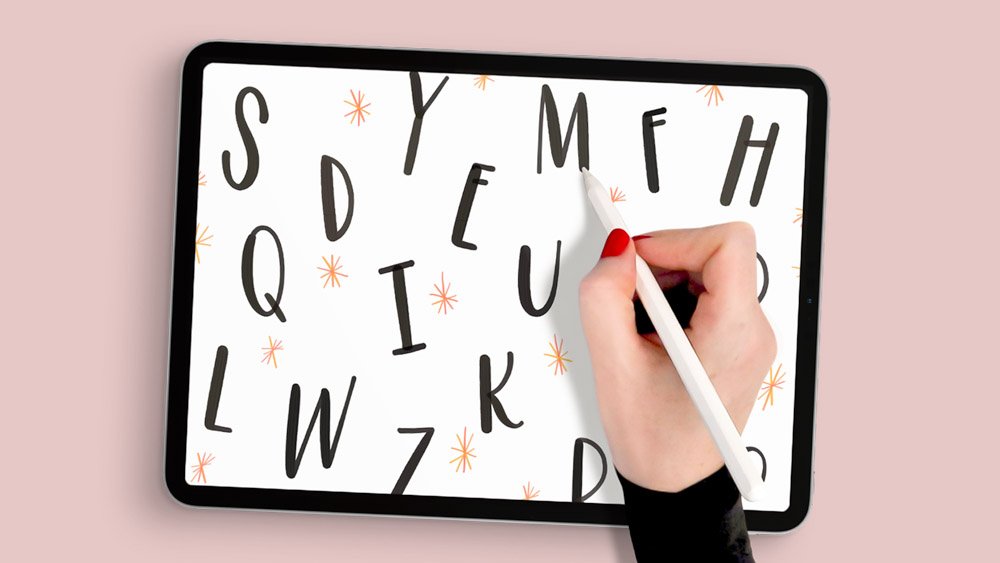
Seamless Patterns in Procreate: Make Repeating Designs in Minutes
Seamless, repeating patterns can be made quickly and precisely in Procreate. I walk you through a start-to-finish process for creating a high-resolution pattern swatch, then converting it into a clean, repeatable design suitable for digital use, print, and surface design.
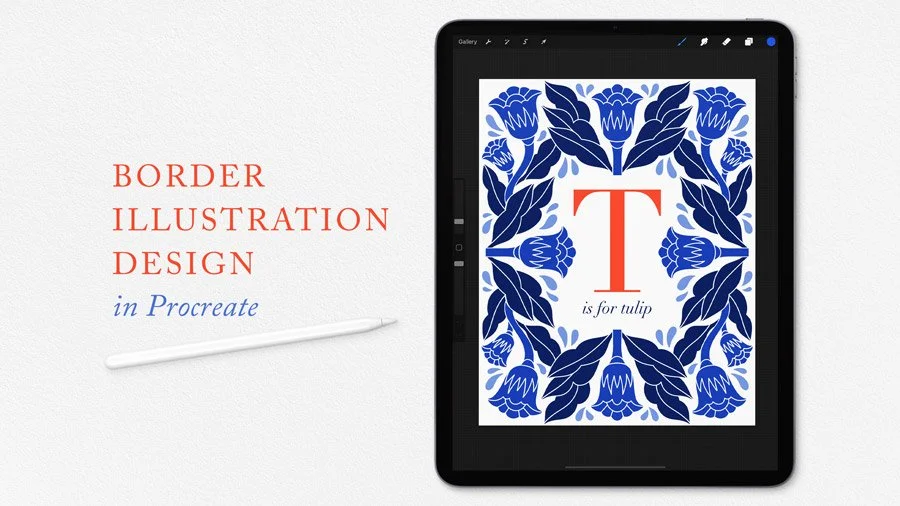
Border Illustration in Procreate: Symmetry Guides for Beautiful Art
You’ll learn how to use symmetry tools in Procreate to draw repeatable floral illustrations—reducing drawing time while producing artwork that’s structured, cohesive, and visually striking.
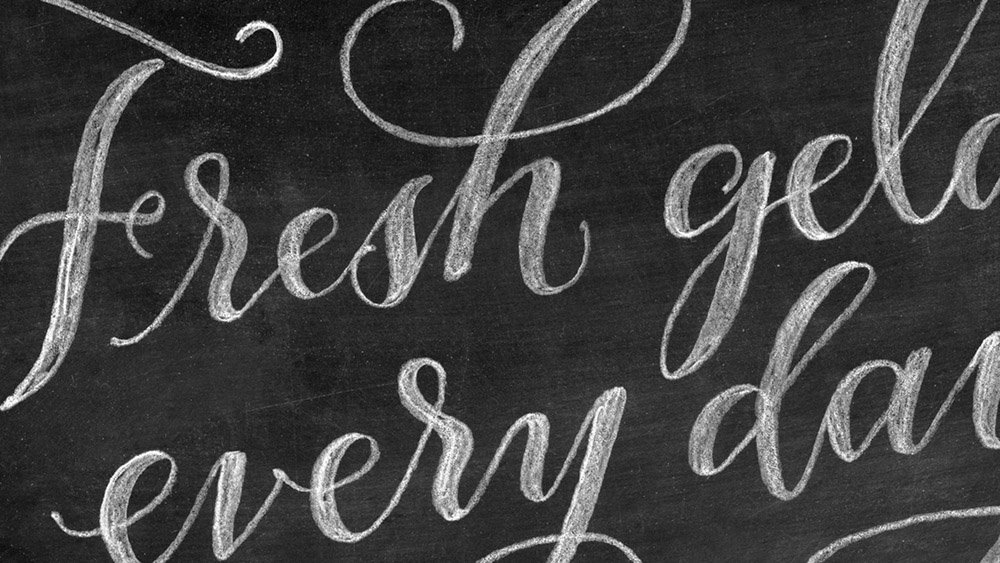
Chalk Lettering Effect in Adobe Photoshop
Chalk lettering has softness and imperfection that’s difficult to fake. This straightforward class shows how hand lettering can be transformed into a convincing chalk effect using Adobe Photoshop, without physical chalk or prior experience with the software.
“Molly is a superb teacher who will keep you captivated from beginning to end. Seldom have I had the pleasure of listening to someone teach with the degree of fluency which Molly seems so naturally to possess.”
— SALLIE B., student in my iPad Lettering course
