
Illustrating Hand Lettering in Procreate
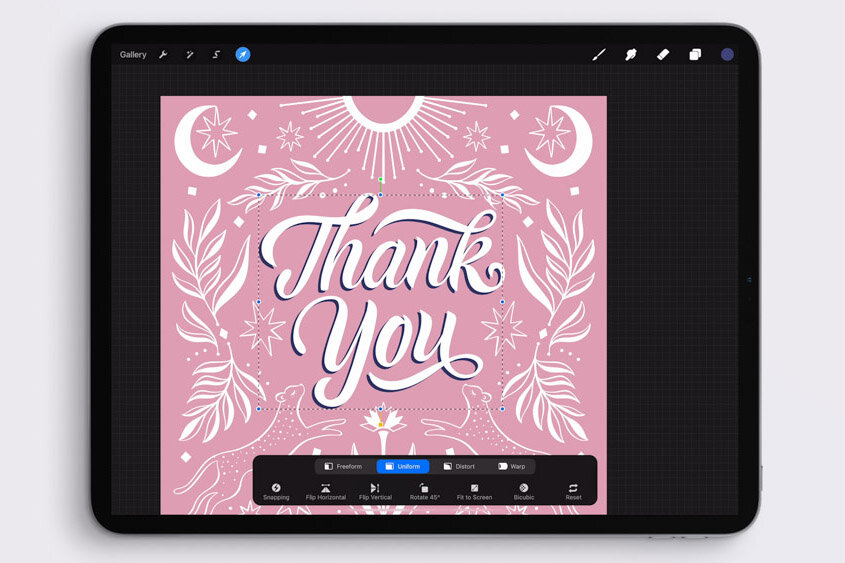
This is a quiet follow-along video where I create a hand-lettered layout design with an illustrative border on my iPad. It includes floral elements and some cute leopards, too. While it’s meant for you to be able to sit back, relax, and watch, I’ve included written instructions on the screen, so you can understand exactly what I’m doing each step of the way.
This start-to-finish demonstration starts with a pencil sketch and uses my Calligraphy Nib Brushes to illustrate an intricate design (my Fine Point Calligraphy Pen and Monoline Calligraphy Pen). You can watch each and every step I make in my work, and follow along yourself.
Watch the video:
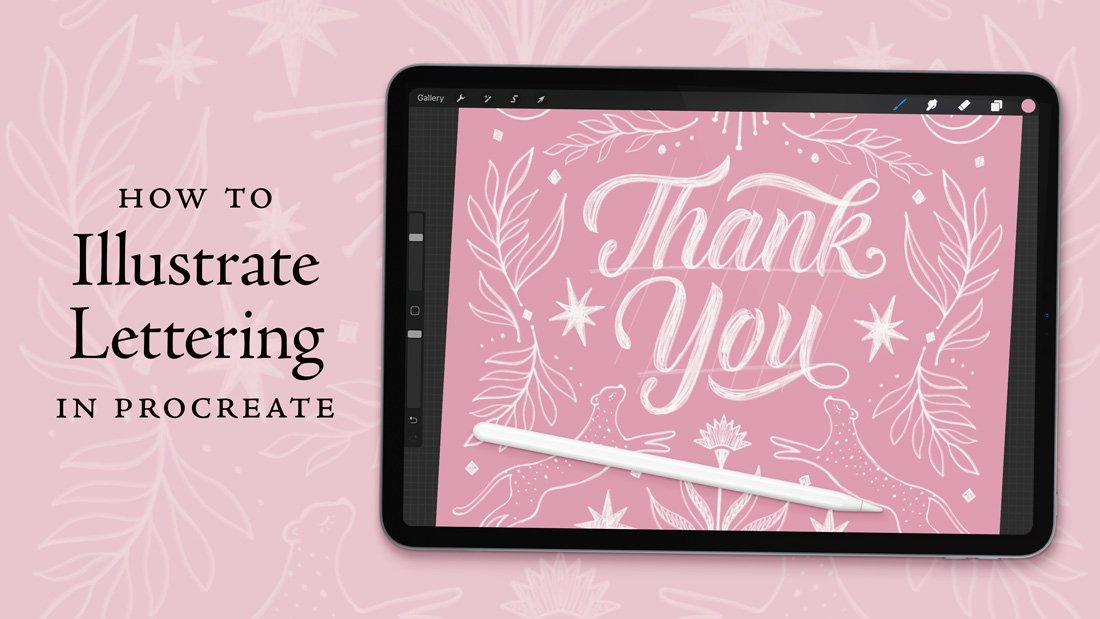
Preview what you’ll learn in this tutorial:

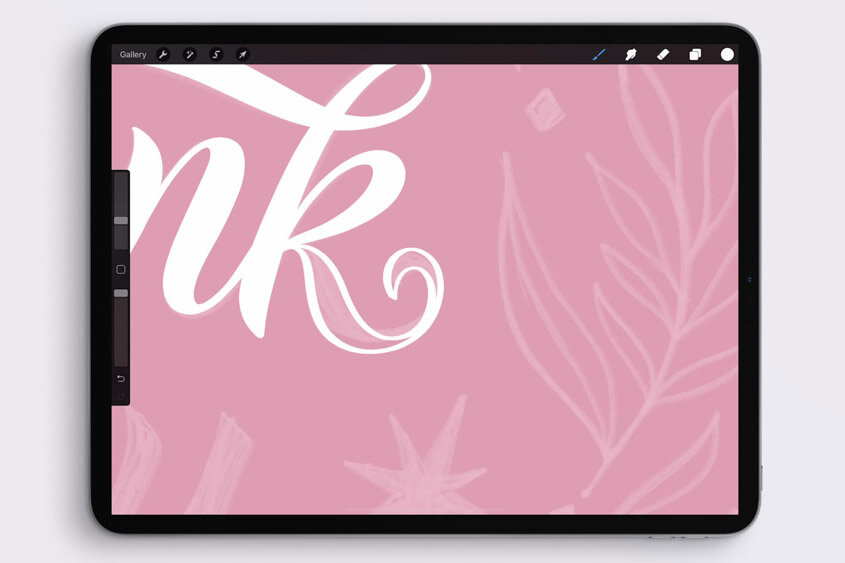


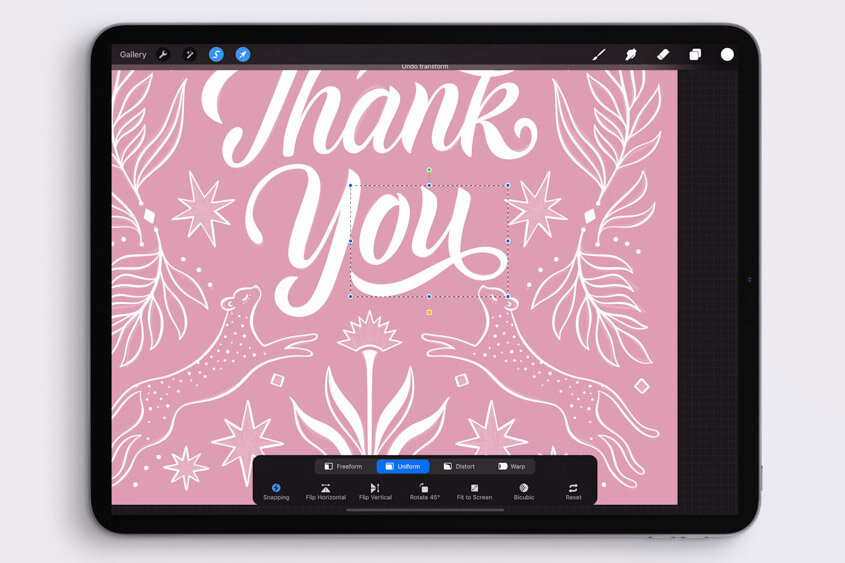
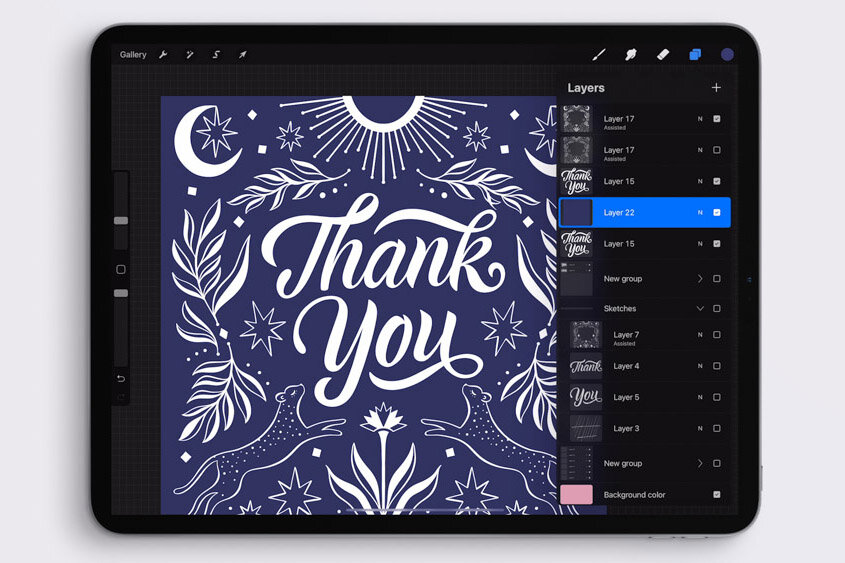

Resources
Procreate brushes used in the video:
Fine Point Calligraphy Pen – Smooth
Monoline Calligraphy Pen”
—both from my Calligraphy Nibs Procreate Brush Pack
More iPad layout videos:
You may also enjoy:
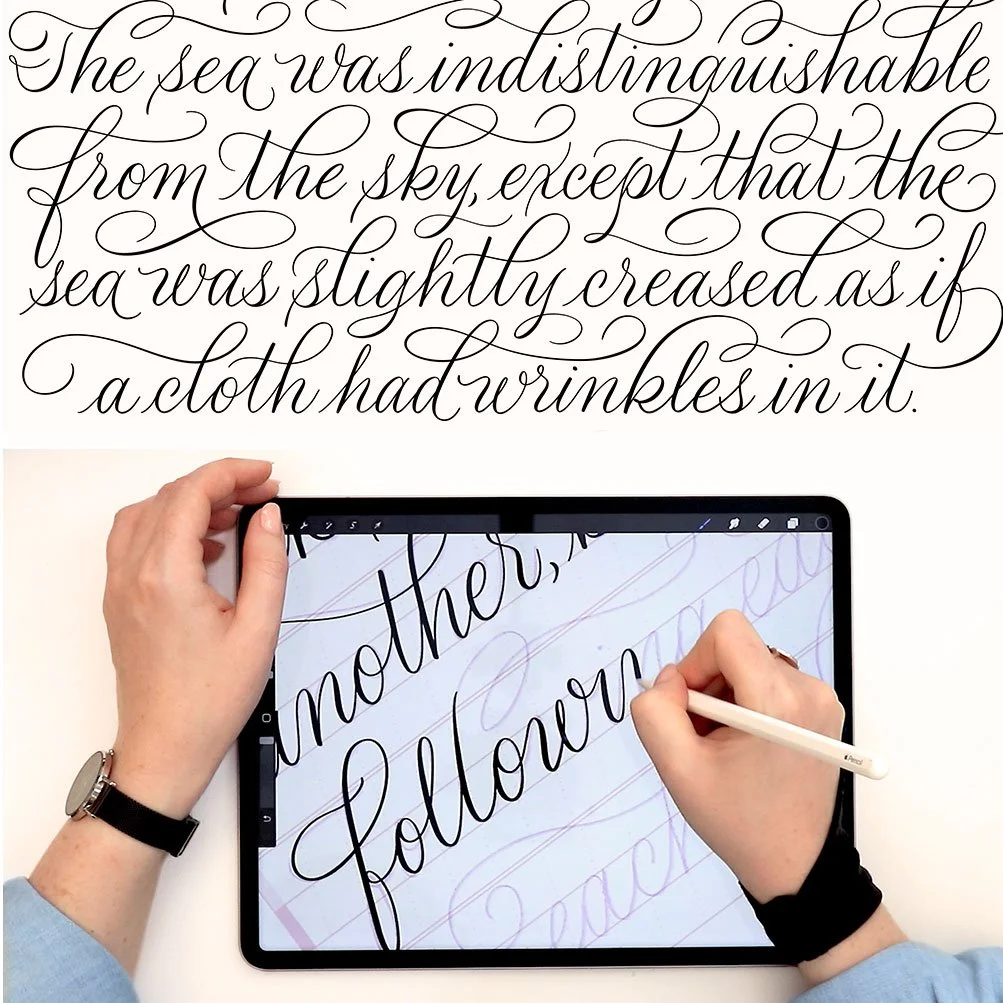



Learn beautiful brush lettering on your iPad with this free 90-minute course—everything a Procreate calligraphy beginner needs.