
I recently received a message asking me how much sketching and planning I really do for my own calligraphy designs—not when I’m teaching, but when I’m writing by myself. In this video, you can watch an uncut time lapse of a start-to-finish, flourished layout design. So you know, this detailed pencil sketching process is the same one I use for ink on paper layouts, it’s just that on the iPad I can tap undo rather than having to pick up my eraser!
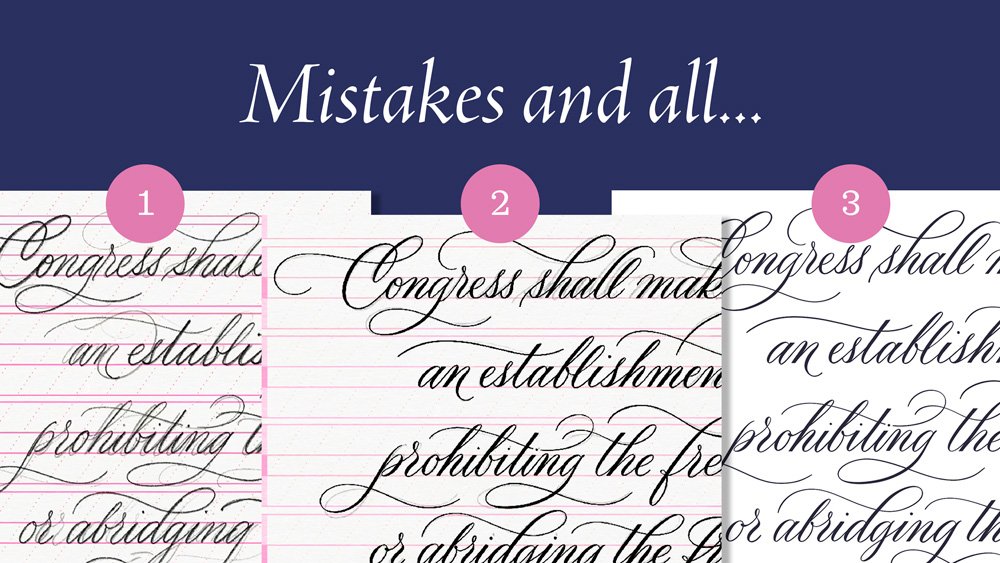
Some of you may be surprised to see how many versions I sketch in pencil first, how much I undo and redo letters, and how meticulously I refine my inked strokes. I hope this helps anyone out there who is feeling discouraged looking at the work of professional calligraphers, thinking that because so many of us may make it look easy, it must be easy.
Watch the time lapse video of my calligraphy layout:
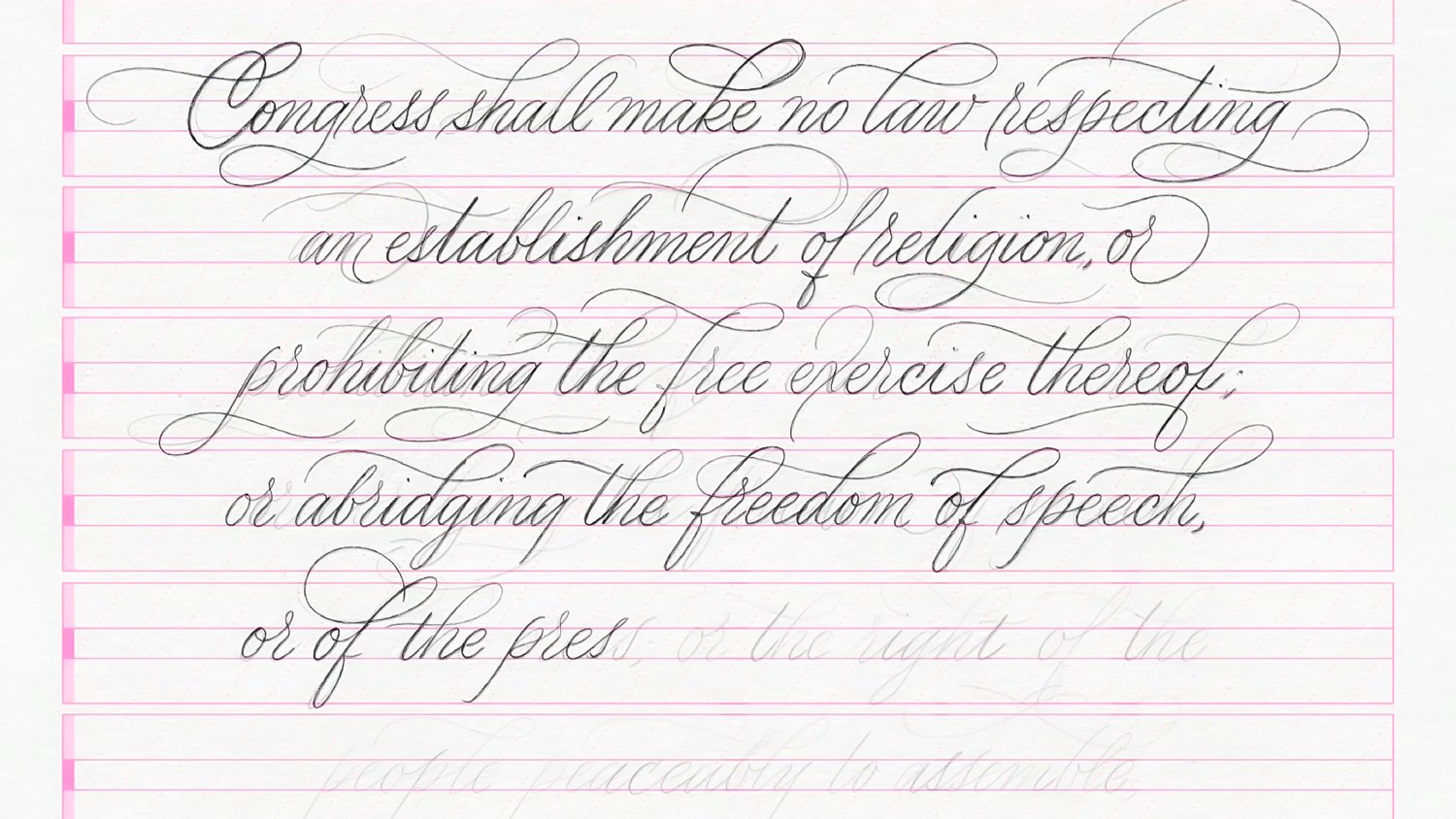
Here’s the finished product (click to enlarge):
And here are some snapshots of the process:


Resources
Brushes used:
Calligraphy Composition Maker for Procreate
Calligraphy Nibs Procreate Brush Pack
iPad tools used:
Procreate App
12.9" iPad Pro
Apple Pencil
Touch screen glove
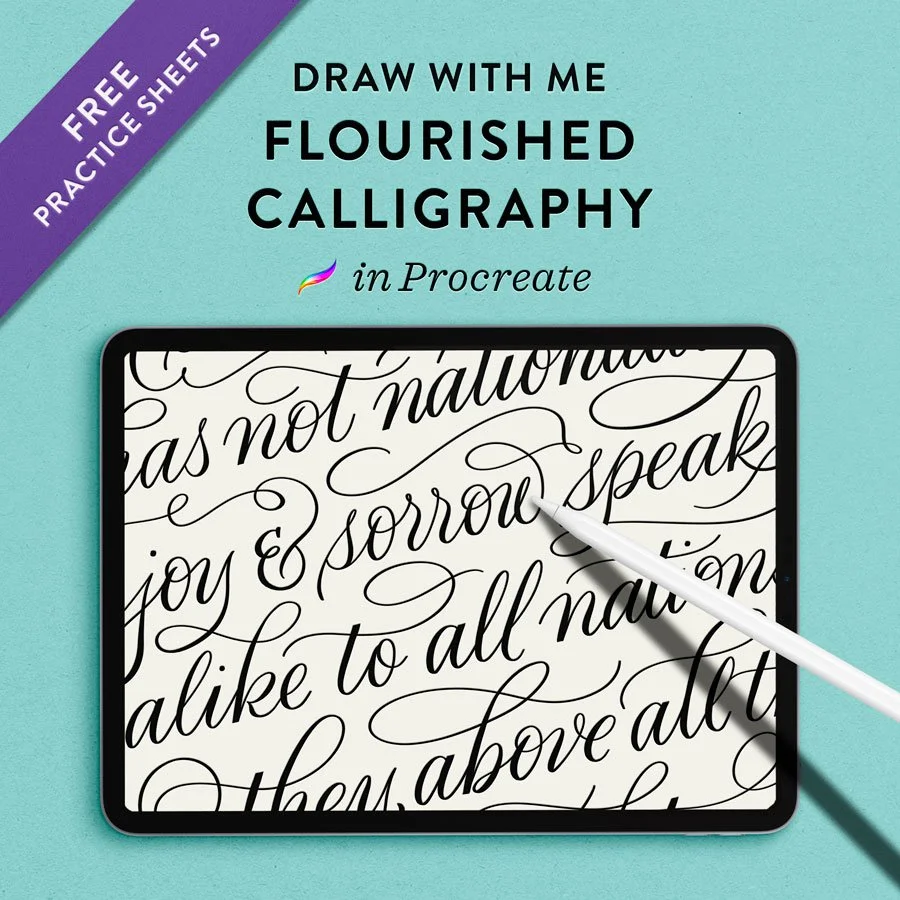
More calligraphy layout design tutorials:
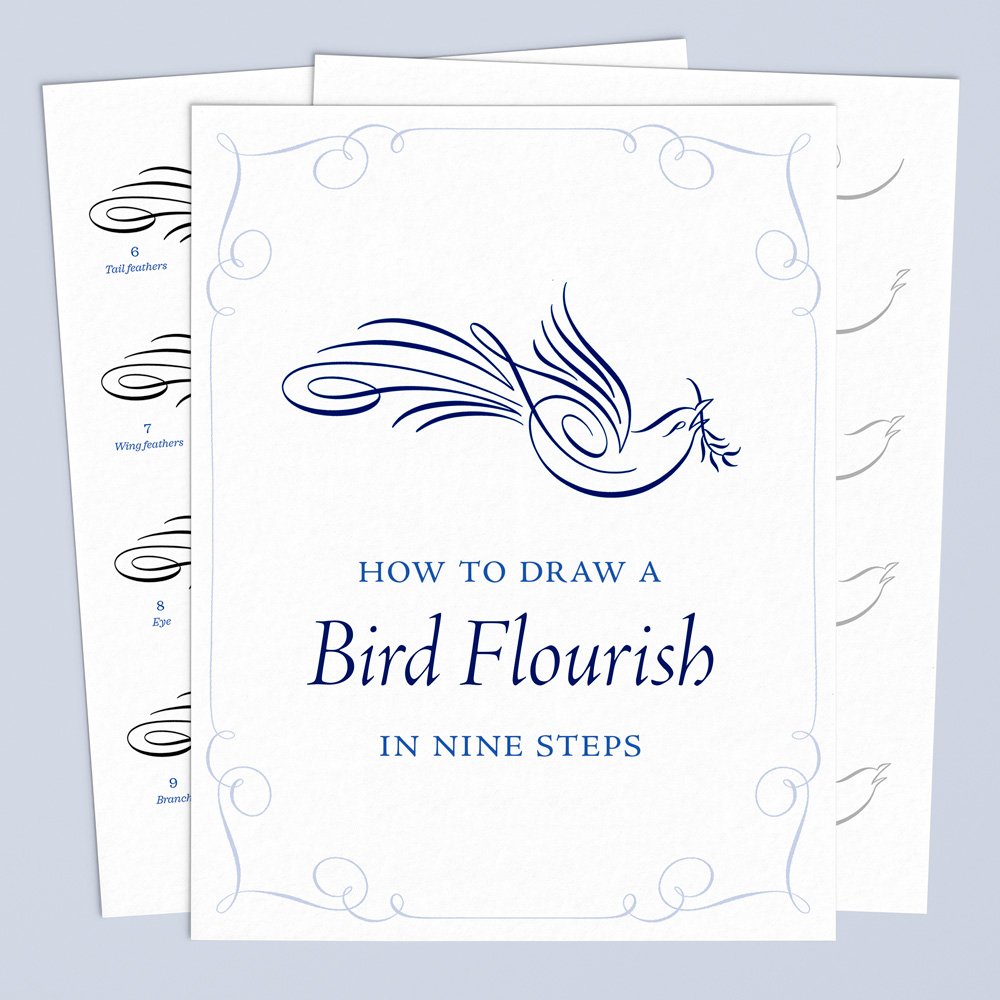
My Technique for Flourishing Calligraphy in Procreate
Flourished Calligraphy Quote in Real-Time for Procreate
Analog Calligraphy Layout
iPad Calligraphy Flourishing with Commentary

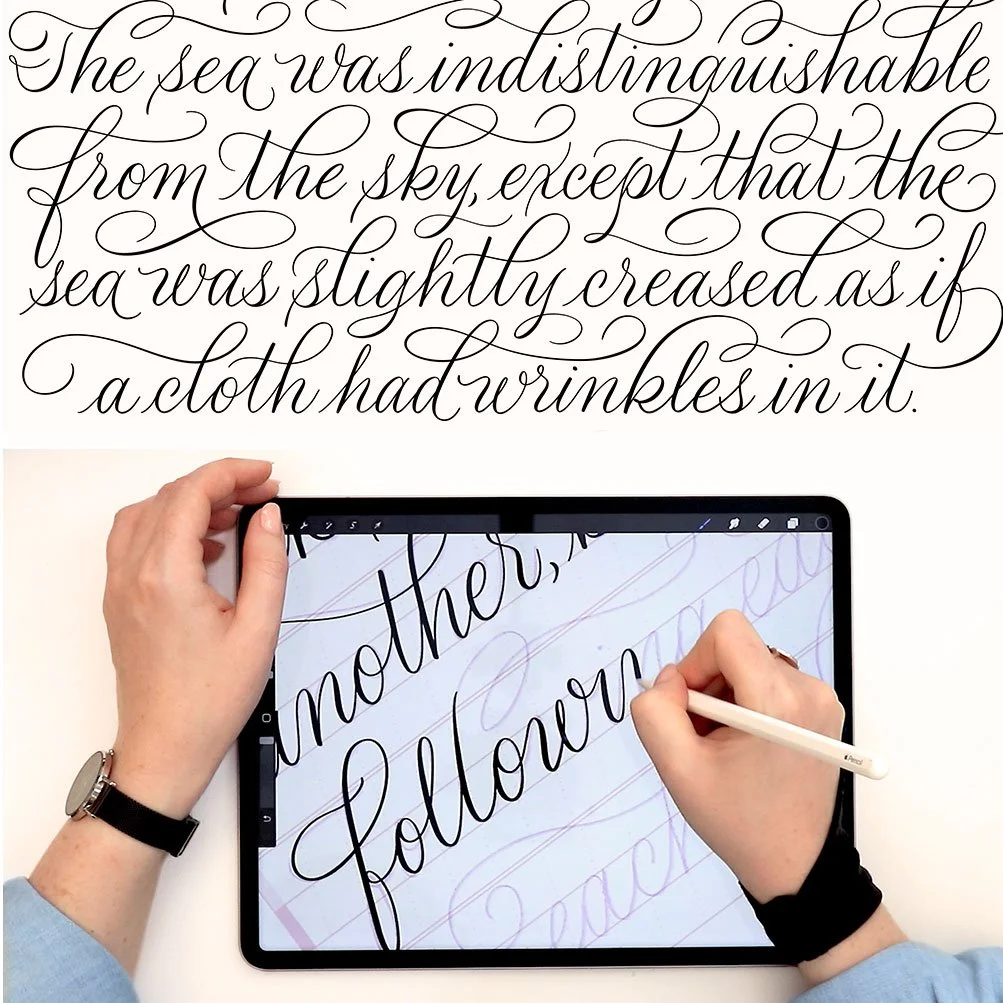


The 14 most important design principles of modern calligraphy, from adherence to a baseline to variations in axis slant.