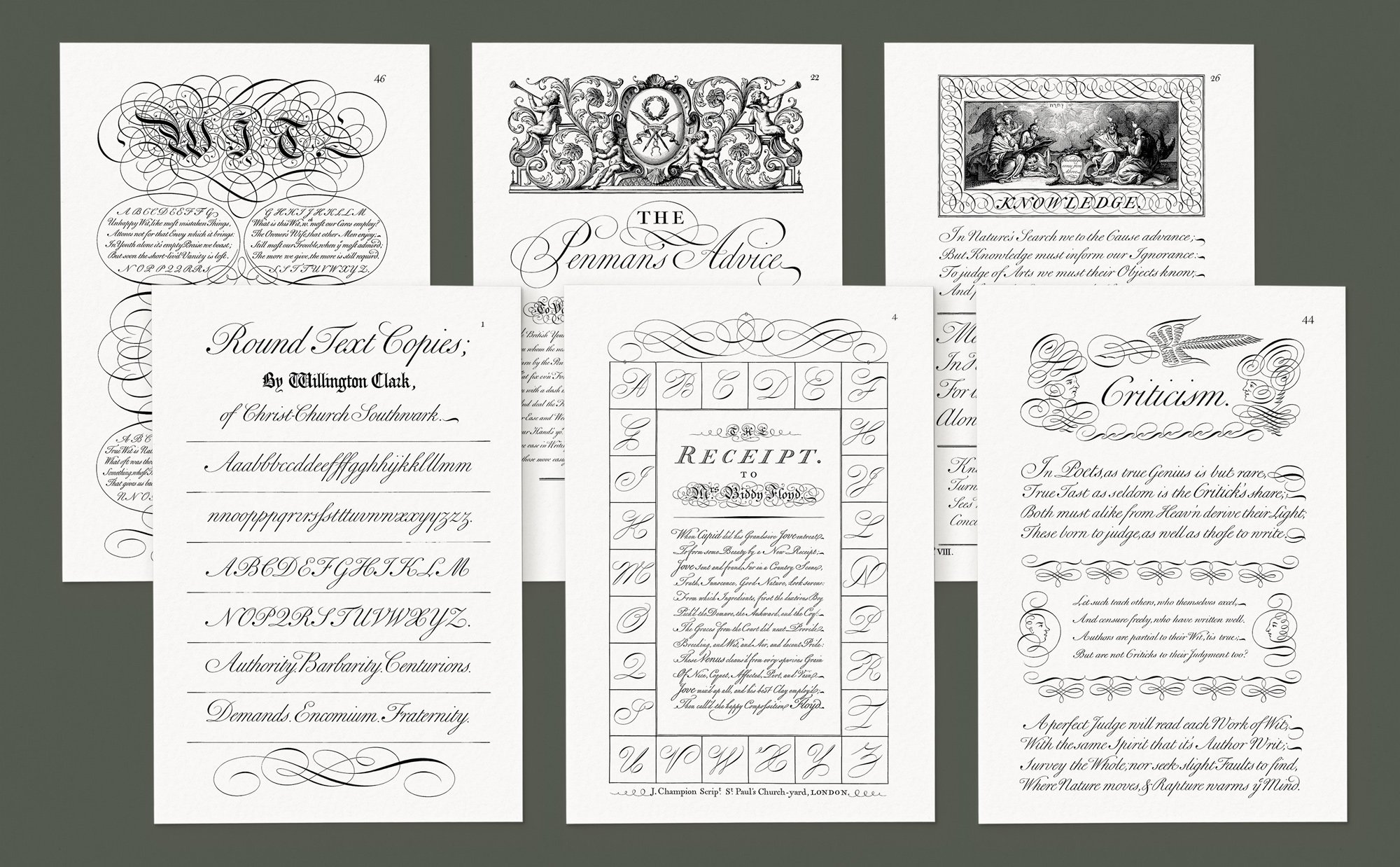
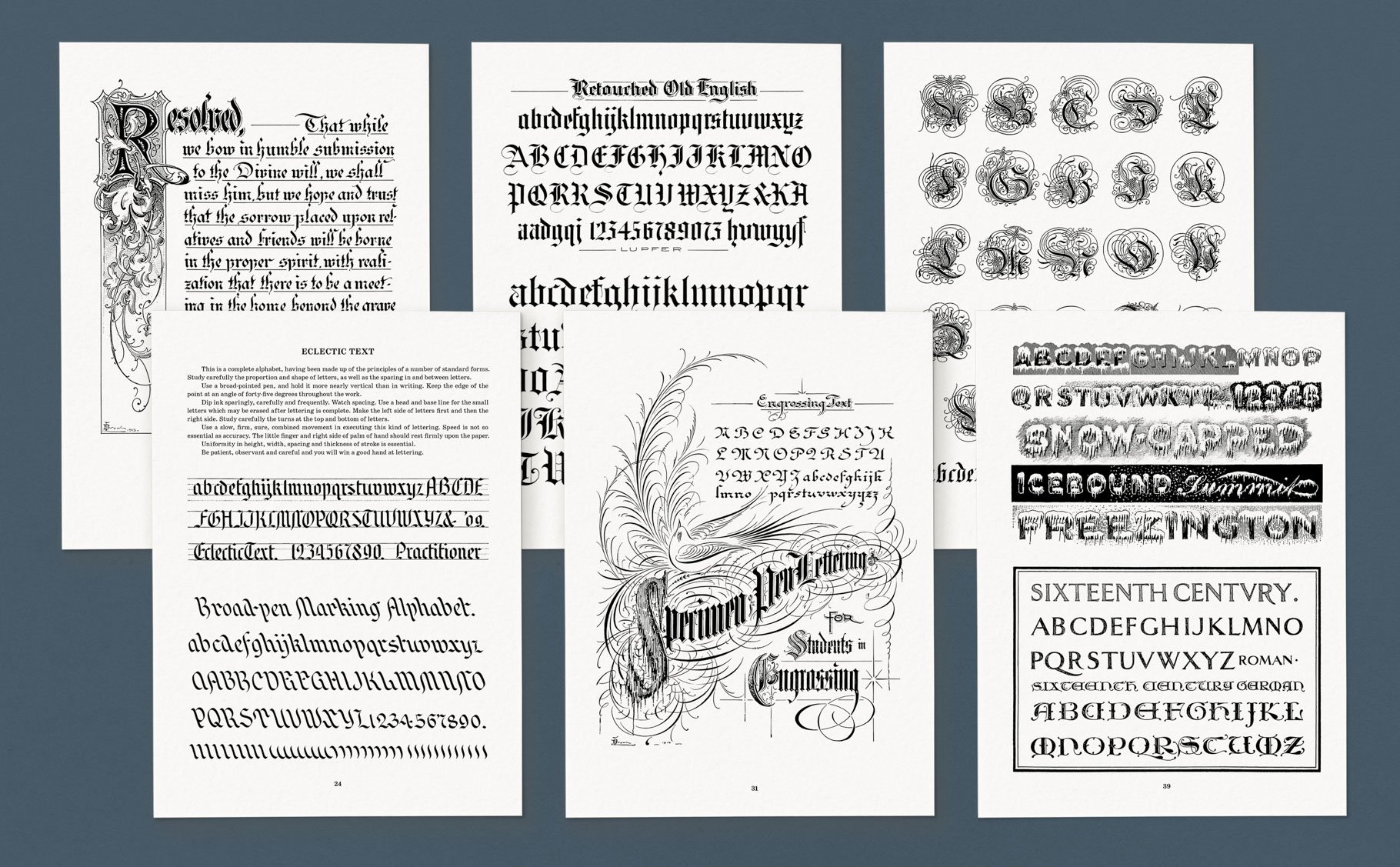
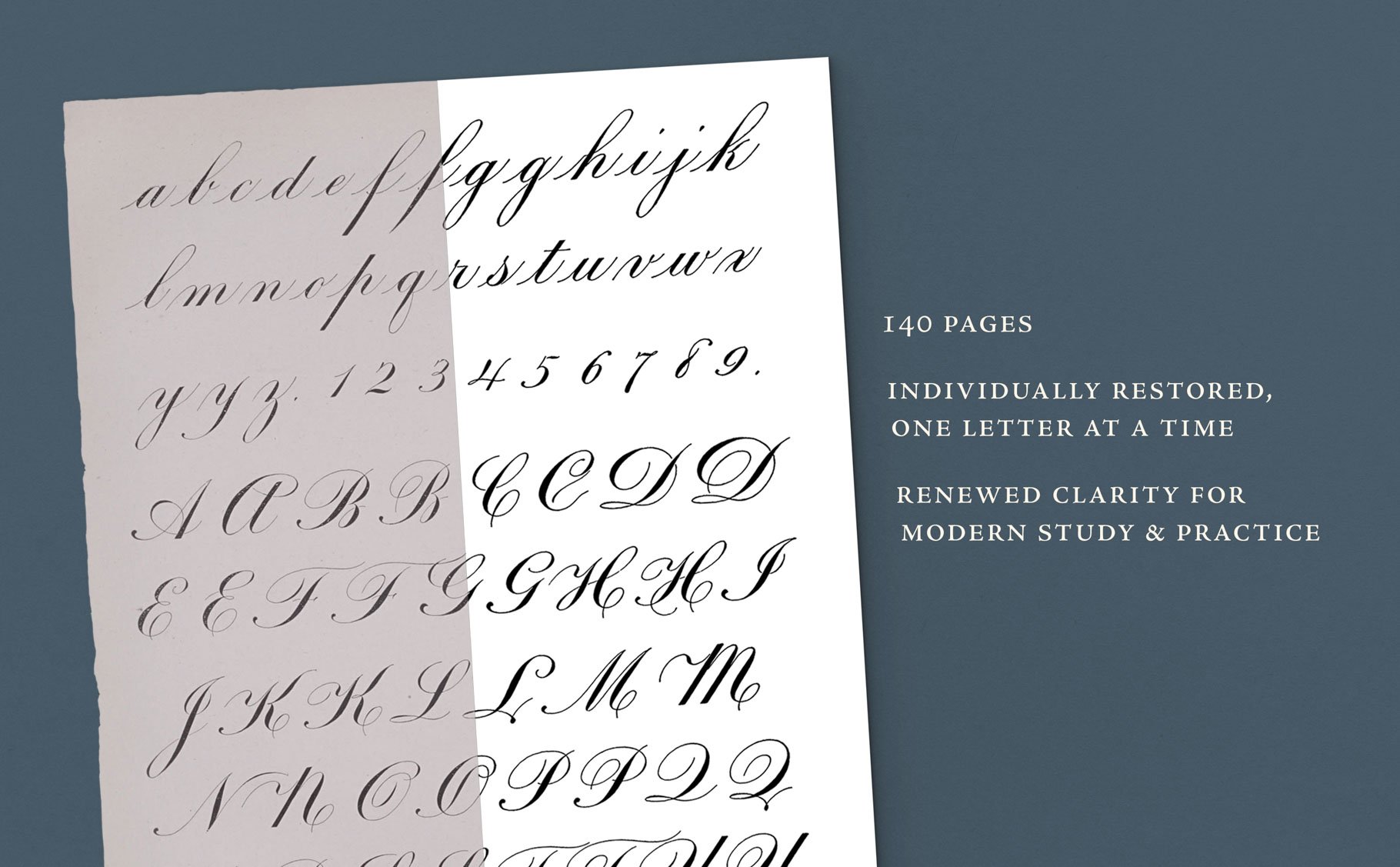
 Image 1 of 5
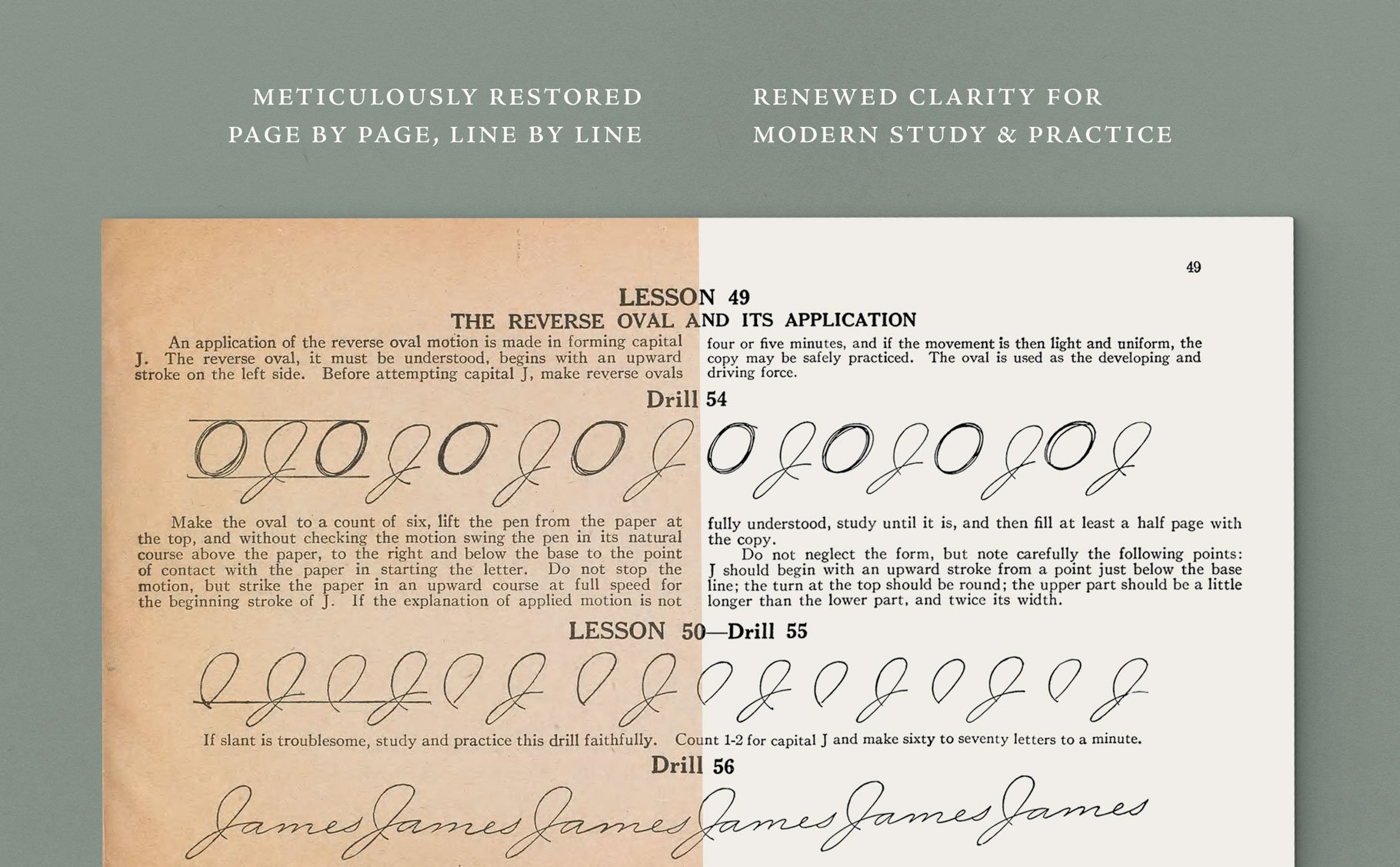 Image 2 of 5
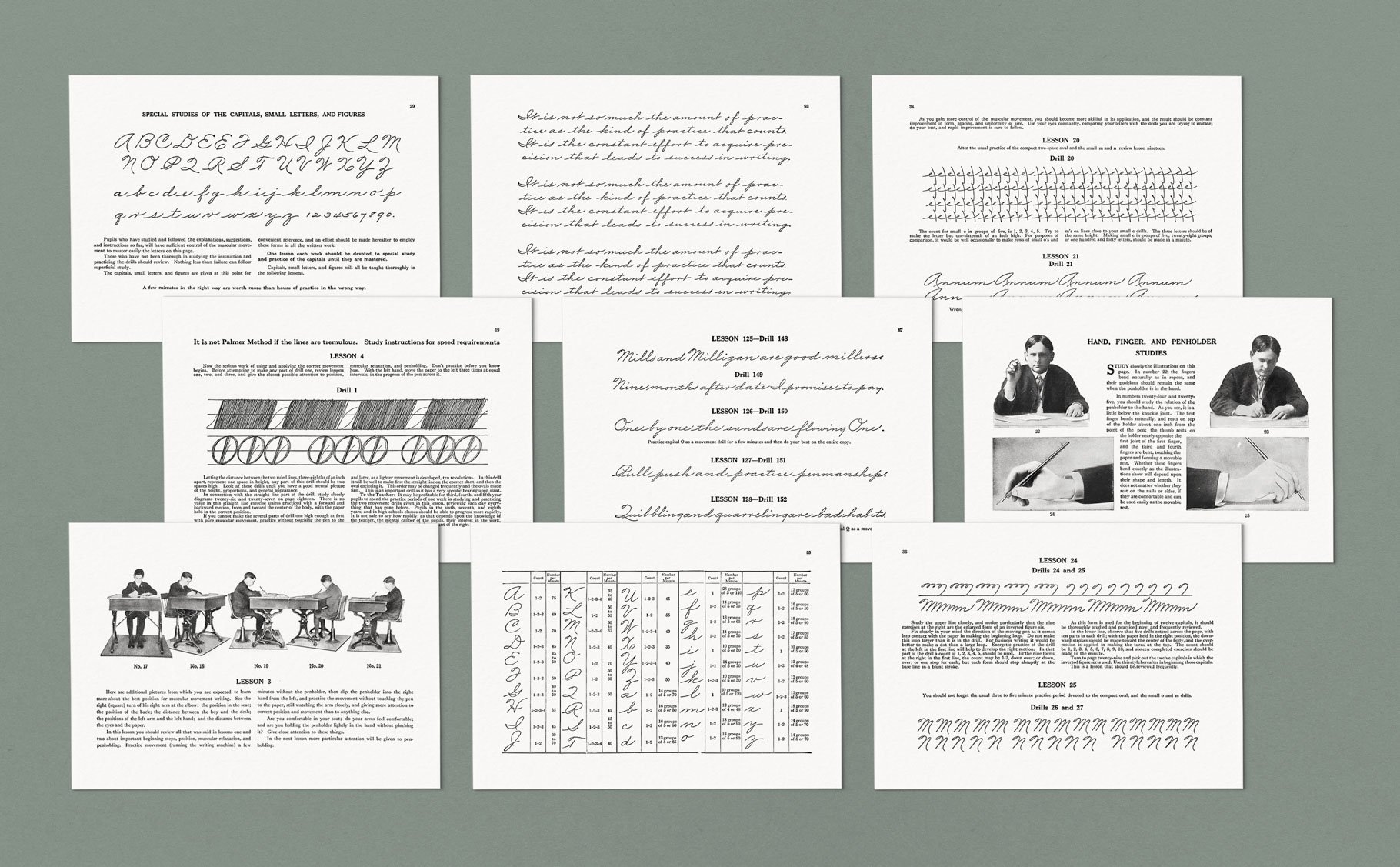 Image 3 of 5
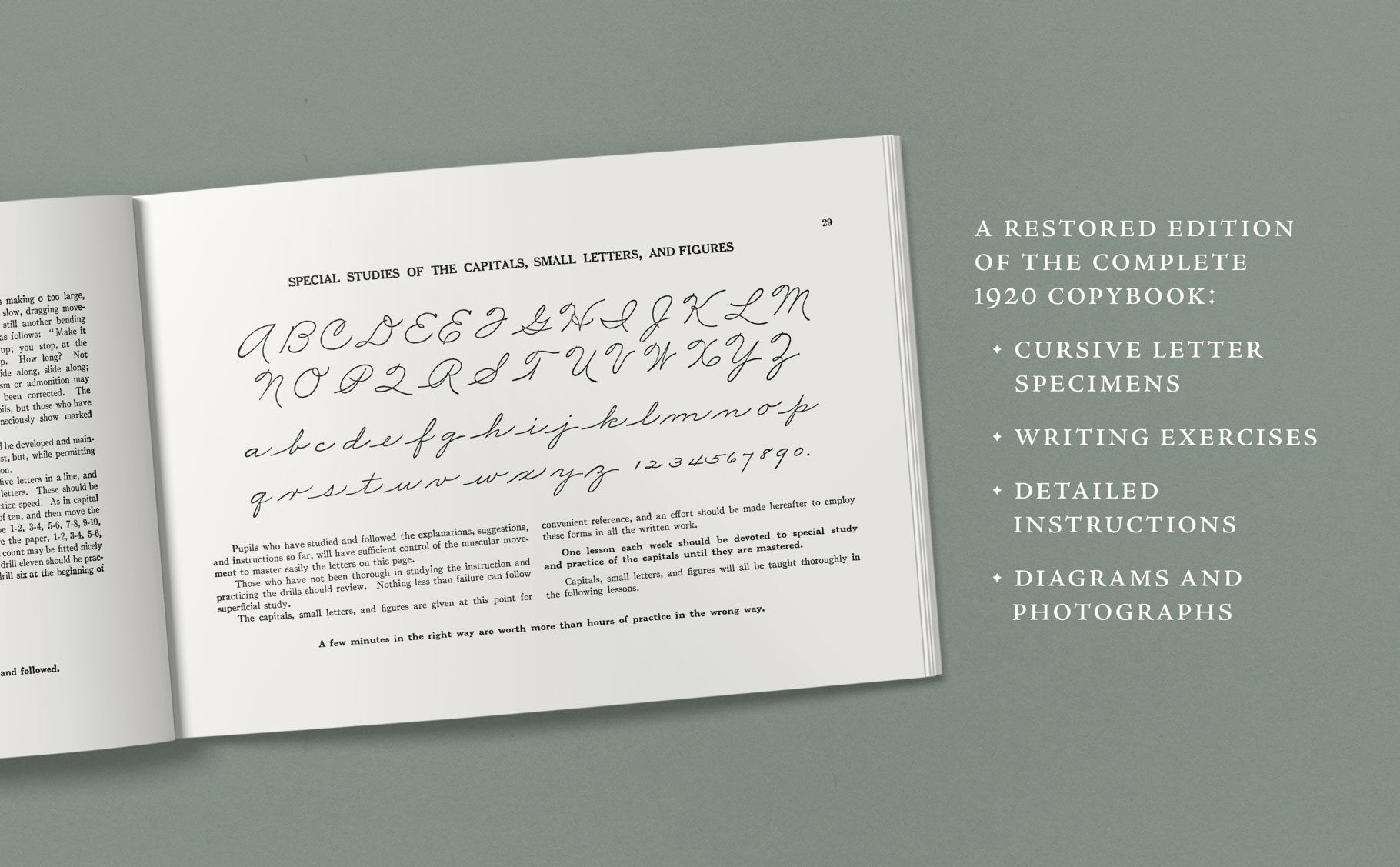 Image 4 of 5
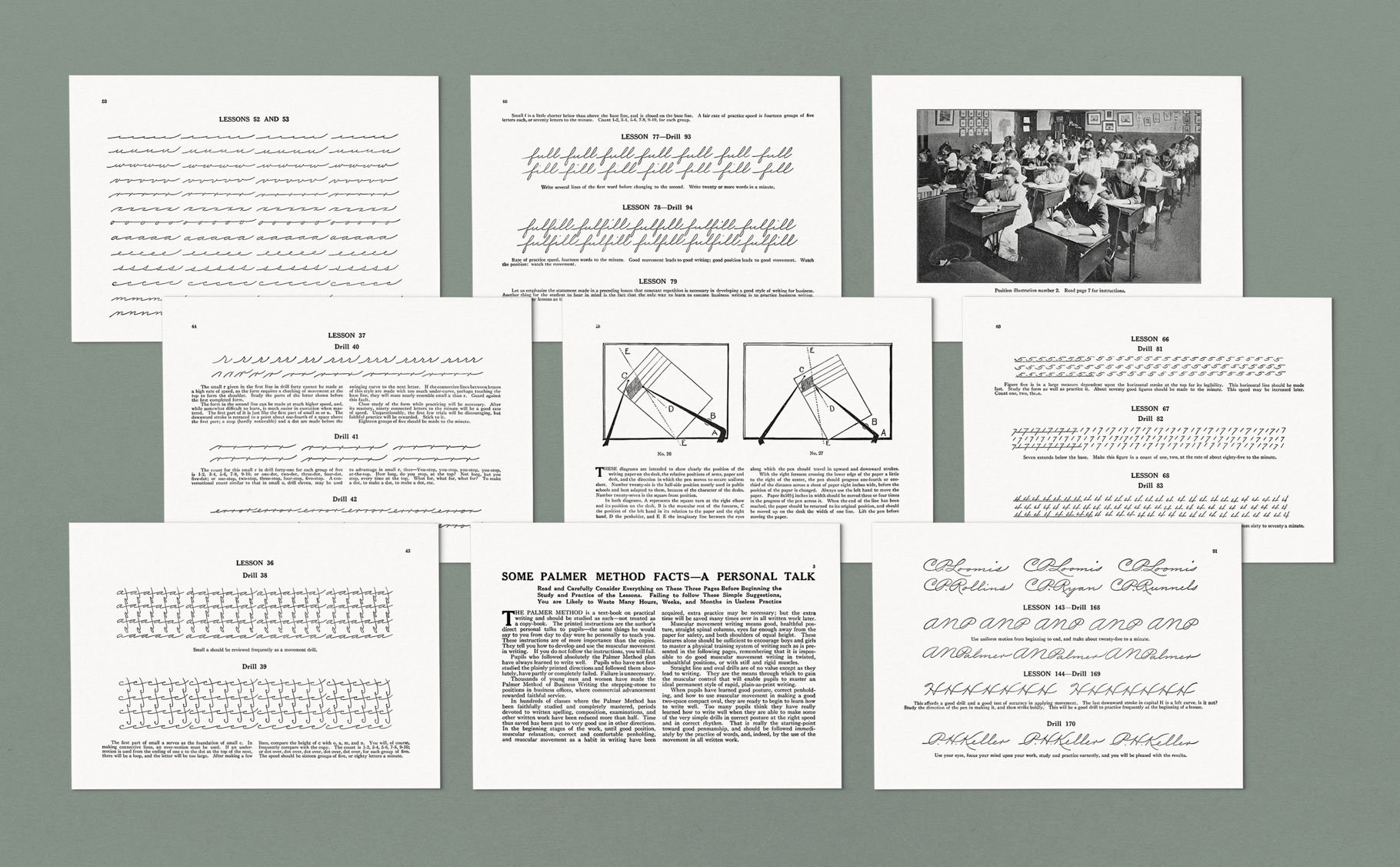 Image 5 of 5
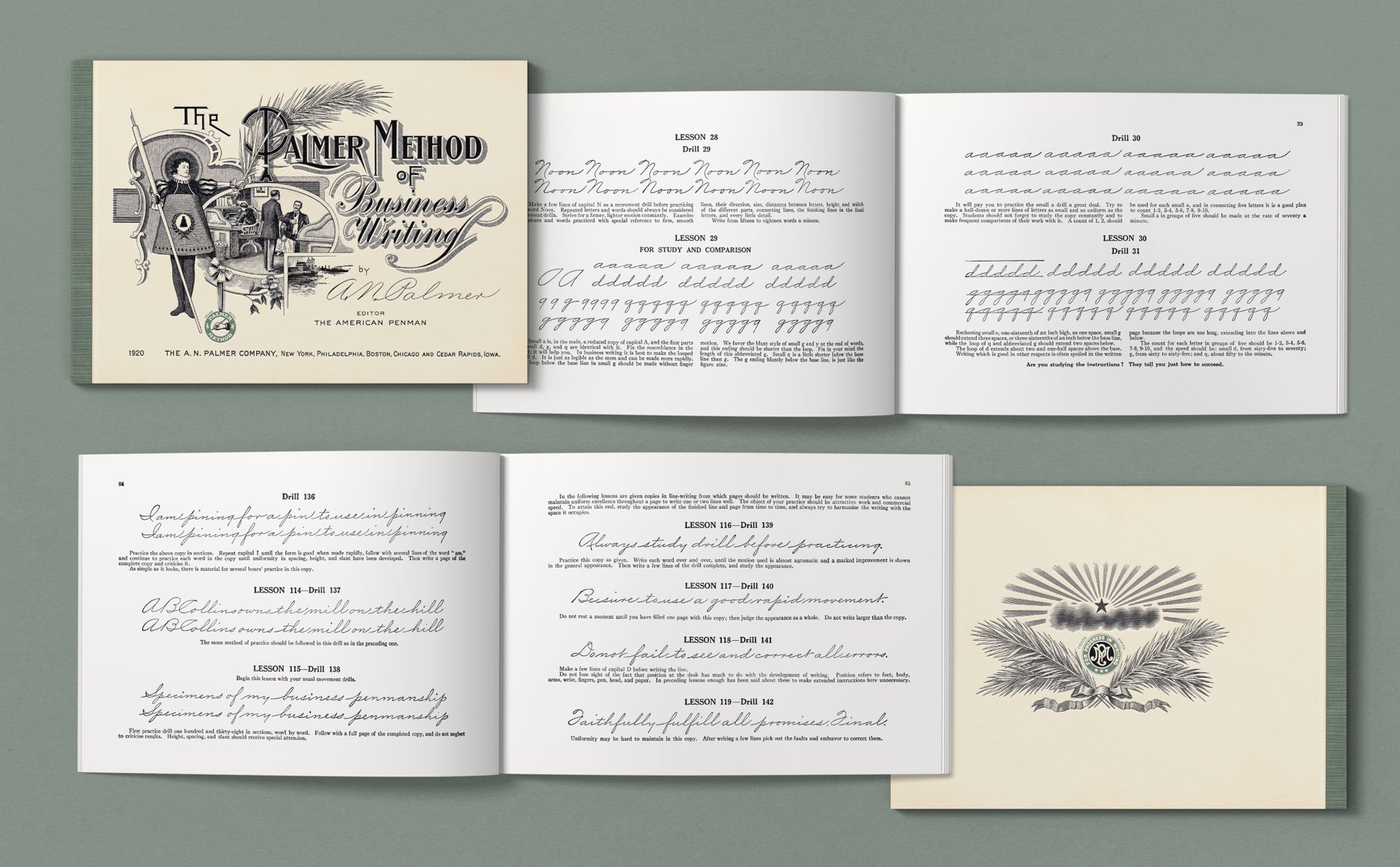
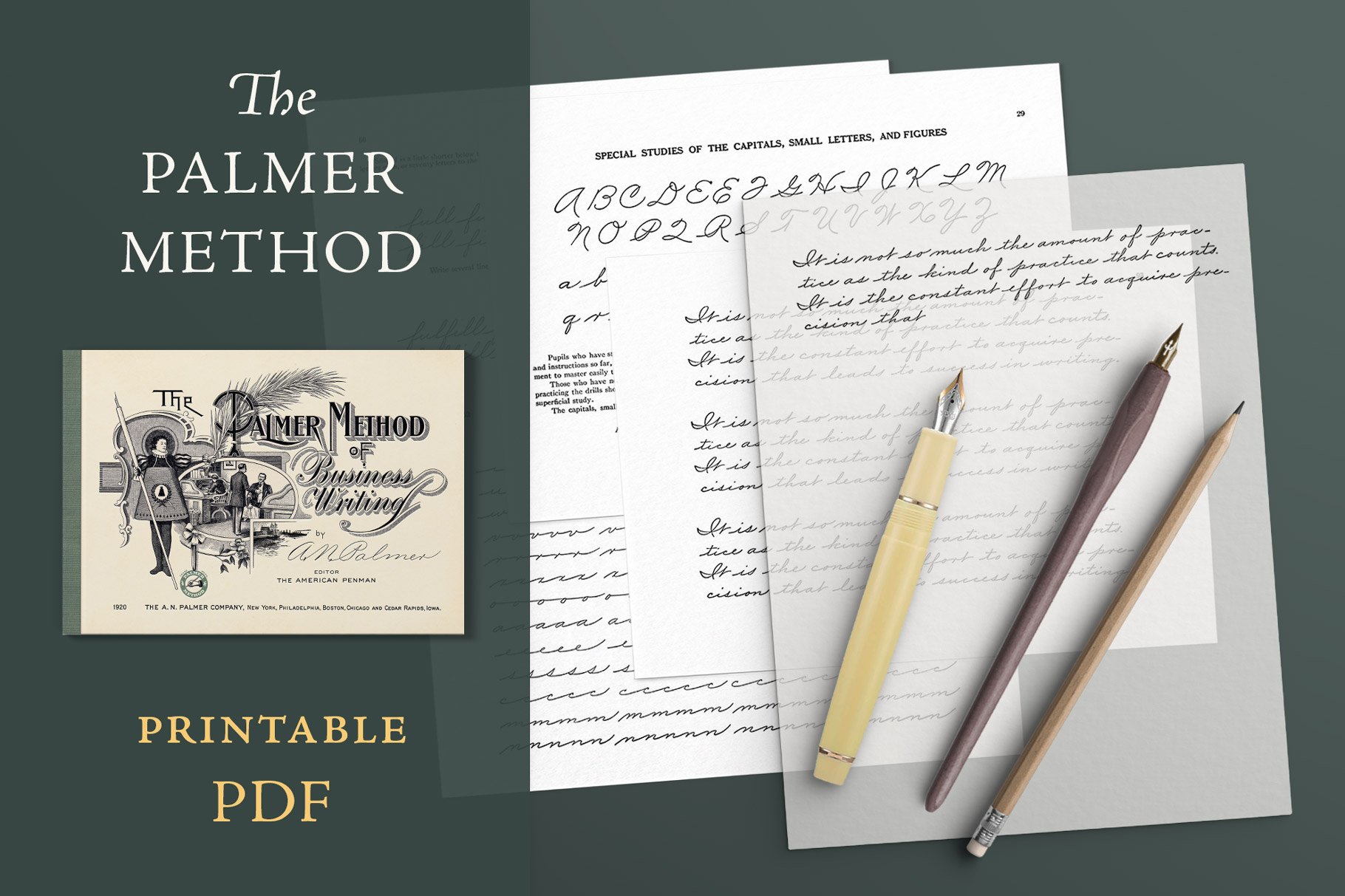
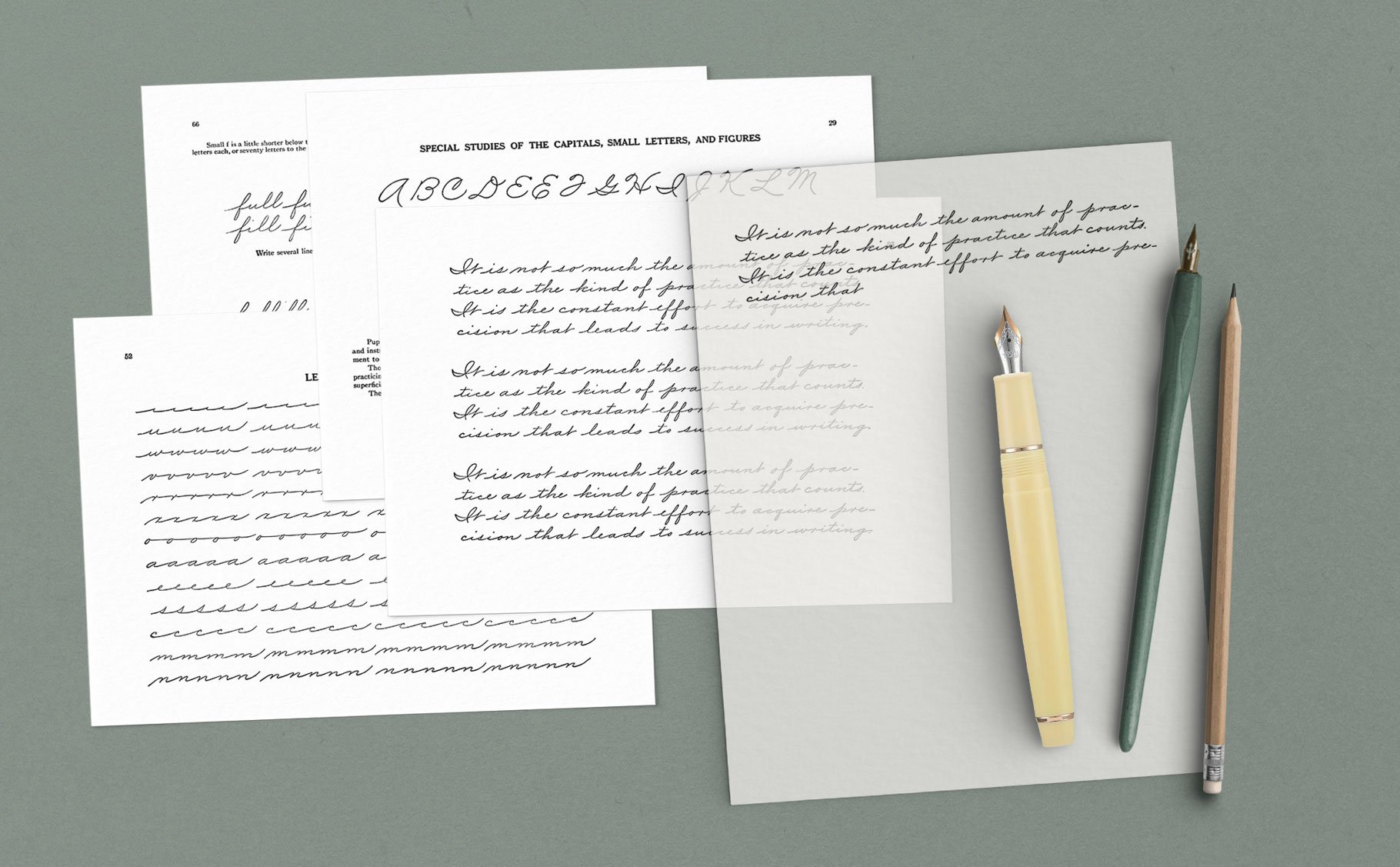
The Palmer Method of Business Writing: 100-Page Printable Cursive Copybook
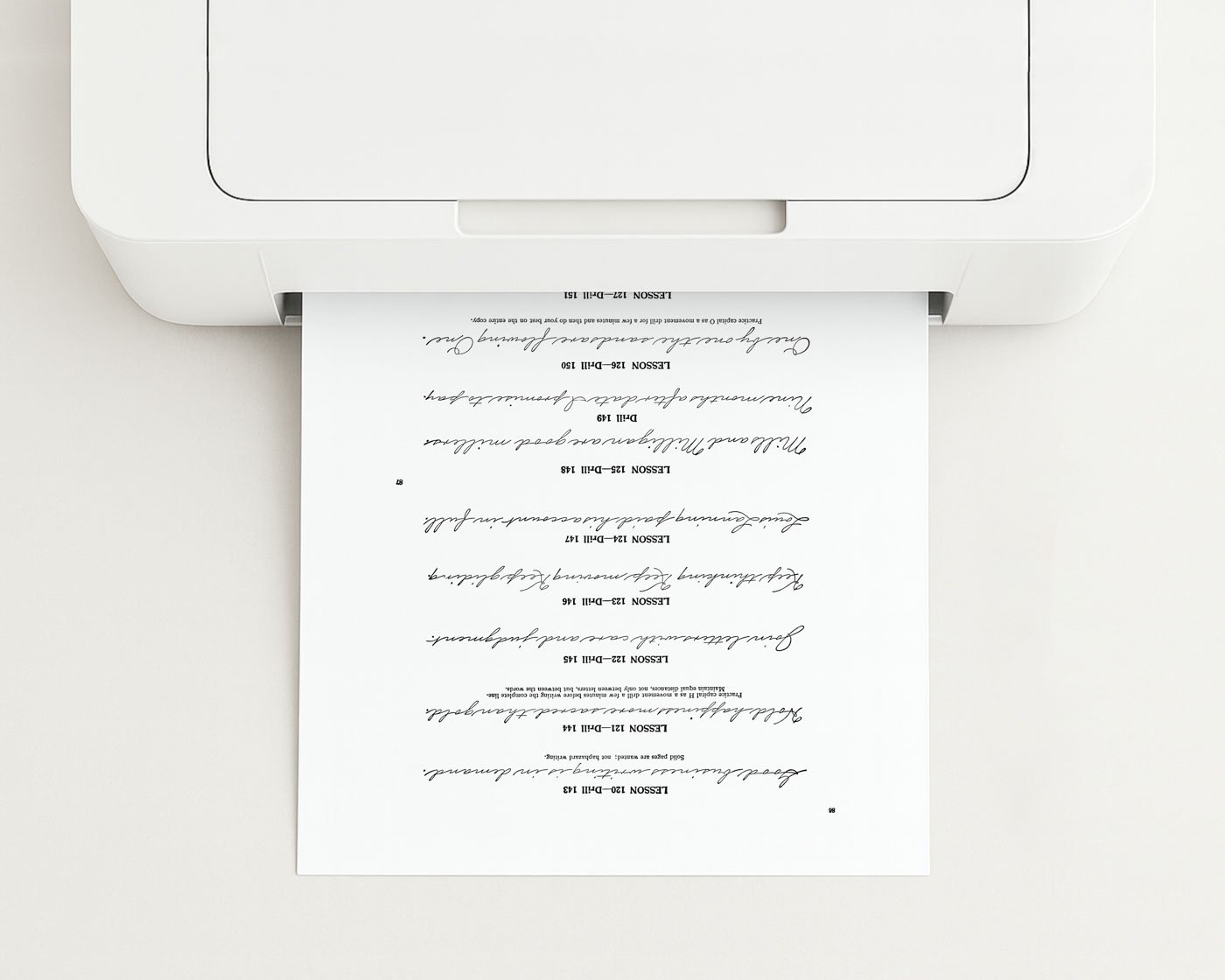
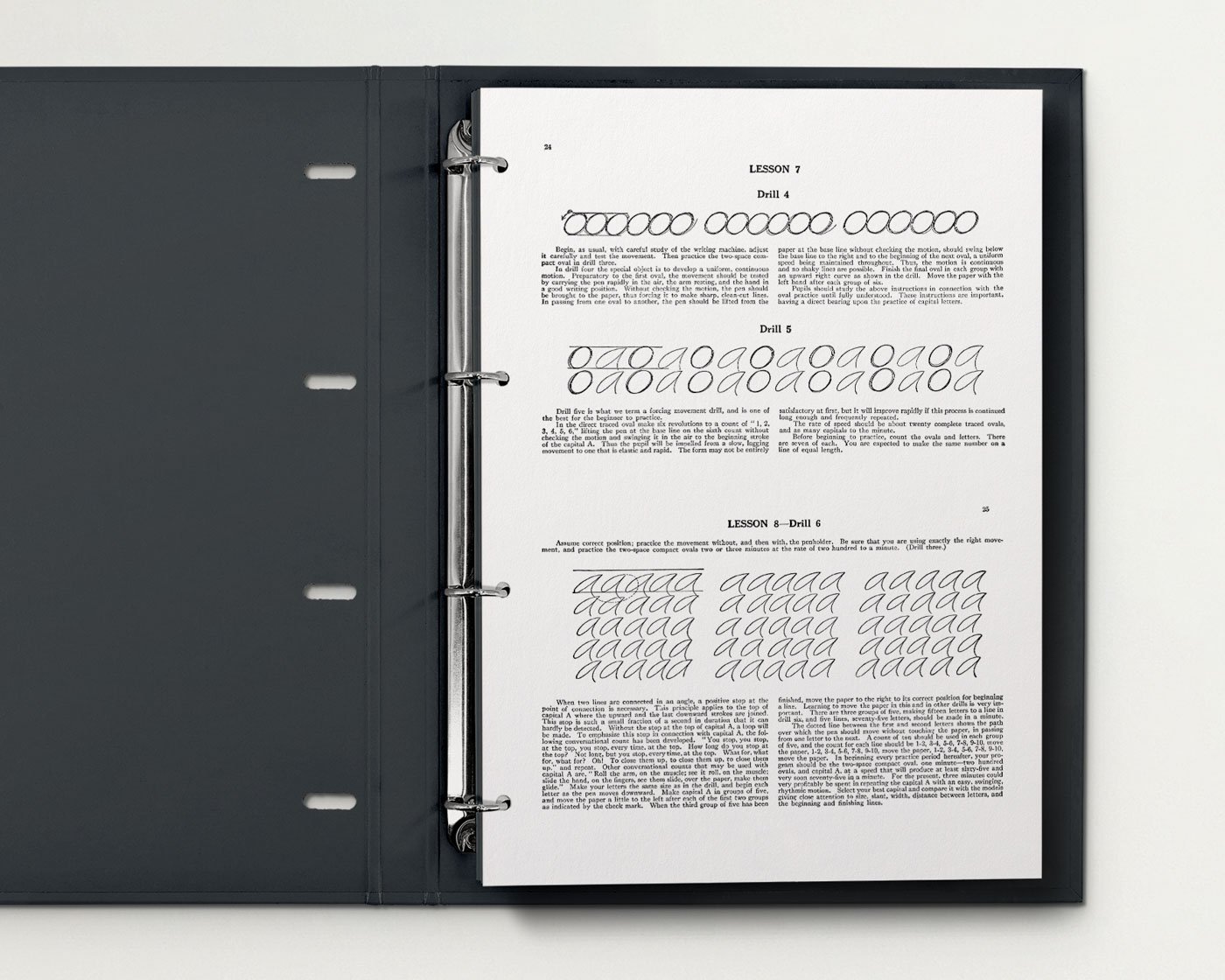
Tips for Printing & Binding This Digital Book
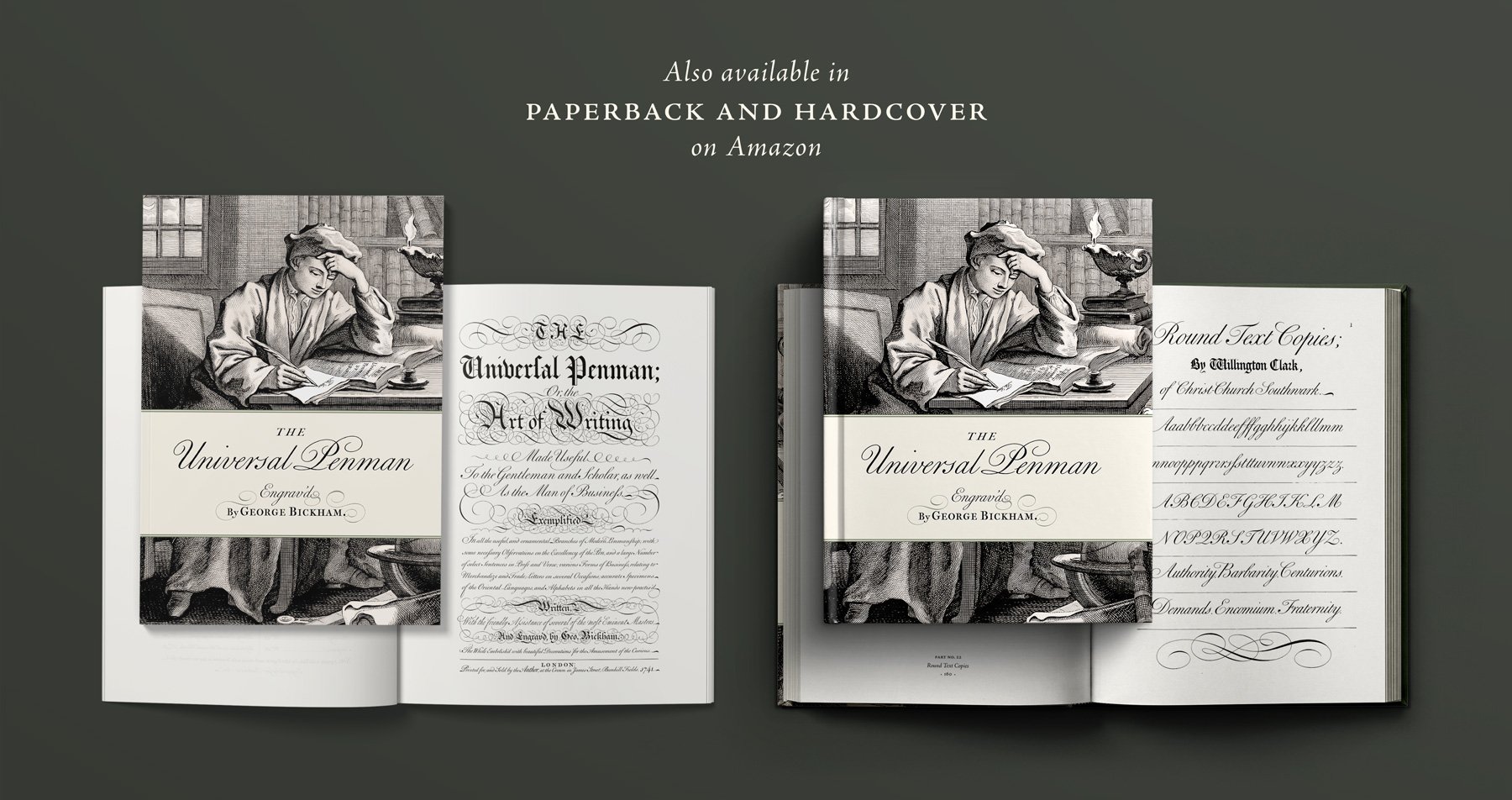
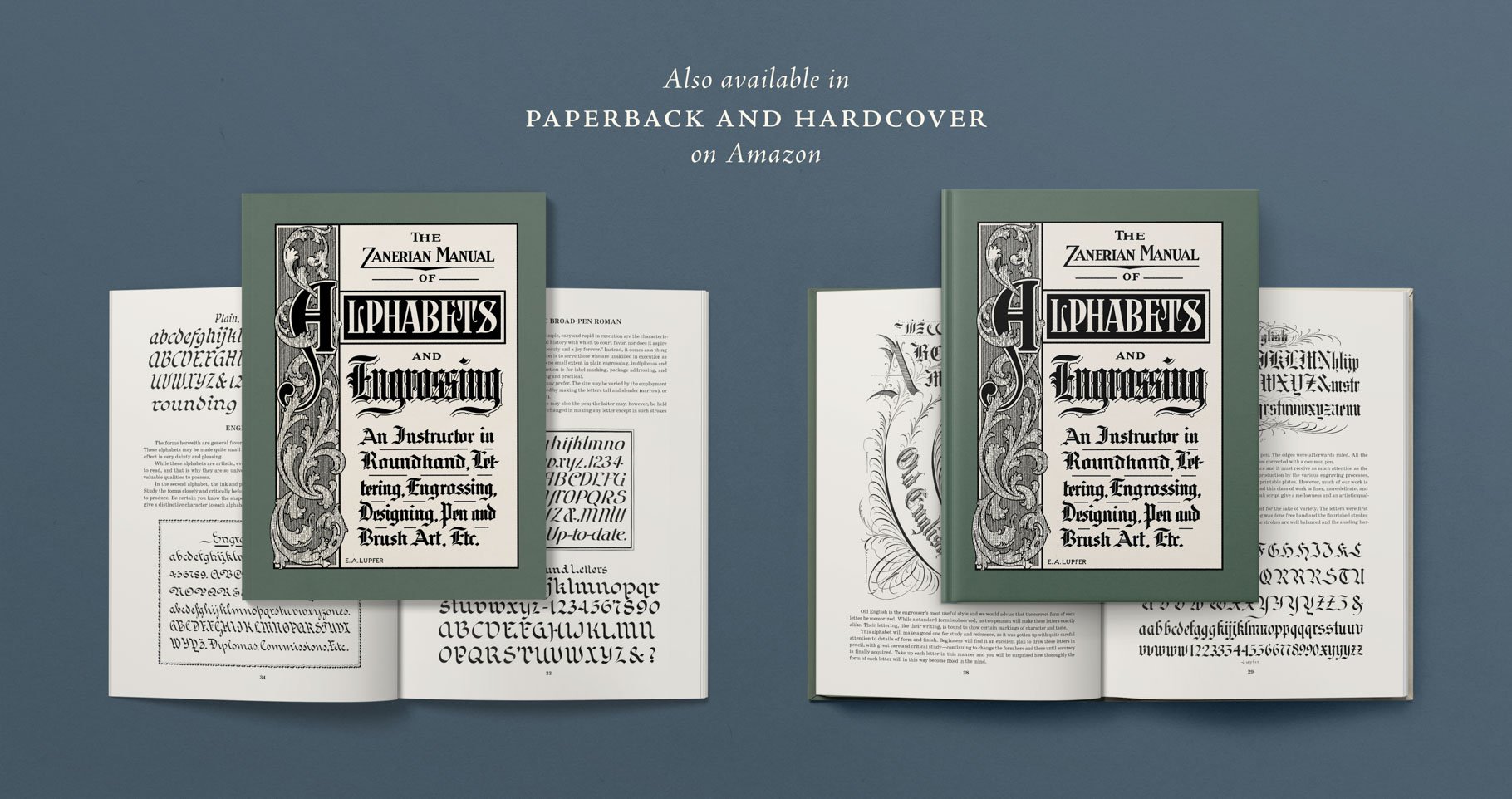
If you want all the pages of this book printed and bound, rather than print this digital edition at home, you might instead consider buying the print edition of this book—available as a perfect-bound paperback with silky matte cover and cream paper.
This book has small pages in landscape orientation (8.5×6 inches—true to the size of the original book). To print the book on a home printer, you can either print one book page per sheet of paper, or you can apply print settings to print two book pages per sheet (called “2-up” printing). This is easiest using the free version of Adobe Acrobat Reader.
Option 1 – Print 2-up on a home printer:
Open the PDF in Adobe Acrobat Reader.
Choose “Multiple” under “Page Sizing & Handling.”
Set “Pages per sheet” to 2.
Set “Page order” to Vertical and select Portrait orientation.
Choose your paper size: US Letter or A4. On US Letter, each book page will print at approximately 7.8×5.5 inches. On A4, each book page will print at 8.25×5.85 inches.
Check the print preview to ensure that two book pages appear, one atop the other, before printing.
Optional: Punch the pages to bind in a binder, and/or cut the printed pages in half horizontally for separate pages.
Paper type: I recommend smooth, uncoated white or cream paper. See my blog post on The Best Calligraphy Practice Papers to learn my recommendations for printing practice pages at home.
Option 2 – Send to a local printer: Send the PDF to a local print shop to print the pages 2-up and single-sided, then punch them for a ring binder. The benefit of this method is that you can keep the pages together in order, but also remove individual pages for practicing plates whenever you wish.
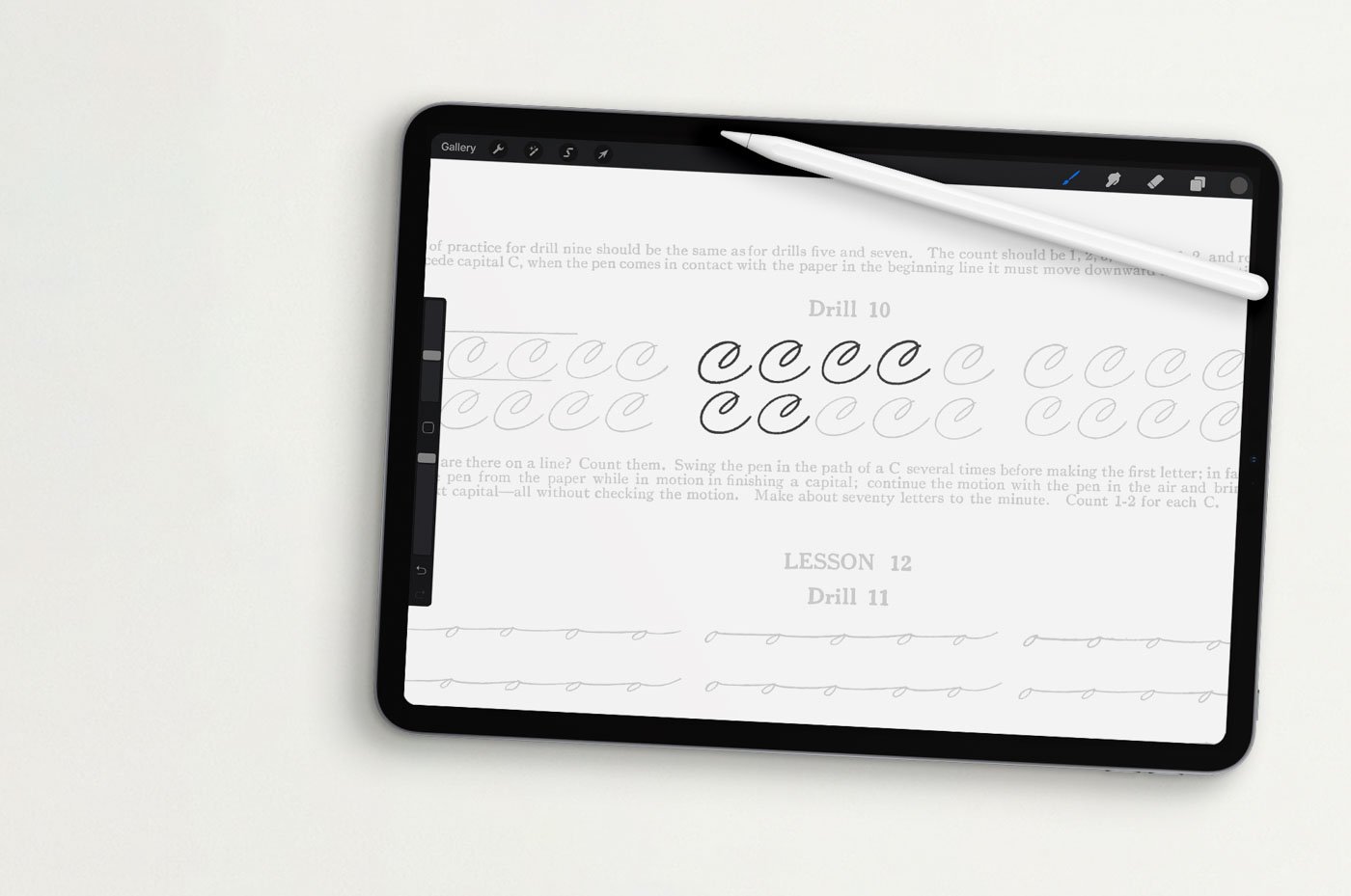
Also ideal for digital calligraphy practice
You may intend to practice from this PDF edition digitally, by loading it onto your tablet for on-screen practice with a stylus. Or you may simply want to explore the detailed plates on a computer screen.
Once downloaded, the high-resolution PDF pages can be imported into any art-making app or software. My top recommendation is Procreate for iPad, but other options include Affinity Designer and Adobe Photoshop.
To practice from this digital book in Procreate:
Import the entire PDF into Procreate, or extract individual PDF pages and import them one at a time as needed. Each imported page will open as a separate canvas. (Learn how to upload files to Procreate here.)
Lower the opacity of the imported artwork layer so the calligraphy is still visible but light enough to trace over.
Add a new, blank layer above the imported artwork layer. Trace the calligraphy on this new layer rather than drawing directly on the original.
Zoom in as needed—these pages are very high resolution!—and use a pressure-sensitive calligraphy brush for the best results. I’ve designed lots of Procreate calligraphy brushes specifically for this kind of practice, like my Ultimate Lettering & Calligraphy Procreate Kit and my Calligraphy Nibs Procreate Brush Pack.
Learn more about Procreate calligraphy on my blog, including my favorite iPad lettering tools, and my top tips for mastering Procreate calligraphy. I also have dozens of short (and free) video tutorials on iPad calligraphy and more in-depth digital hand lettering courses on Skillshare.
Download & Usage Information
-
This is a digital product. After purchase, you’ll receive a link to download the PDF on the Order Confirmation page and by email. This link never expires, so you can use it to re-download your files whenever you need!
-
This digital edition is licensed for personal use only. You may print its pages as often as you wish for your own use, but the digital file and printed copies may not be resold, publicly shared, or redistributed.
The original text and artwork are in the public domain, and I claim no copyright in the underlying historical artwork.
My original contributions to this edition—including the cover design, layout, and other editorial and design elements—are © Molly Suber Thorpe, 2026.
-
Because this is a digital product, I don’t offer order cancellations, refunds, or exchanges. But if something goes wrong with your download, just contact me—I’m happy to help.