 Image 1 of 10
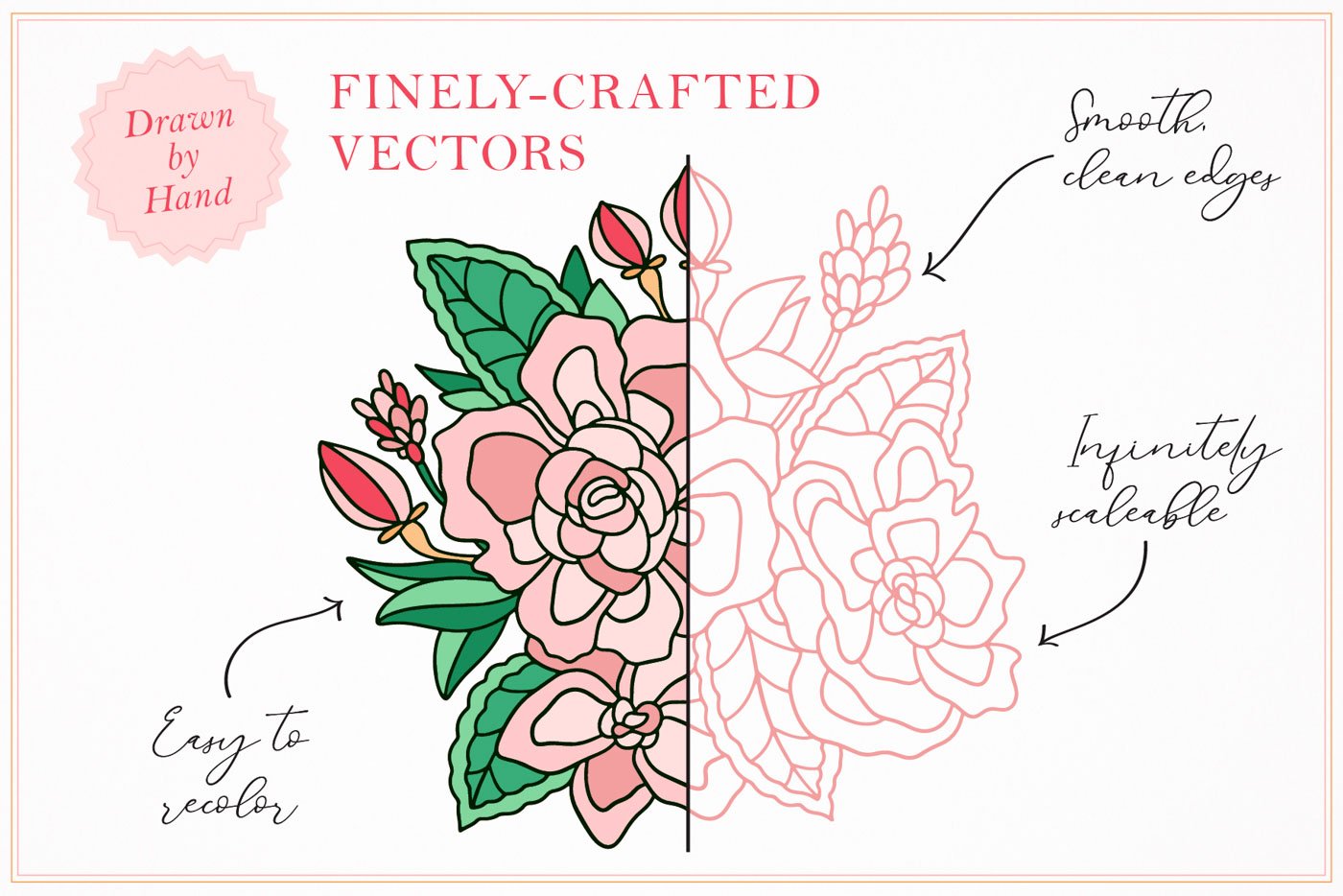 Image 2 of 10
 Image 3 of 10
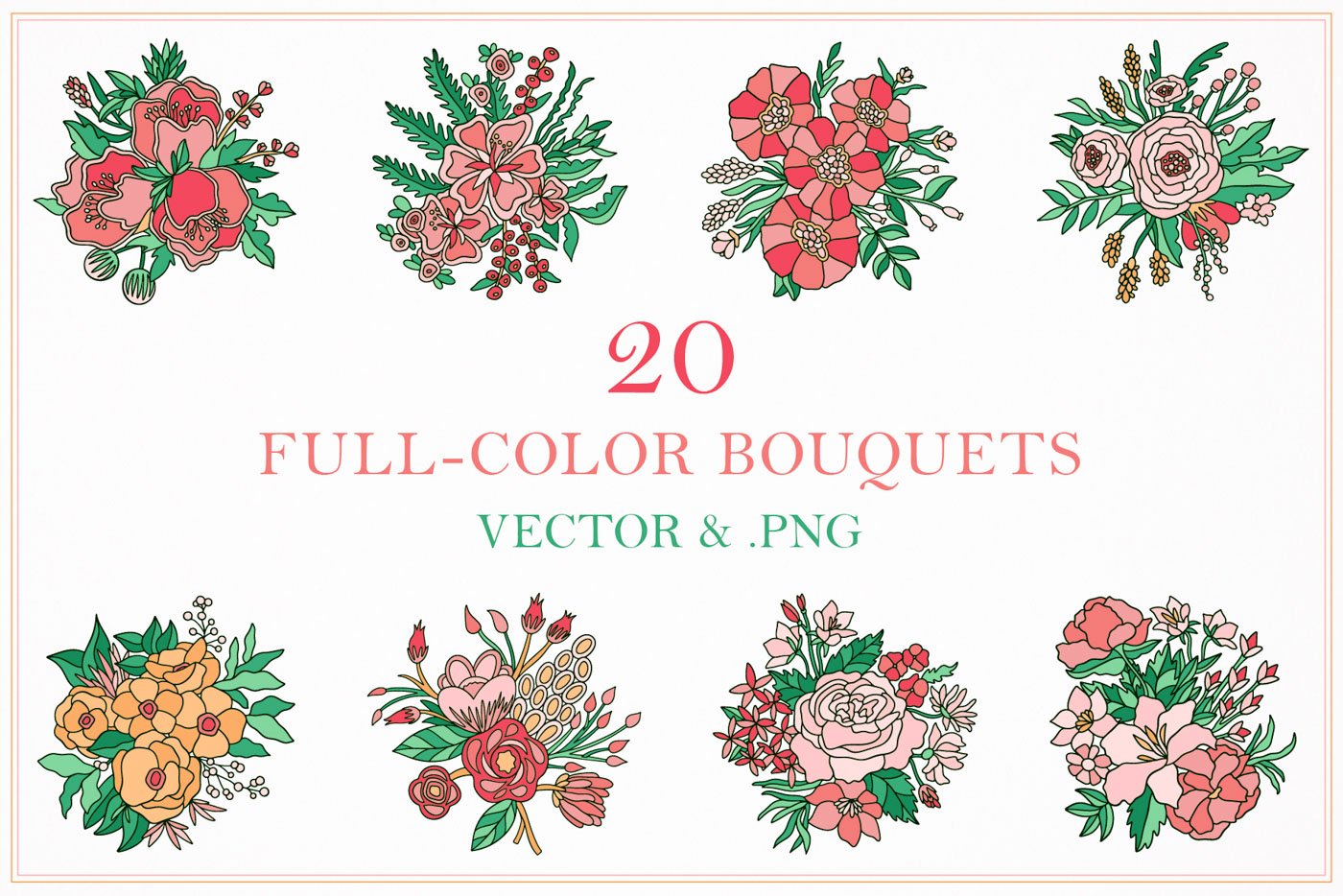 Image 4 of 10
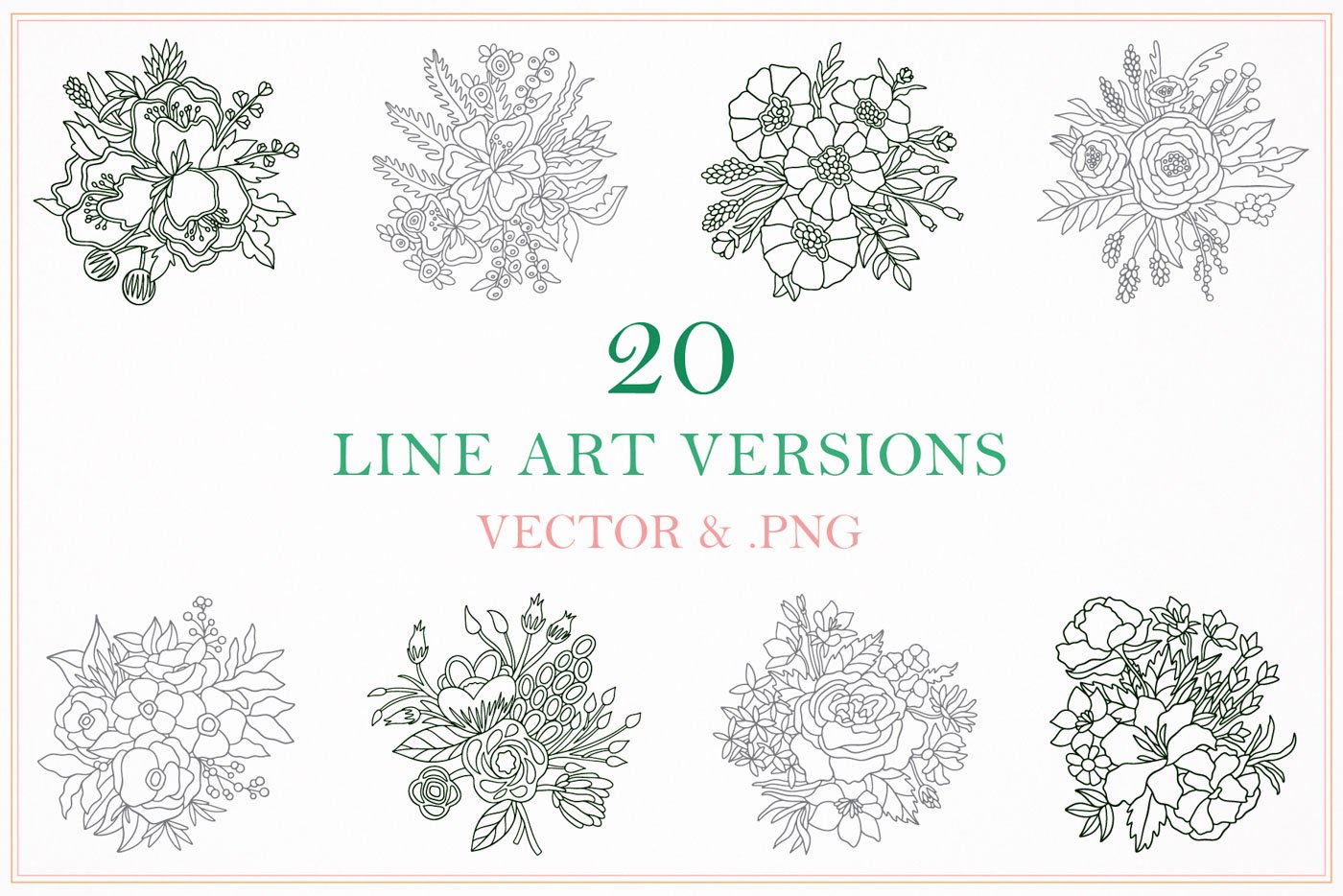 Image 5 of 10
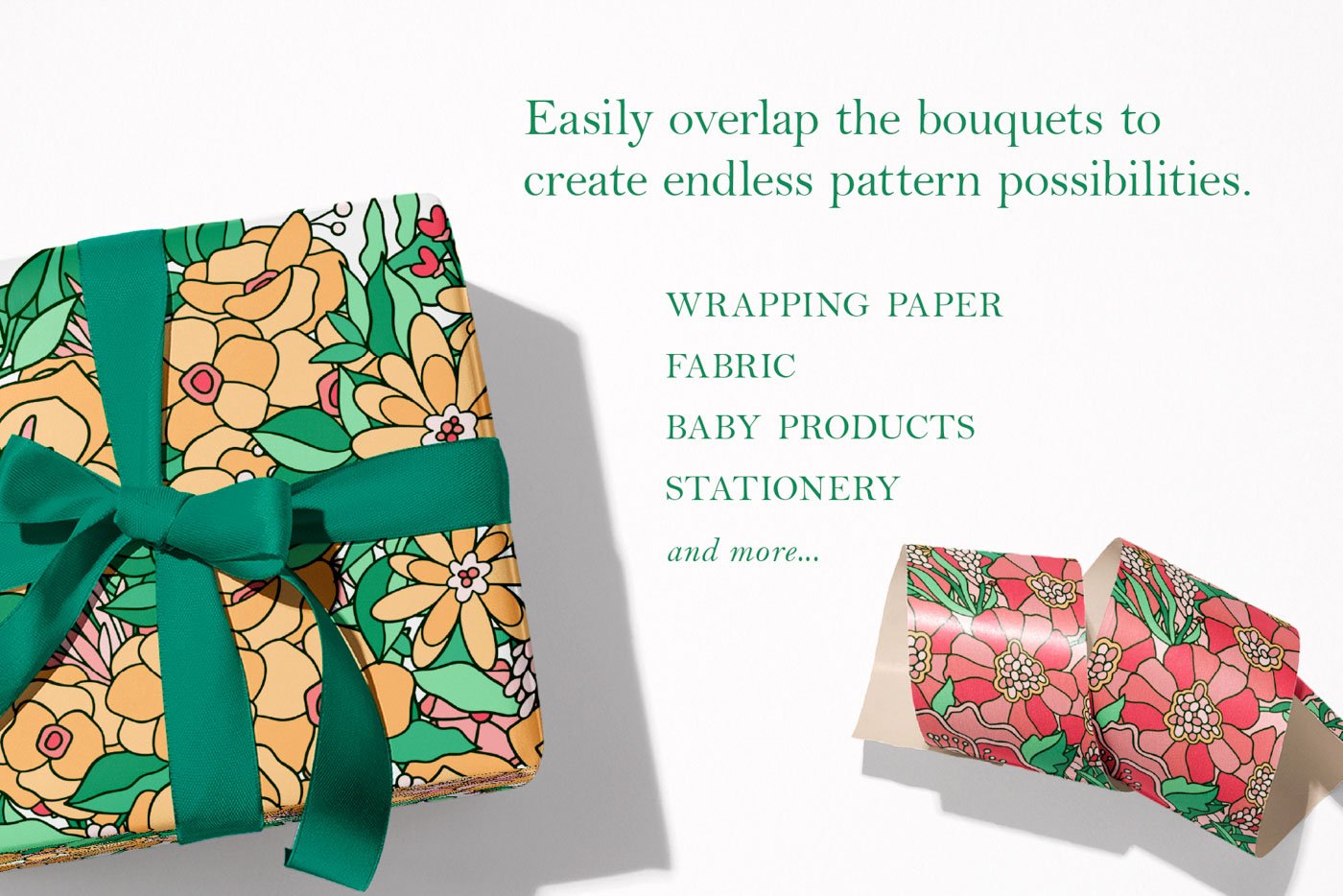 Image 6 of 10
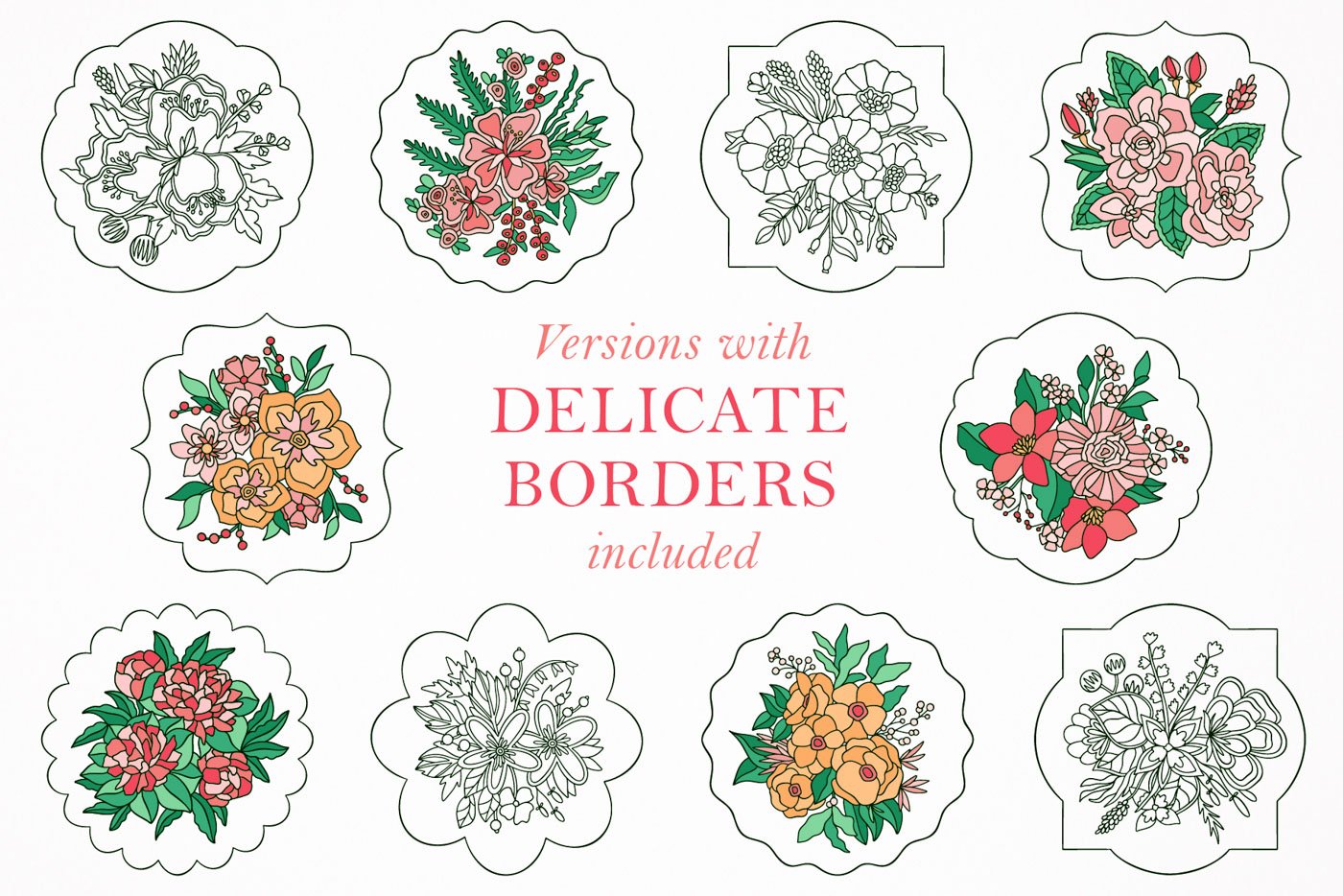 Image 7 of 10
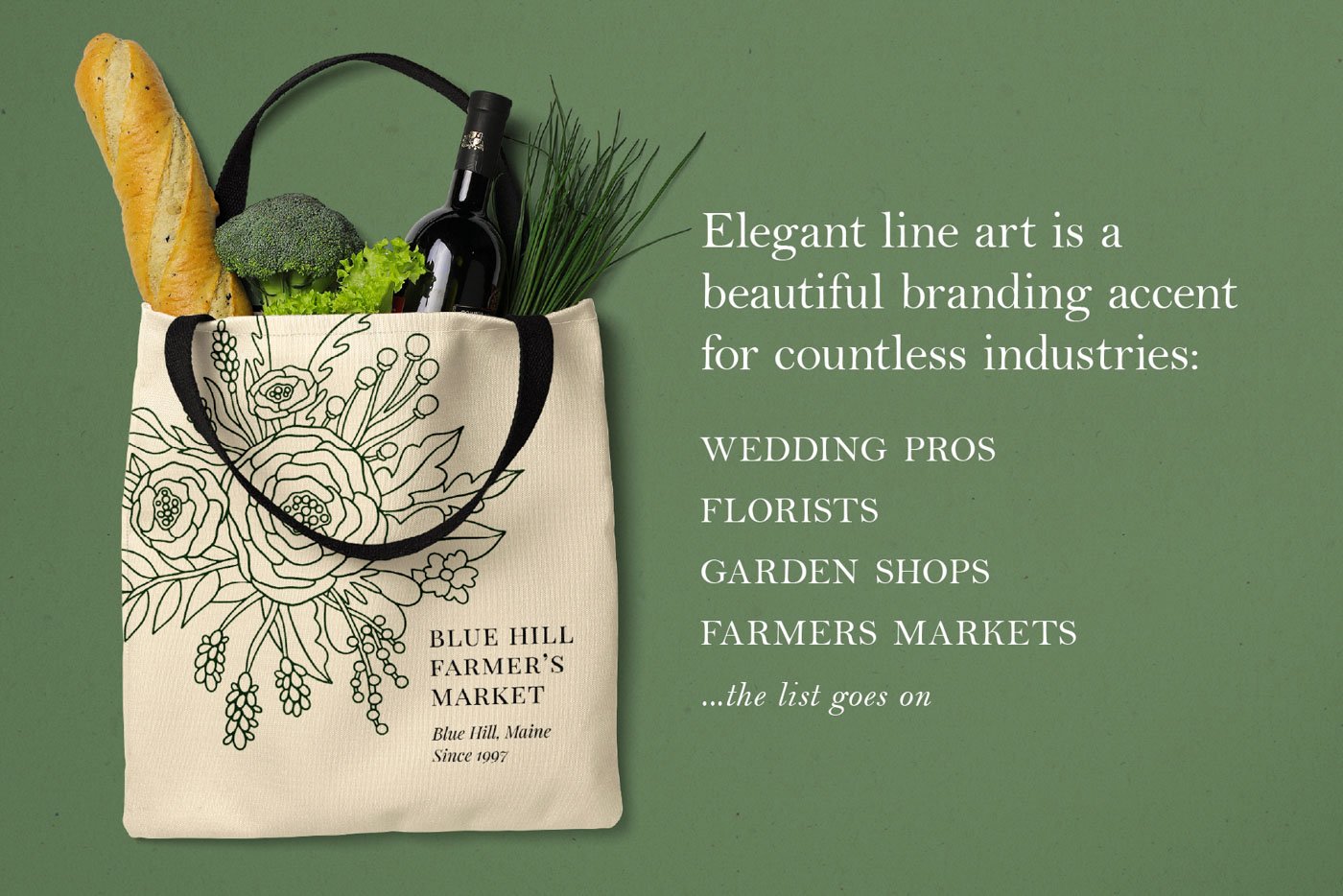 Image 8 of 10
 Image 9 of 10
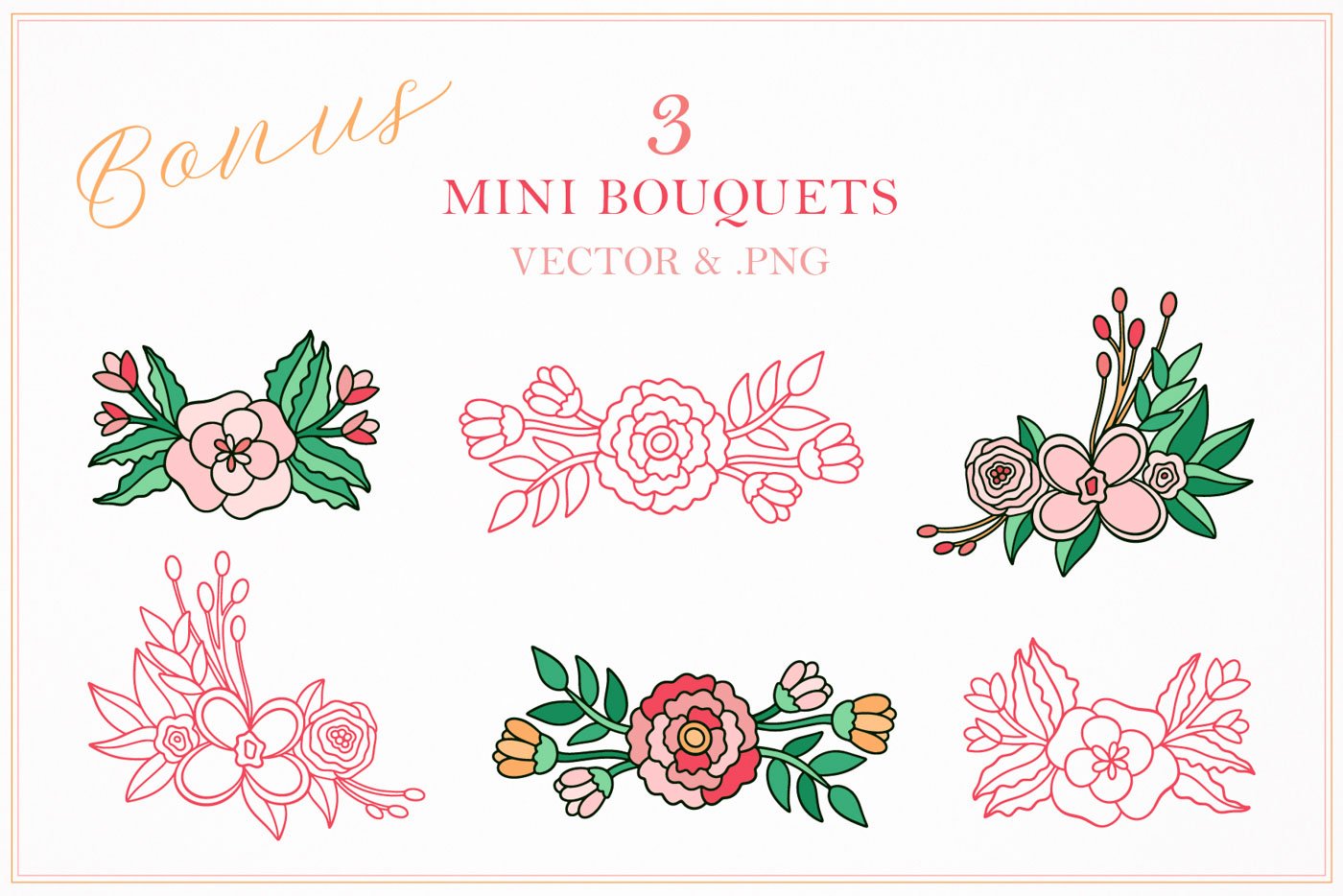 Image 10 of 10
Download and usage information:
-
This is a digital product. After purchase, you’ll receive a link to a small PDF on the Order Confirmation page and by email. Once you download that PDF, you’ll find a secure download link for all the product files inside. This link never expires, so you can use it to re-download your files whenever you need!
-
The PNG files work in any program that supports images. The vector files can be used in any design software: Canva, Adobe Illustrator, Photoshop, Procreate, Affinity Designer, Affinity Photo, and more.
-
Use these files freely in your personal and commercial projects, including client work and products you sell. However, you may not resell, redistribute, share, or transfer any of the original files included in this download.
-
Because this is a digital product, I don’t offer cancellations, refunds, or exchanges. But if something goes wrong with your download, please contact me—I’m happy to help.
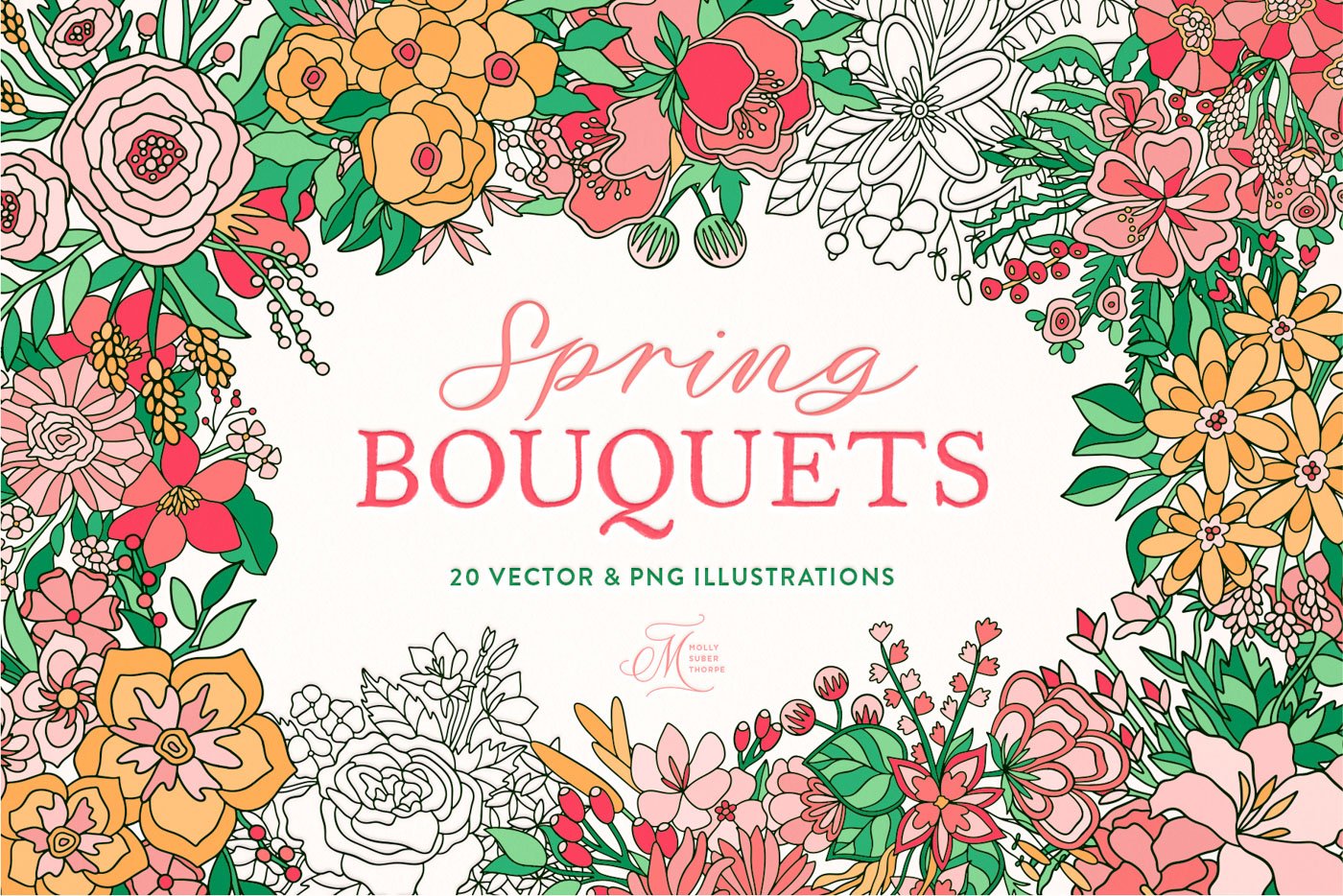
I drew these 20 floral arrangements and framed each one in a delicate border. They come in full color and simple line art—with and without frames—so you can use them however you like.
Each illustration is colored in a soft springtime palette of pinks and greens, but also comes as simple black-and-white line art. As a fun bonus, I’ve thrown in three mini bouquets, also in colored and outline styles.
Make beautiful cards, prints, and gifts. Every design is delivered as both a vector and a high-res transparent PNG, so they’re ideal for greeting cards, framed prints, wrapping paper, patterns, print-on-demand, or any Springtime, Mother’s Day, or Easter DIY project.
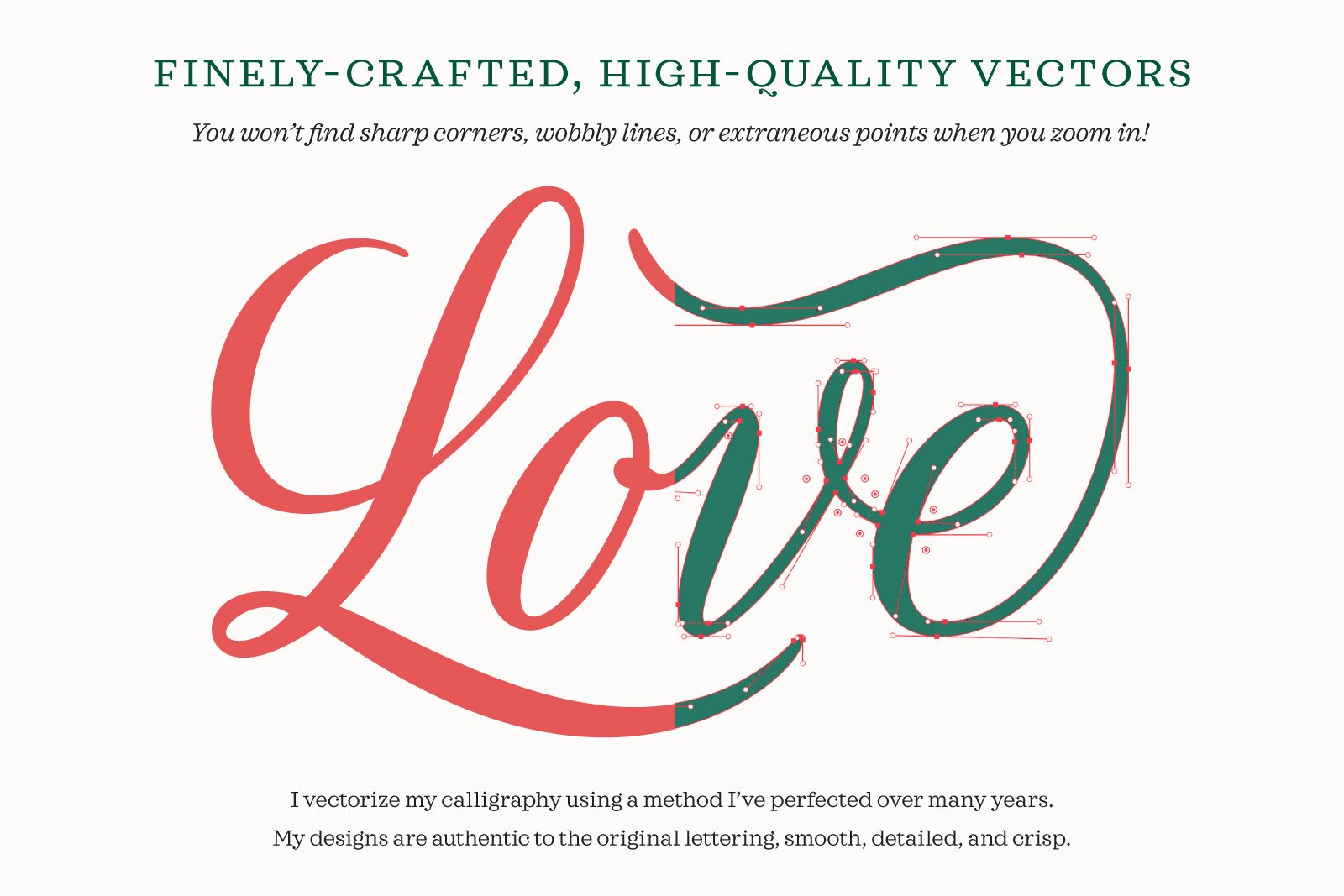
Meticulously vectorized. The flowers are smooth, detailed, and crisp at any size, with no sharp corners or wobbly lines when you zoom in. This makes them great for large-scale printing, letterpress, embossing, and other printing methods that require high-quality vector art.
What’s included:
20 floral bouquets in full color
20 floral bouquet in full color with frames
20 floral bouquets as B&W line art
20 floral bouquets as B&W line art with frames
Bonus: 3 mini bouquets, color and line art versions
File formats: Every element comes as a vector (.EPS individually and one .AI file with everything together) and a high-resolution transparent PNG (12 inches wide at 300 DPI).
PNG files: Each PNG has a transparent background and is print resolution (300 DPI) at 12 inches wide. These PNGs can be recolored, overlaid on photos, and scaled to be quite large, so you can make the most of this pack whether you have vector software or not.
EPS files: The vector files are infinitely scaleable without pixelation. Any program that supports vectors can read these files. Don’t have vector software? No problem. The .PNG files work in any program where you can import images. For the vector files, any vector-capable app will open the .EPS files, which you can then recolor, overlay on photos, and scale up.
Recoloring tip: Swatches are set globally in the Illustrator file, so you can adjust one swatch in the palette and it changes throughout the whole file.