Alice in Wonderland Cursive Handwriting Procreate Kit (Copy)

$12.00

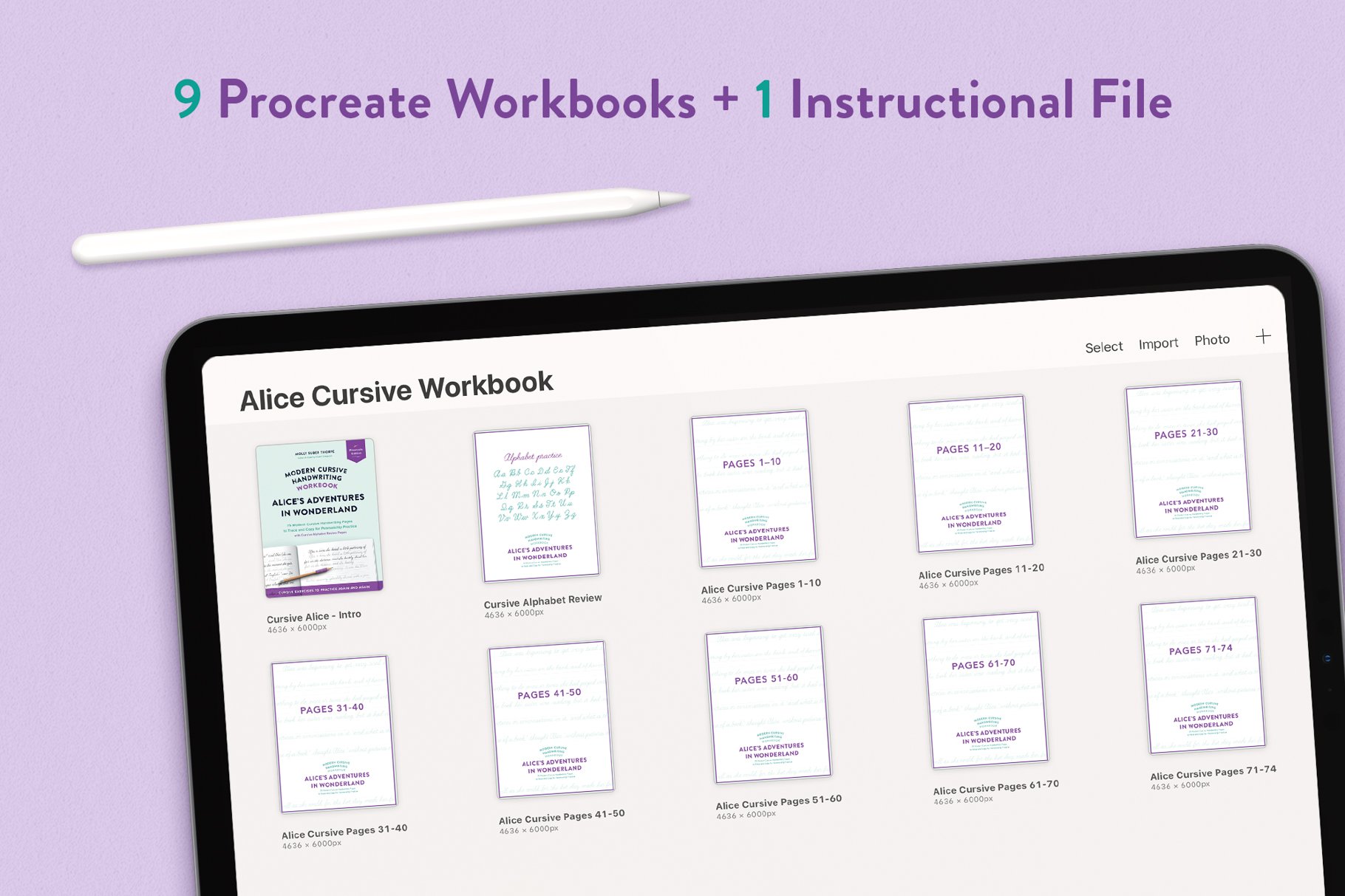
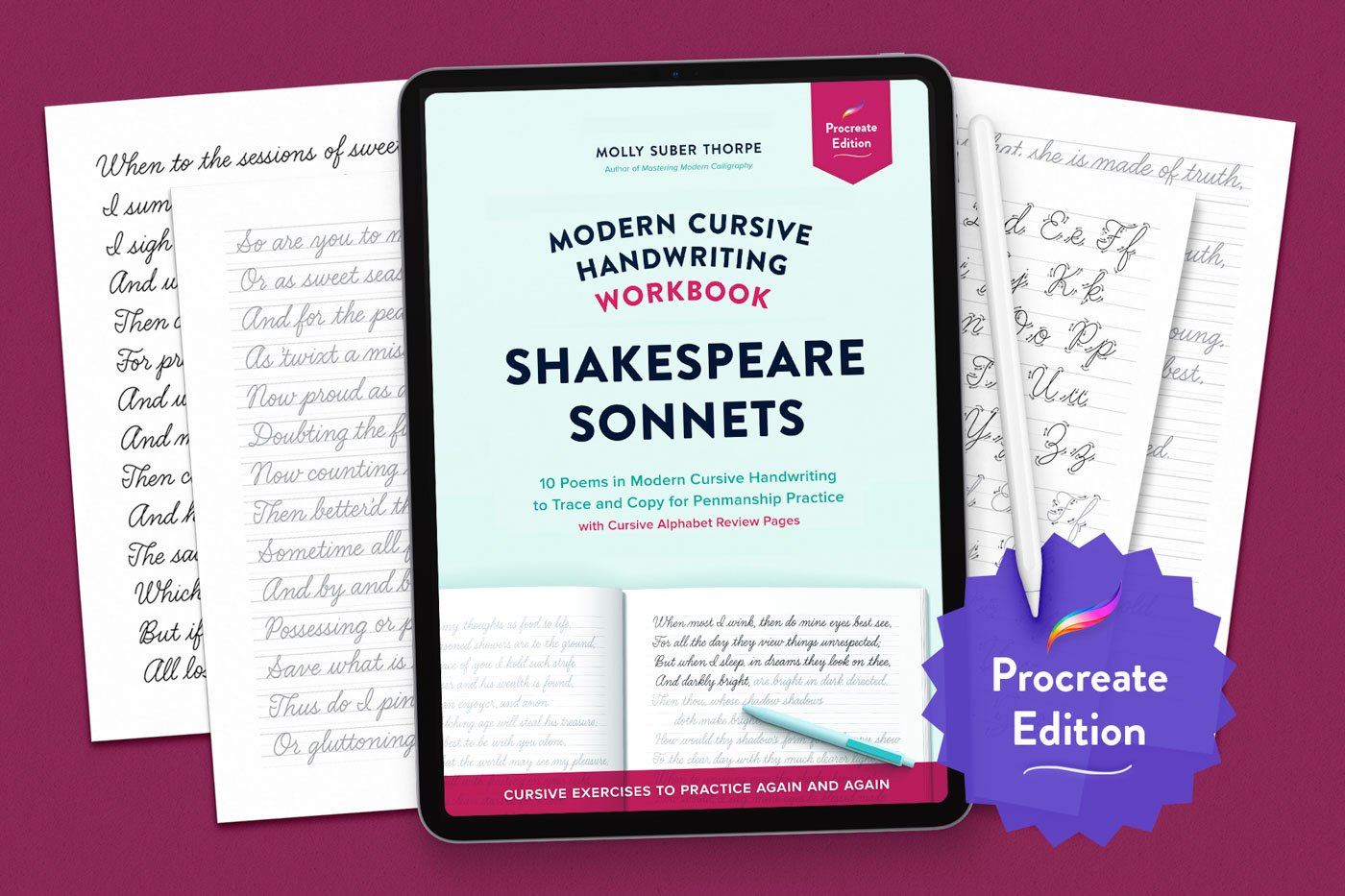
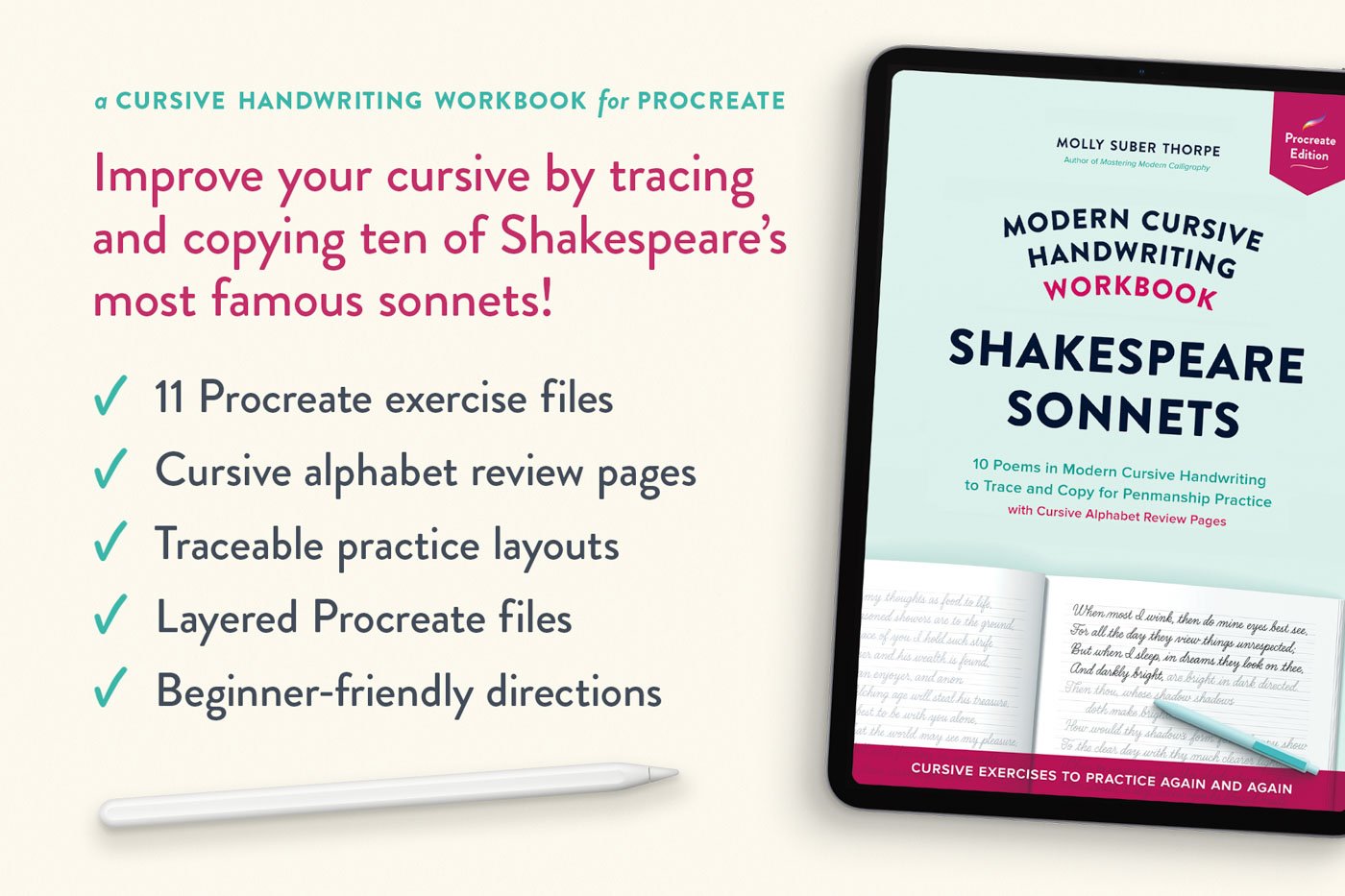
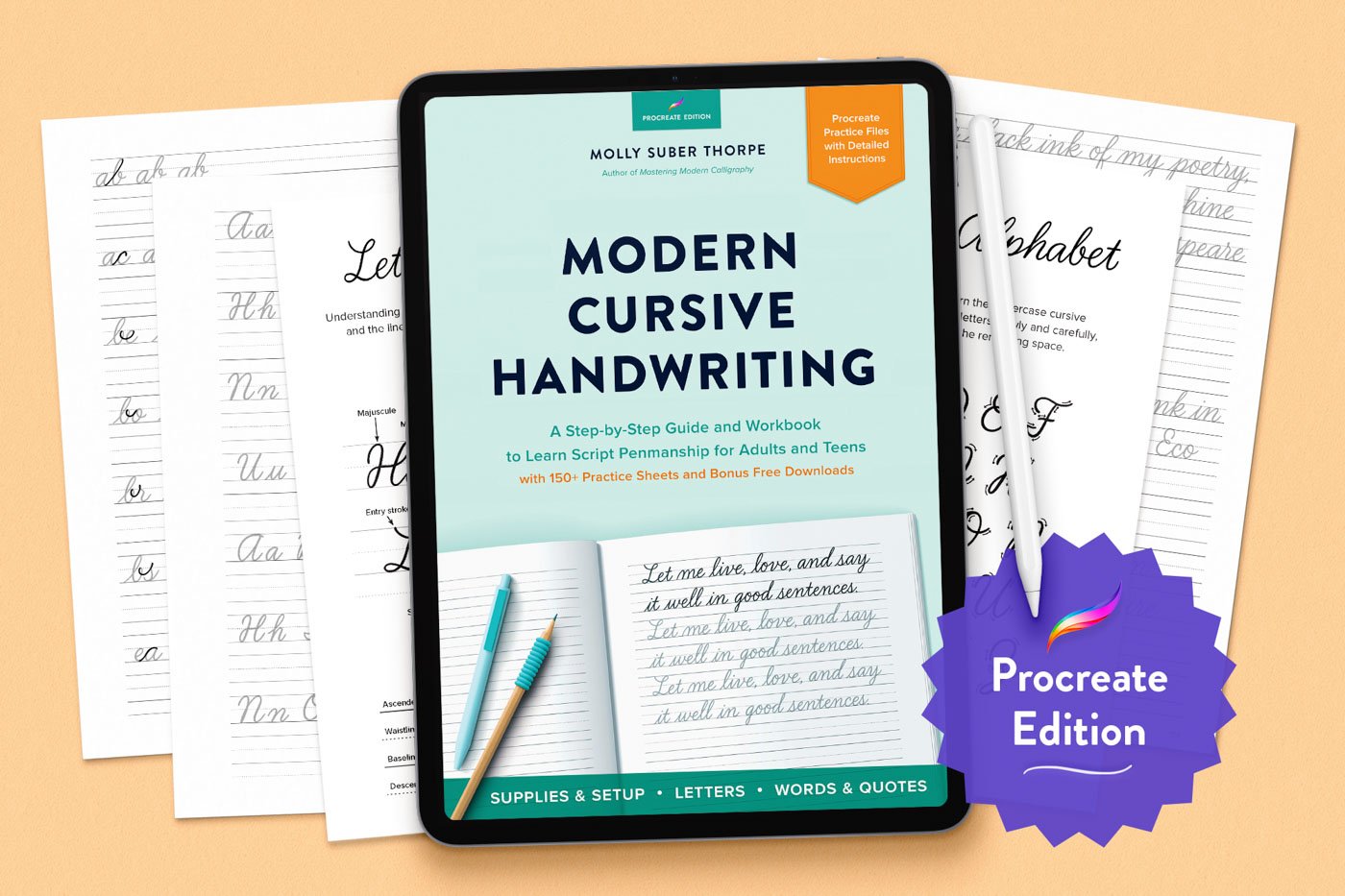
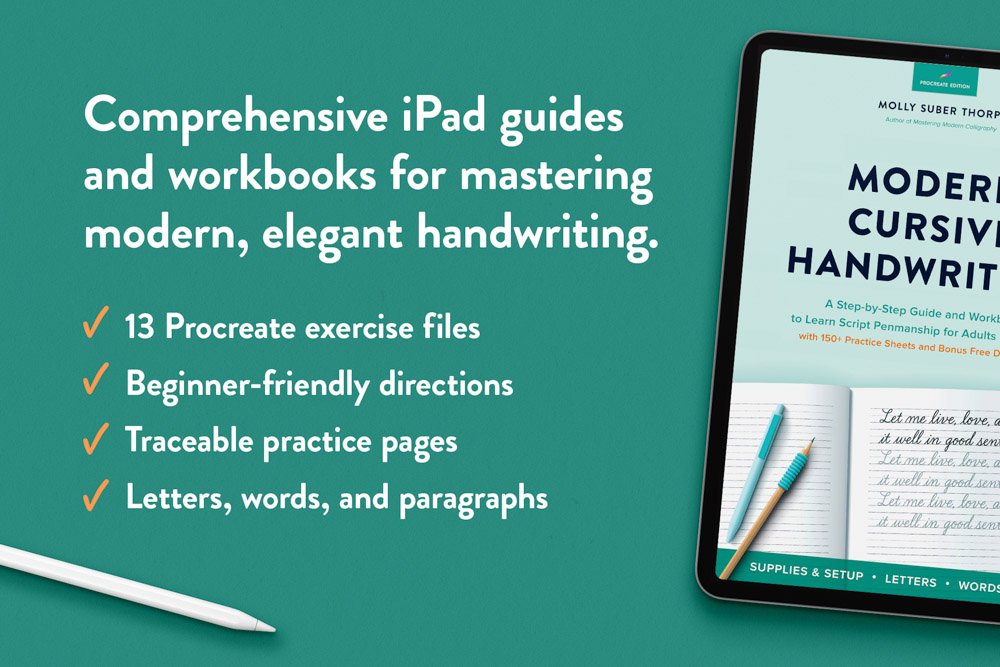
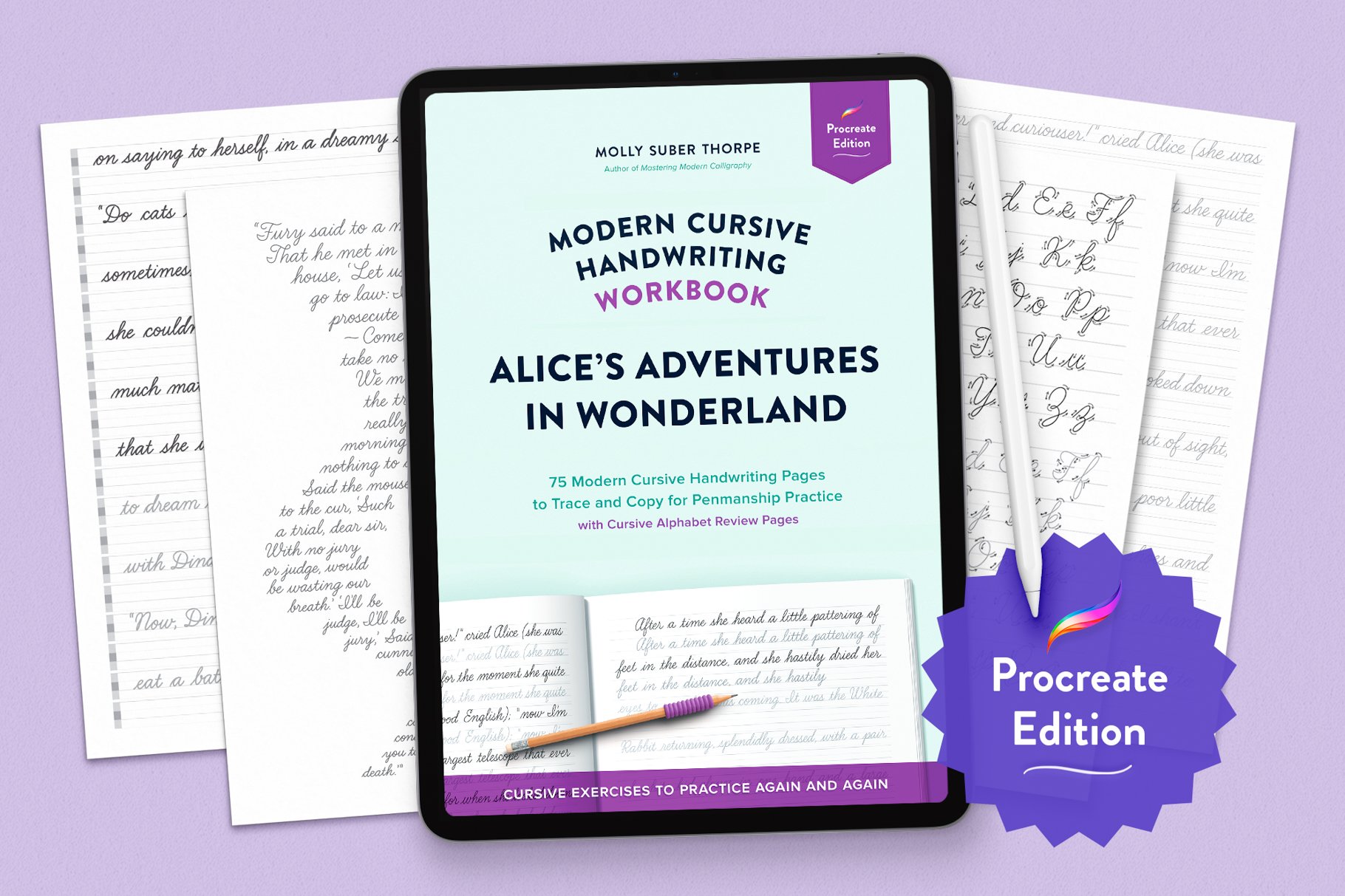
Practice cursive handwriting in Procreate—right on your iPad. Trace the first three chapters of Alice’s Adventures in Wonderland and get a full cursive alphabet review, all in a beautifully-structured digital handwriting workbook.

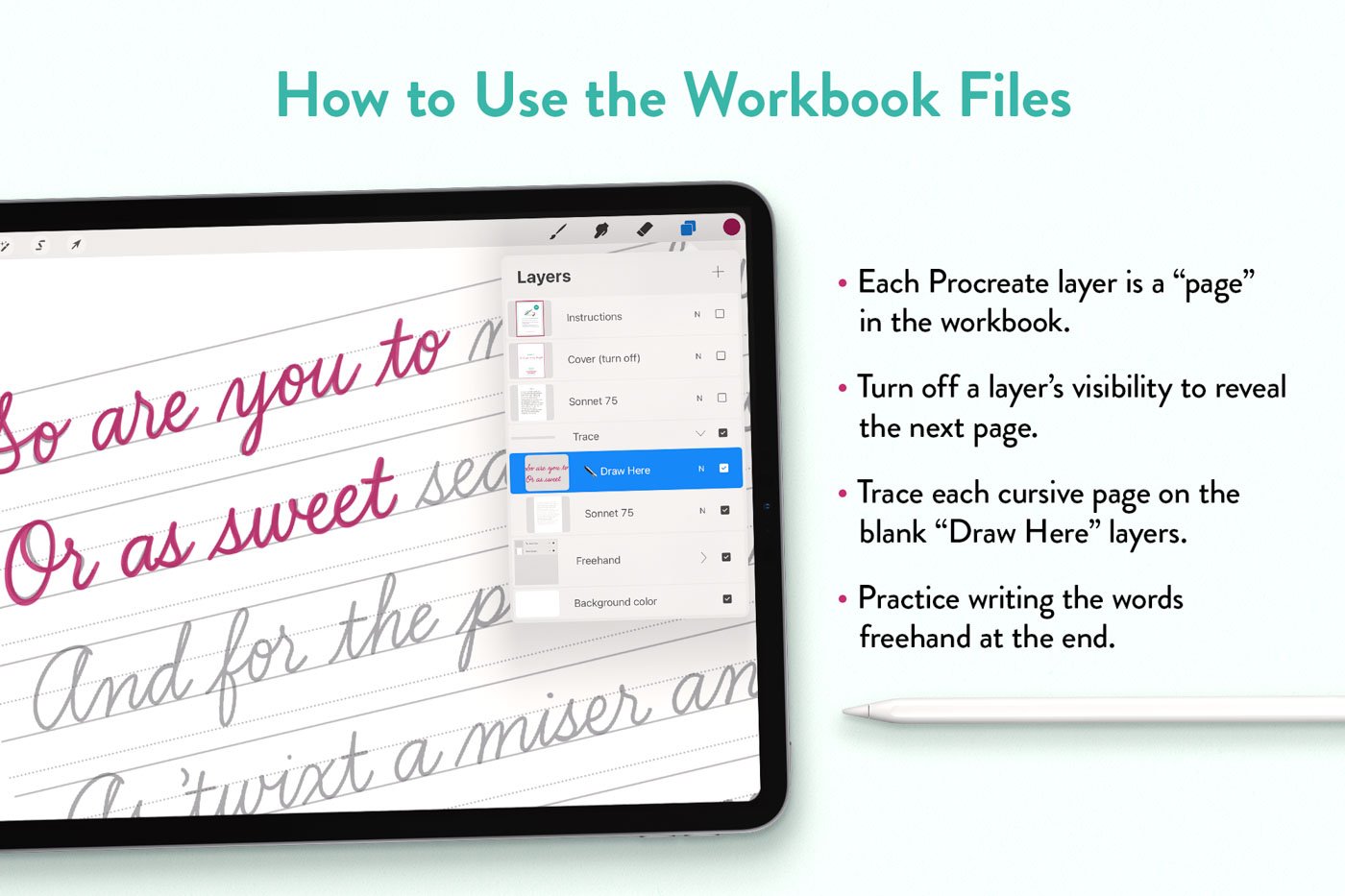
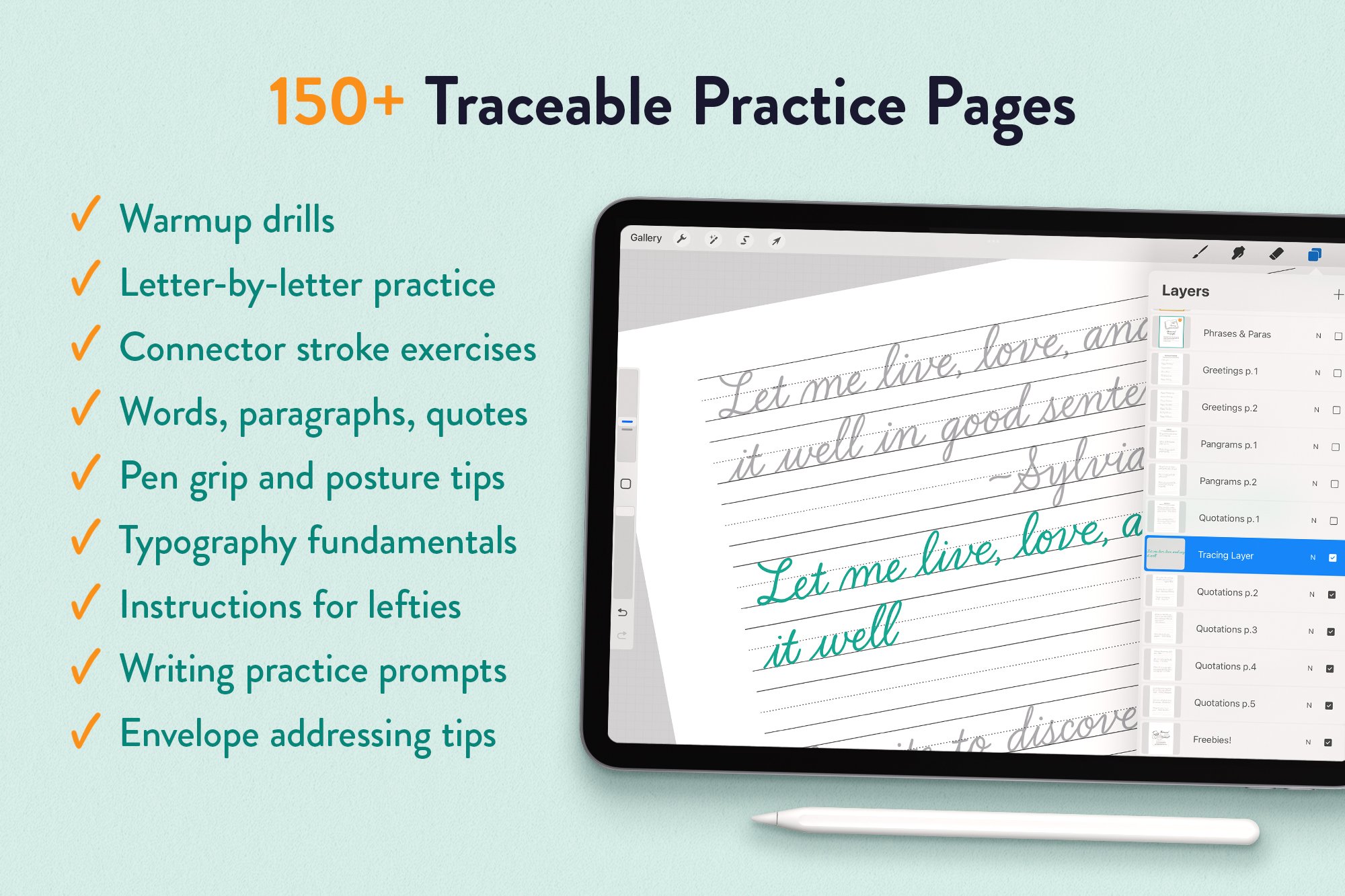
How it works: Trace each line, then write it again freehand in the blank guidelines underneath. Tracing can improve your hand lettering skills more quickly than freehand practice alone. (Plus, it’s so relaxing.) This method teaches:

  • letter shapes and stroke order,

  • natural letter connections,

  • confident, consistent handwriting.

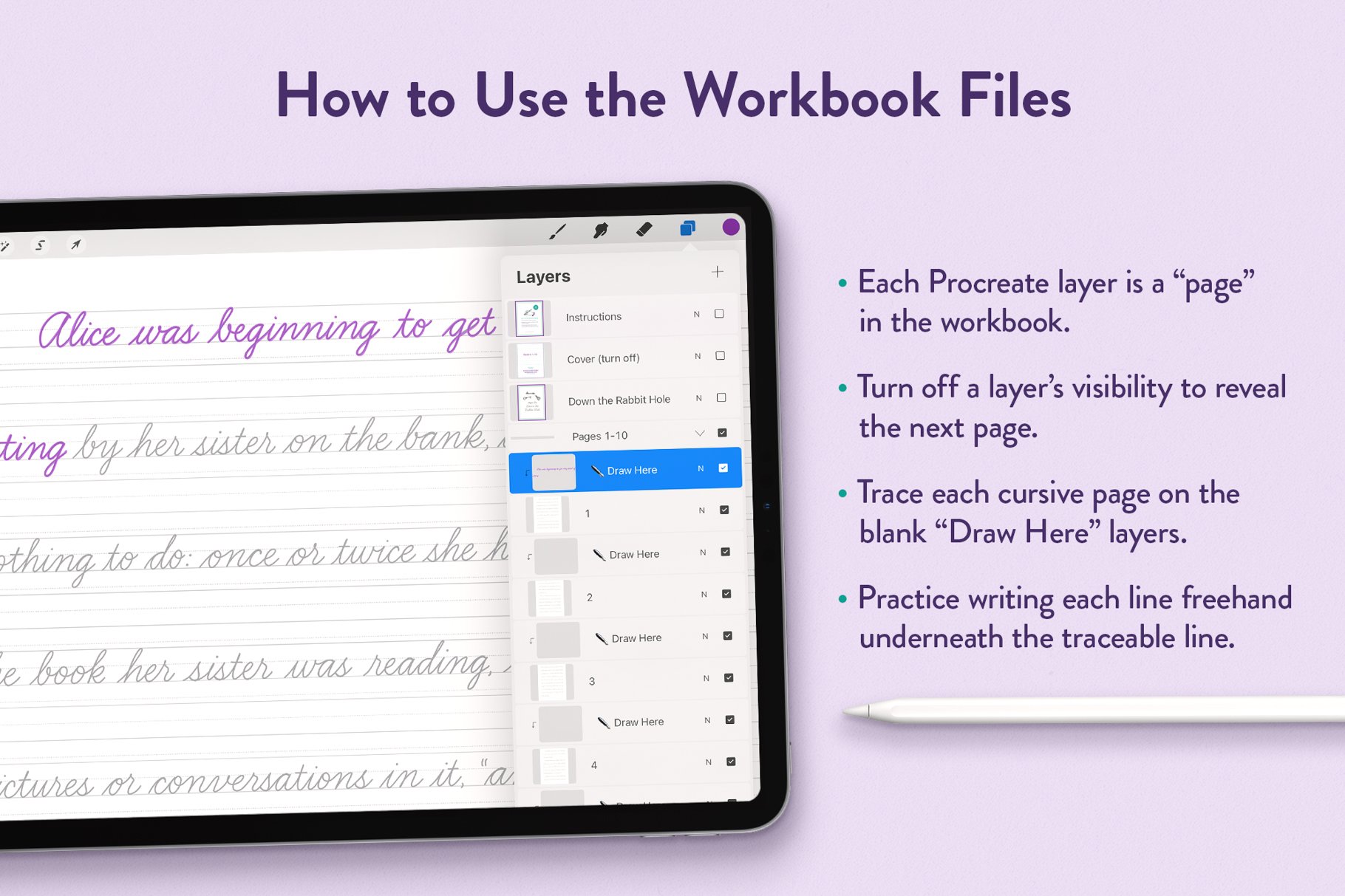
How to use a Procreate workbook: A Procreate workbook is like a digital stack of traceable pages. Each “page” is a layer in the file. Just turn off a layer’s visibility to move to the next one. I’ve handled the set-up so that you can simply open any of the exercise files and start writing. (If this is all new to you, there’s an instructional guide included—and you can always contact me with questions.)

Use any Procreate brush you like. Those with a relatively monoline stroke—where the thickness won’t change much if you exert more or less pressure—will give you the most realistic pen-on-paper feel.

What’s included:

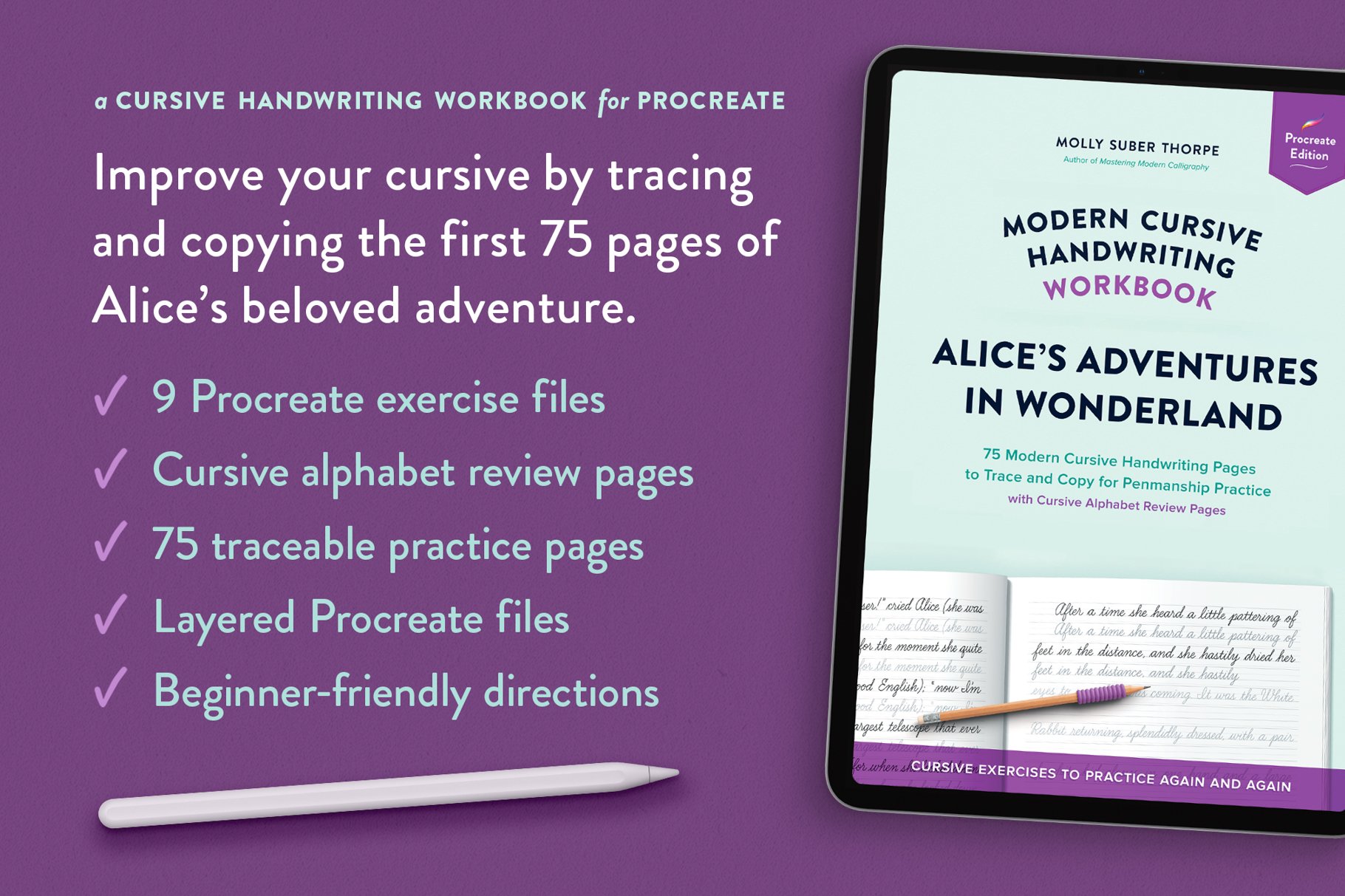
  • 9 exercise files with a total of 75 traceable pages (.procreate)

  • 1 cursive alphabet practice file (.procreate)

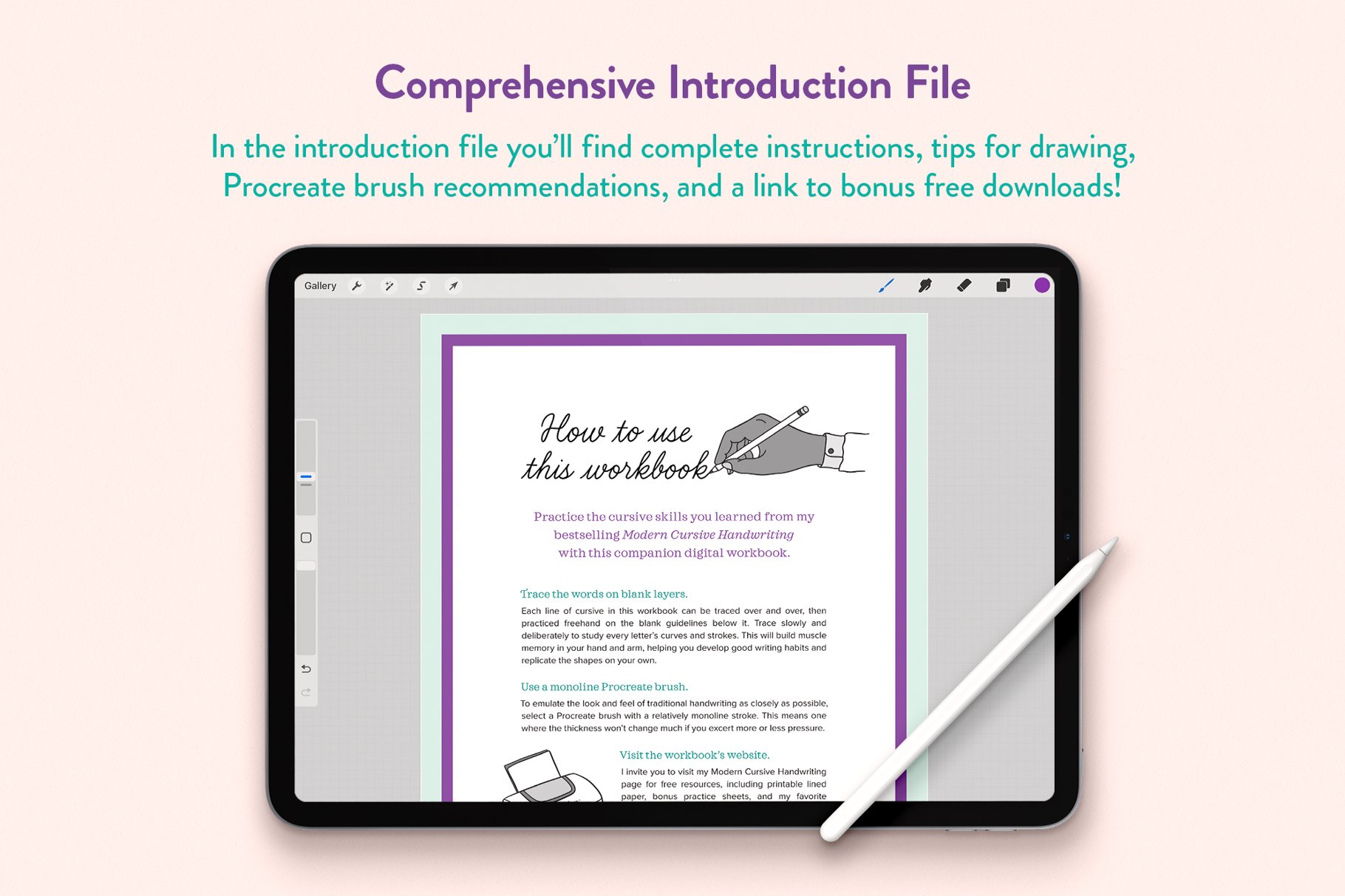
  • 1 introduction file (.procreate)

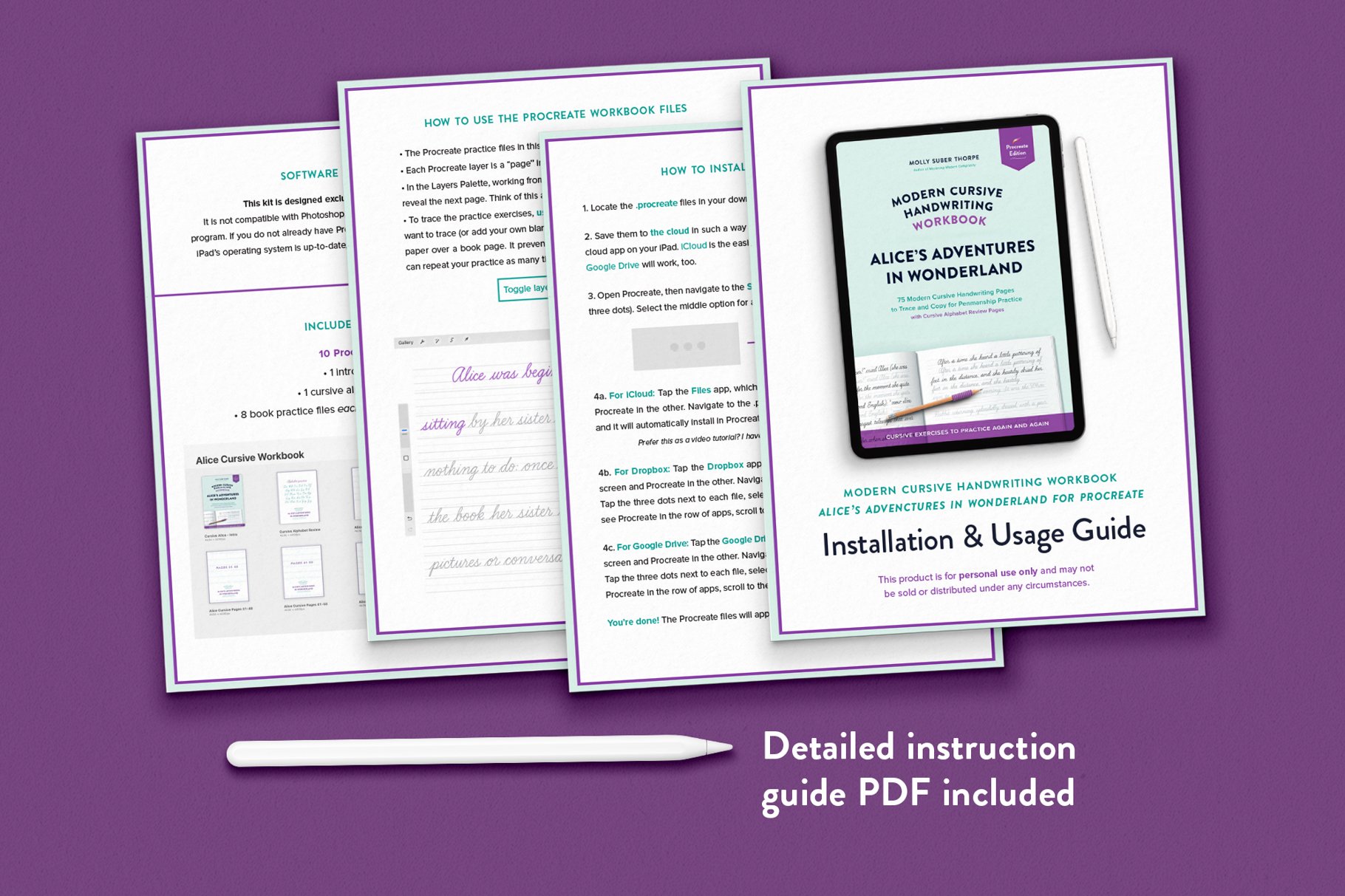
  • Beginner-friendly installation and usage instructions (.PDF)

Practice cursive handwriting in Procreate—right on your iPad. Trace the first three chapters of Alice’s Adventures in Wonderland and get a full cursive alphabet review, all in a beautifully-structured digital handwriting workbook.

How it works: Trace each line, then write it again freehand in the blank guidelines underneath. Tracing can improve your hand lettering skills more quickly than freehand practice alone. (Plus, it’s so relaxing.) This method teaches:

  • letter shapes and stroke order,

  • natural letter connections,

  • confident, consistent handwriting.

How to use a Procreate workbook: A Procreate workbook is like a digital stack of traceable pages. Each “page” is a layer in the file. Just turn off a layer’s visibility to move to the next one. I’ve handled the set-up so that you can simply open any of the exercise files and start writing. (If this is all new to you, there’s an instructional guide included—and you can always contact me with questions.)

Use any Procreate brush you like. Those with a relatively monoline stroke—where the thickness won’t change much if you exert more or less pressure—will give you the most realistic pen-on-paper feel.

What’s included:

  • 9 exercise files with a total of 75 traceable pages (.procreate)

  • 1 cursive alphabet practice file (.procreate)

  • 1 introduction file (.procreate)

  • Beginner-friendly installation and usage instructions (.PDF)


Download & Usage Information

  • This is a digital product. You’ll get instant access to a zipped folder of files right after purchase. You can download it from the Order Confirmation page, and you’ll also get an email with the link.

  • Software: This is designed for Procreate 5 or later. It’s not compatible with Photoshop, Illustrator, Affinity, or other apps.

    Hardware: An iPad is required to use this workbook, and an Apple Pencil is highly recommended to make the most of it.

  • For personal use only.

  • Because this is a digital product, I don’t offer cancellations, refunds, or exchanges. But if something goes wrong with your download, please contact me—I’m happy to help.


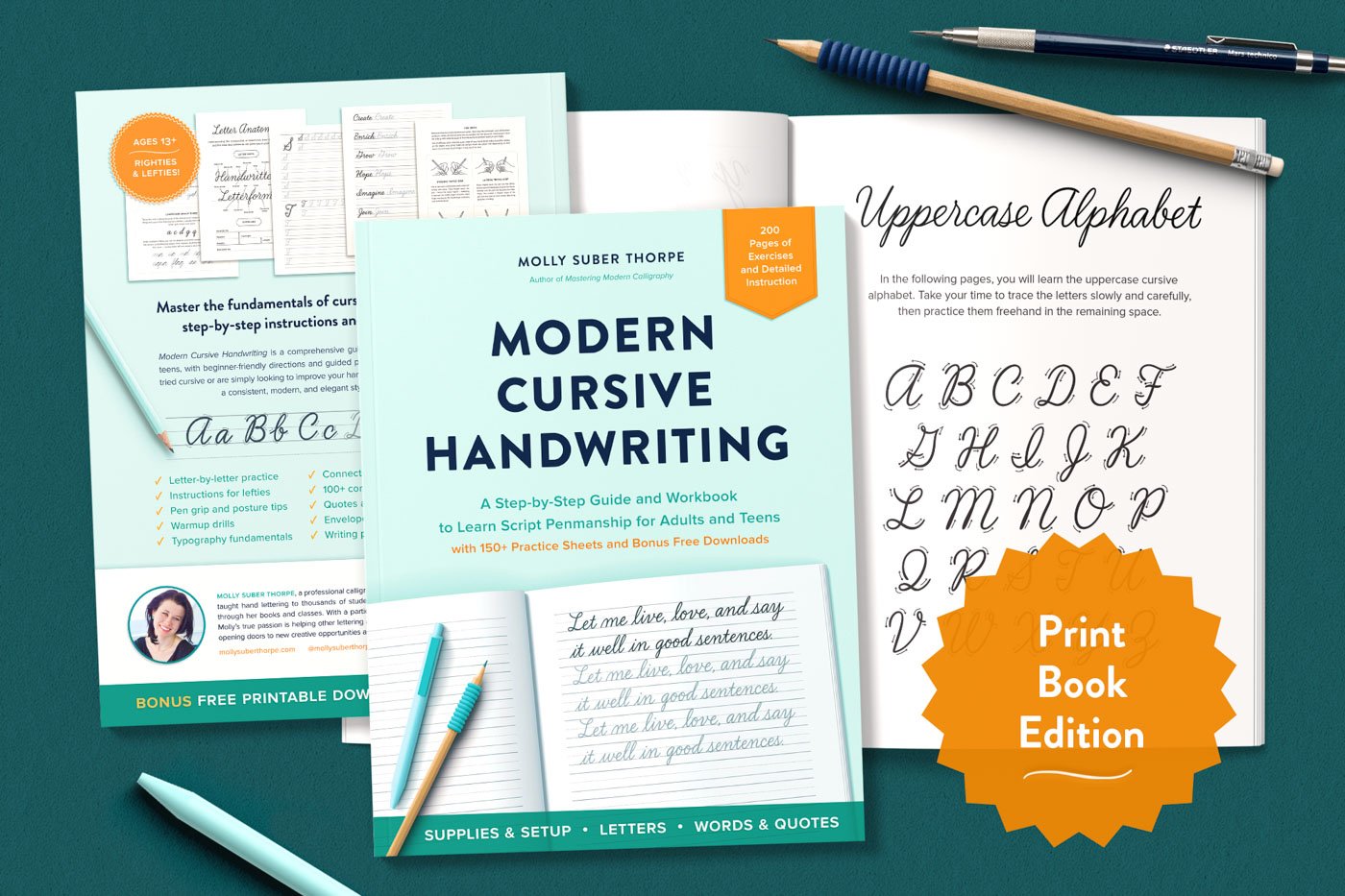
Prefer paper? This is the digital edition of my analog workbook. You can get the print edition here.