Night Before Christmas Card Tutorial
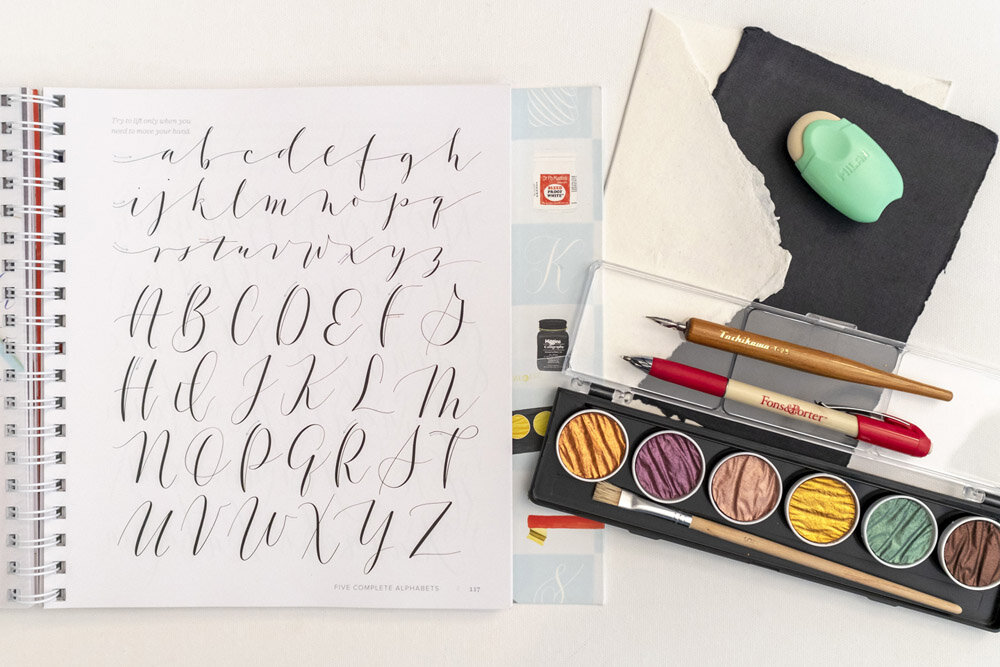
When Lindsay from The Postman’s Knock approached me about creating a guest post for a Christmas card tutorial, I was immediately inspired. Lindsay requested a design that utilized both FineTec metallic watercolor, and any lettering style from my new book, Mastering Modern Calligraphy. Besides that, I had carte blanche to make any design I wanted.

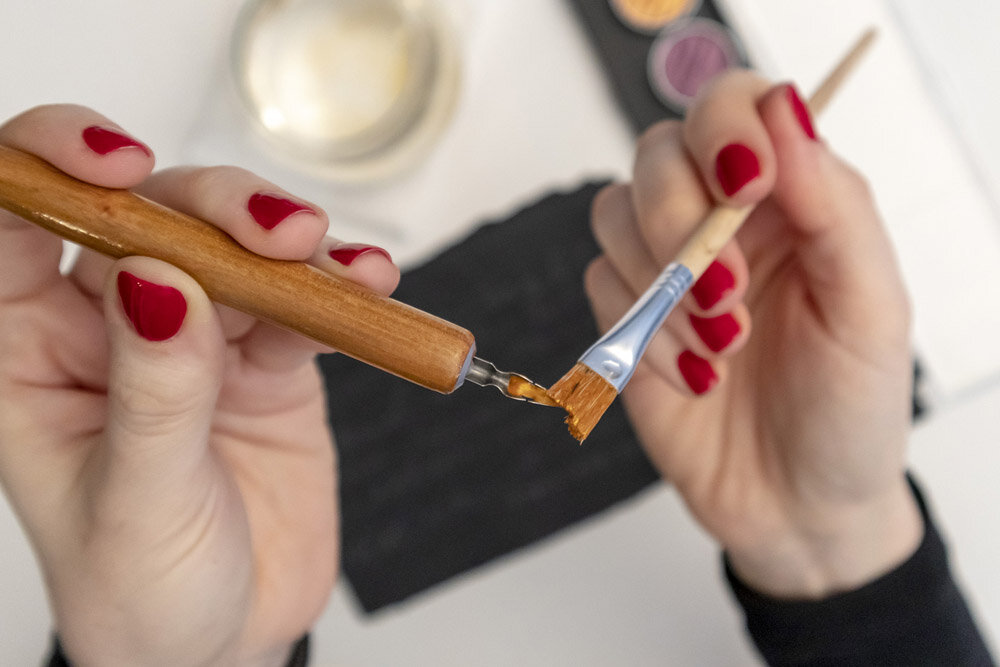
After lots of experimenting, I ultimately decided to combine the gorgeous Finetec gold watercolor with the Nautica lettering style from my book, and luscious, handmade, black cotton paper from Indian Cotton Paper Co. For the envelope, I also used Indian Cotton Paper, but in a contrasting ivory color, and also accented it with the gold paint. I highly recommend both that paint and paper—two of my favorite supplies!—but the combination was truly jaw-dropping.
The end result was a card design that could be used for any occasion. I can imagine making birthday messages and party invitations using these same techniques, and will definitely be trying it in a different color combination.
If you want to follow along with this fun tutorial, head over to the full tutorial at The Postman’s Knock.




If you found this post useful, consider sharing it. That’s the best, free way to support artists and authors you appreciate. You could also buy me a coffee, if you wish.