 Image 1 of 6
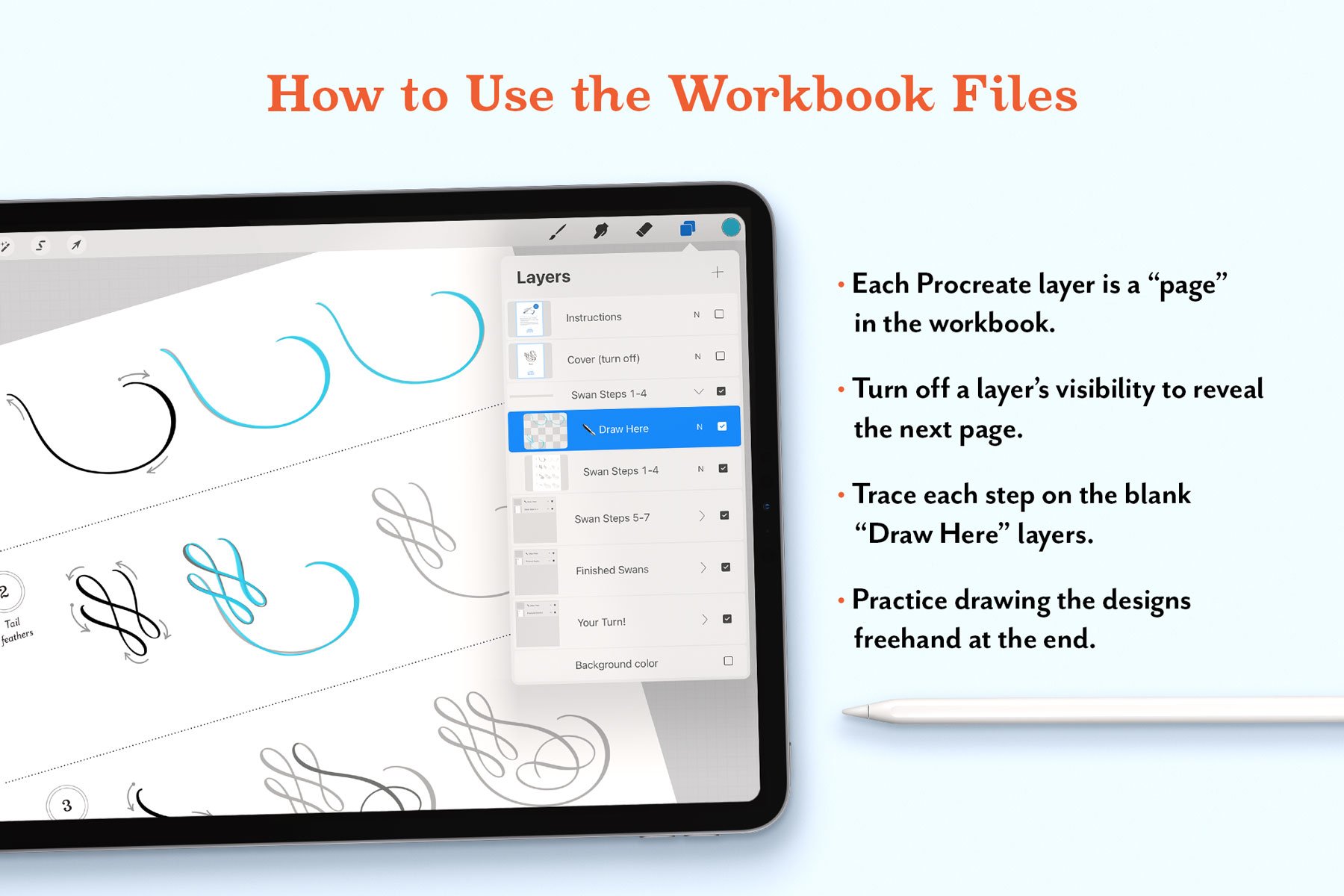 Image 2 of 6
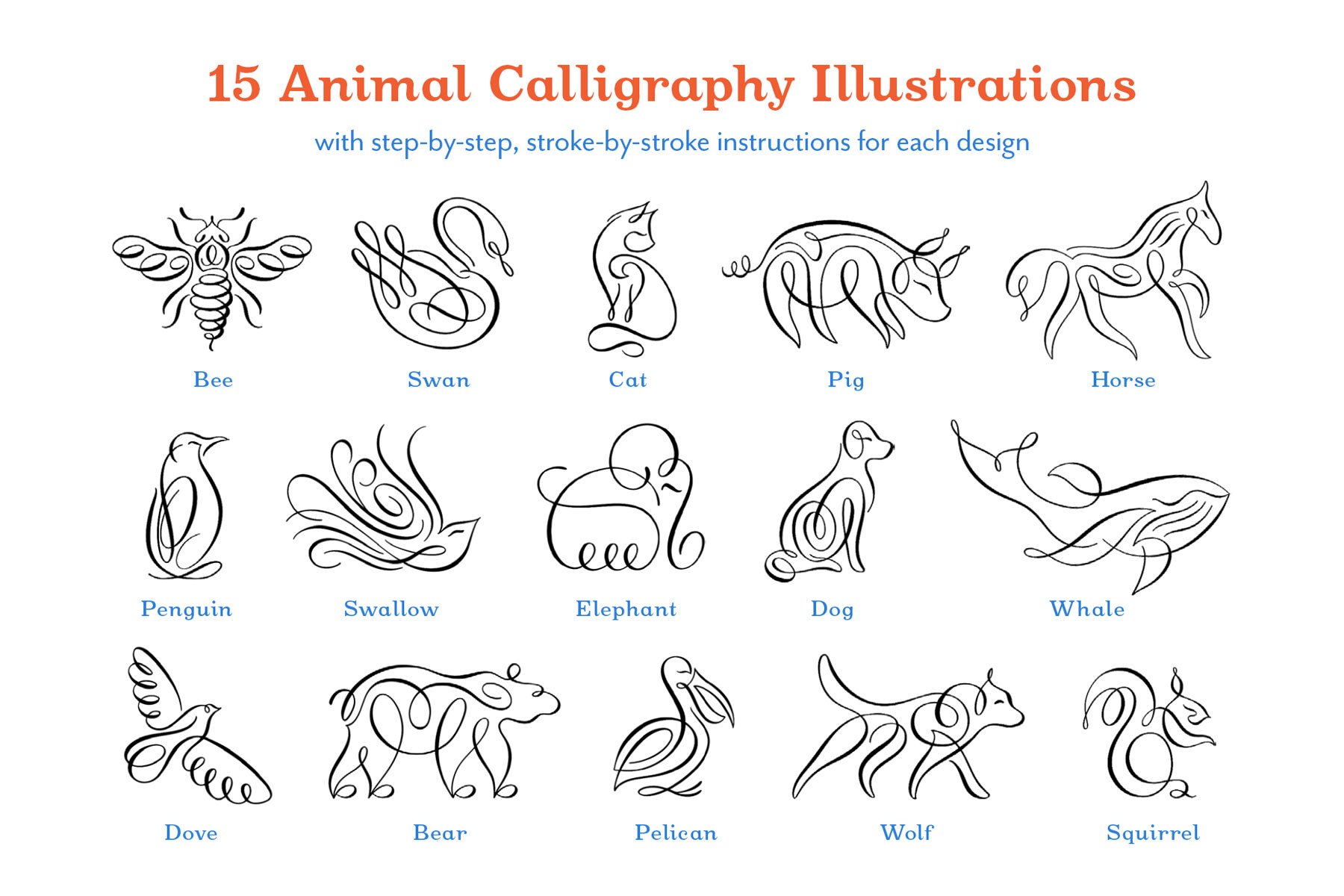 Image 3 of 6
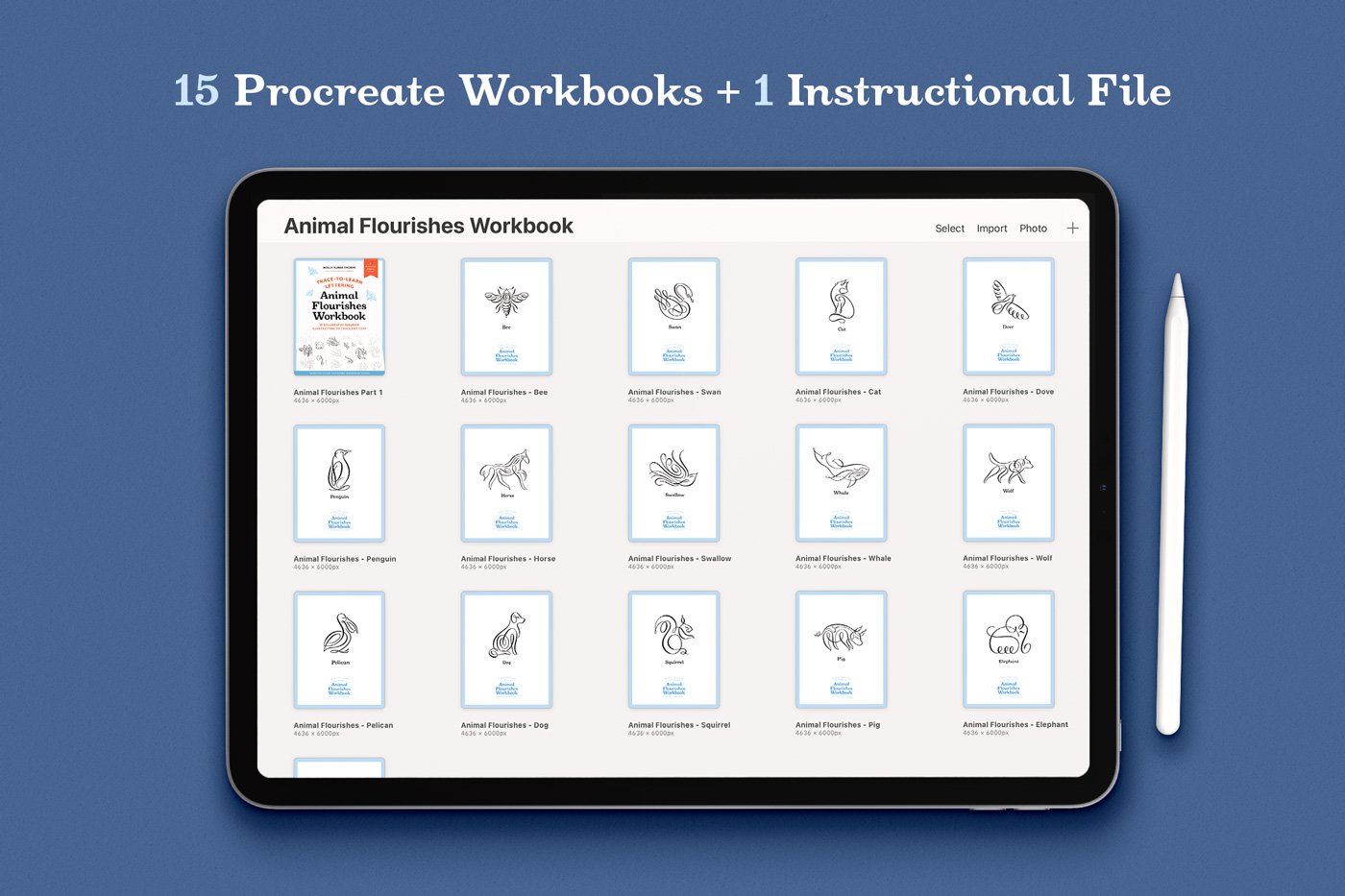 Image 4 of 6
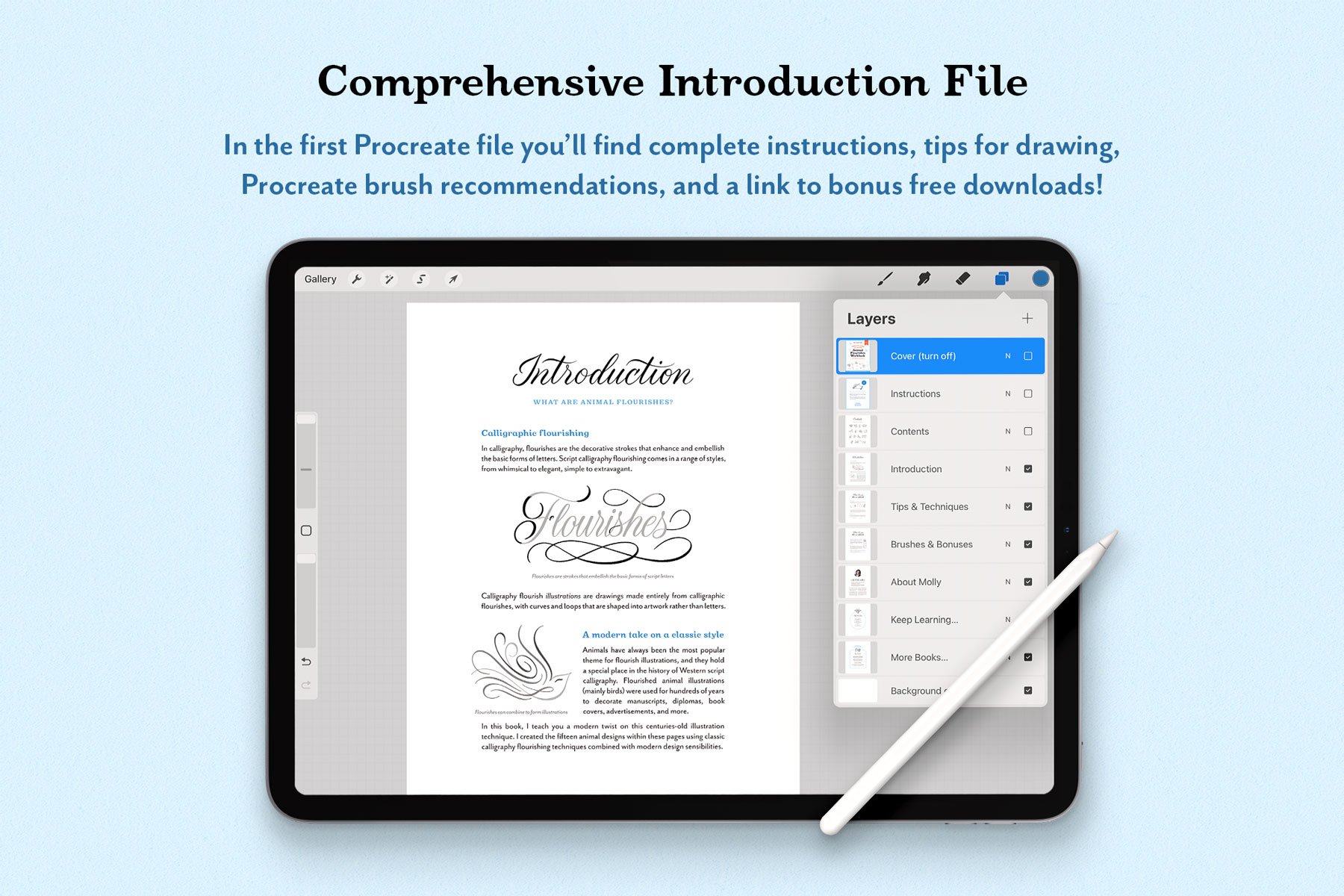 Image 5 of 6
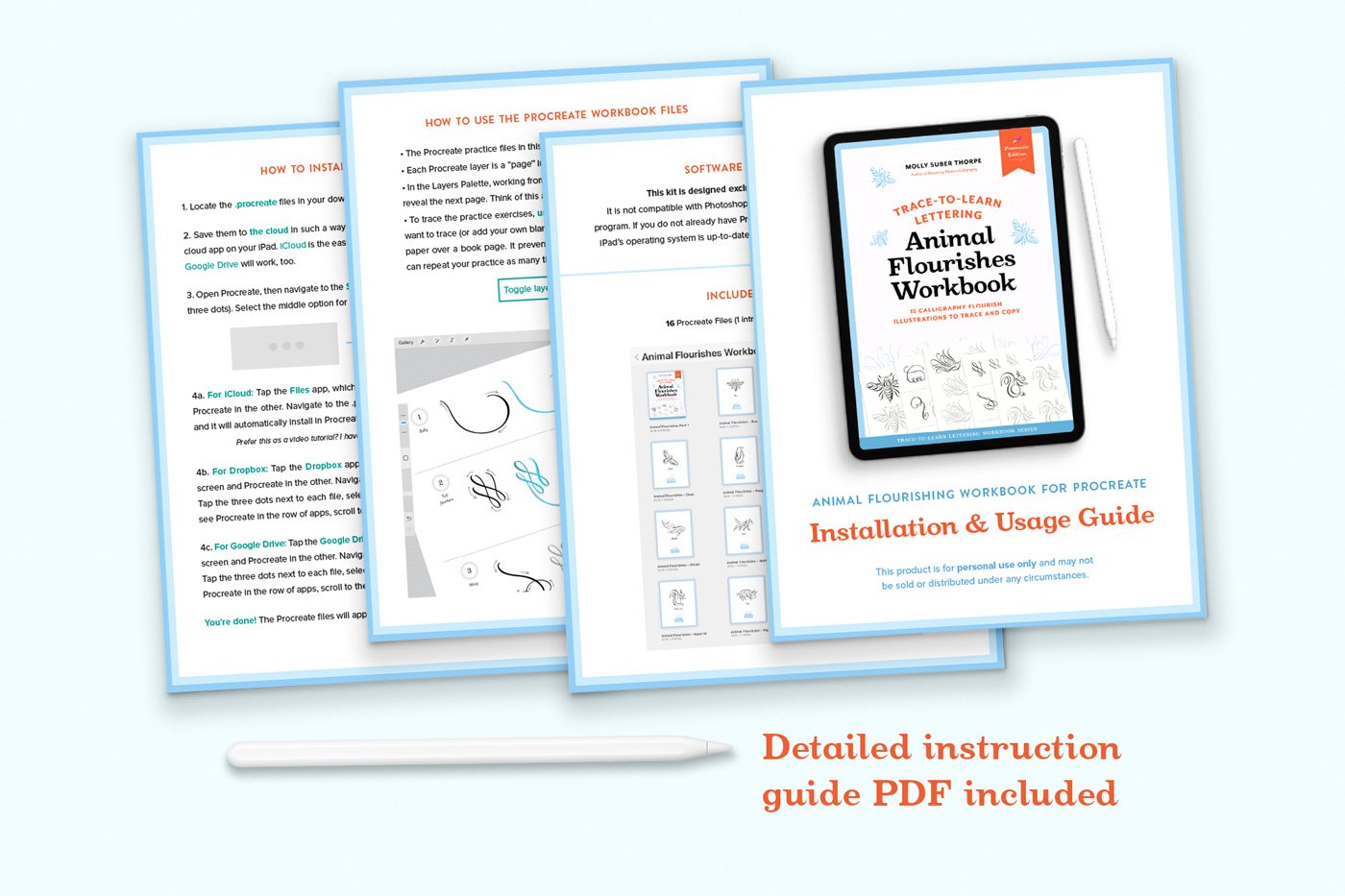 Image 6 of 6
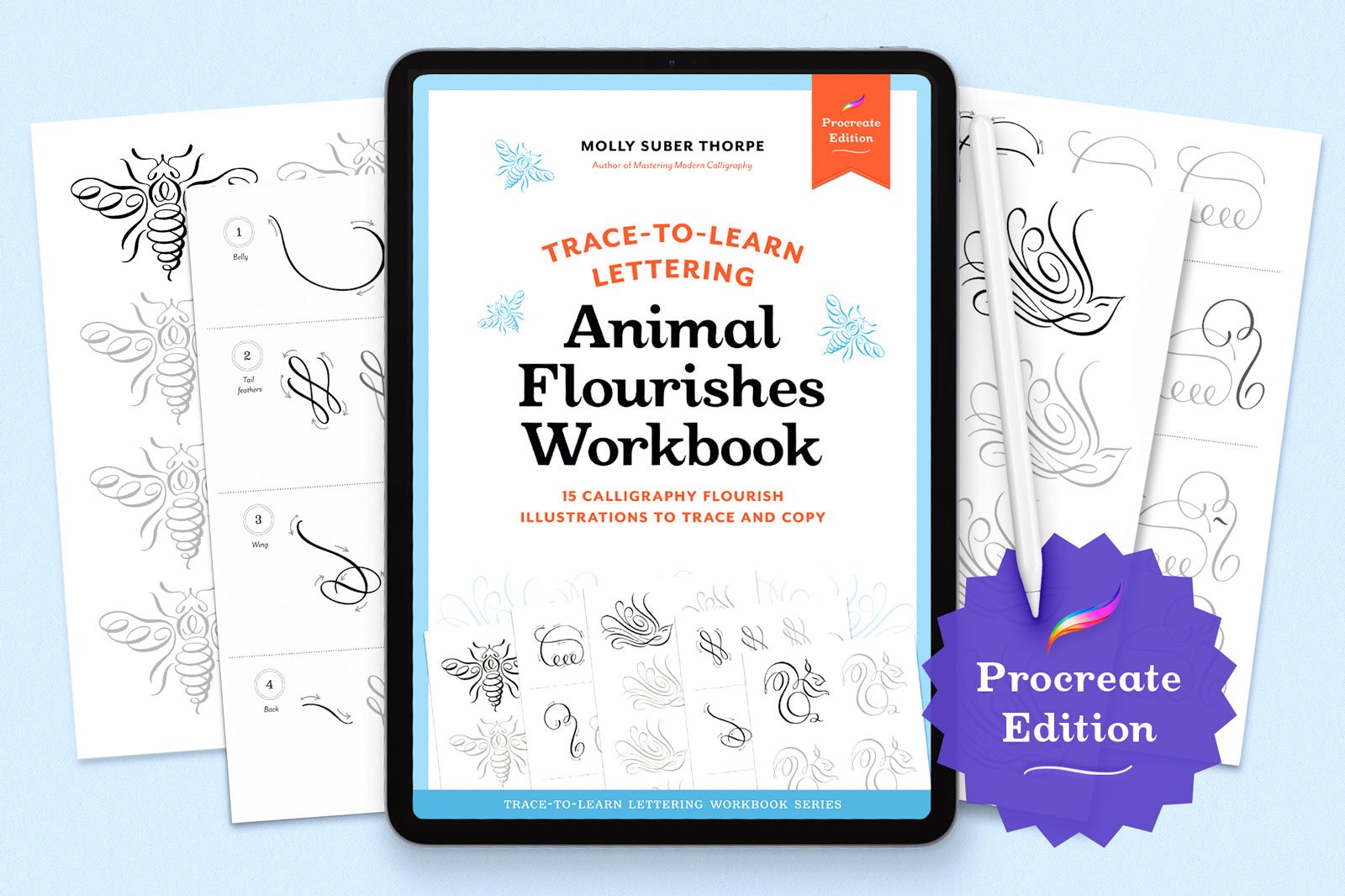
Animal Flourishes Workbook for Procreate

One stroke at a time. Each animal flourish is broken down into simple steps. The arrows accompanying each stroke show you where to begin and in which direction to draw.
Download and usage information:
-
This is a digital product. After purchase, you’ll receive a link to a small PDF on the Order Confirmation page and by email. Once you download that PDF, you’ll find a secure download link for all the product files inside. This link never expires, so you can use it to re-download your files whenever you need!
-
Software: This is designed for Procreate 5 or later. It’s not compatible with Photoshop, Illustrator, Affinity, or other apps.
Hardware: An iPad is required to use this workbook, and an Apple Pencil is highly recommended to make the most of it.
-
For personal use only.
-
Because this is a digital product, I don’t offer cancellations, refunds, or exchanges. But if something goes wrong with your download, please contact me—I’m happy to help.
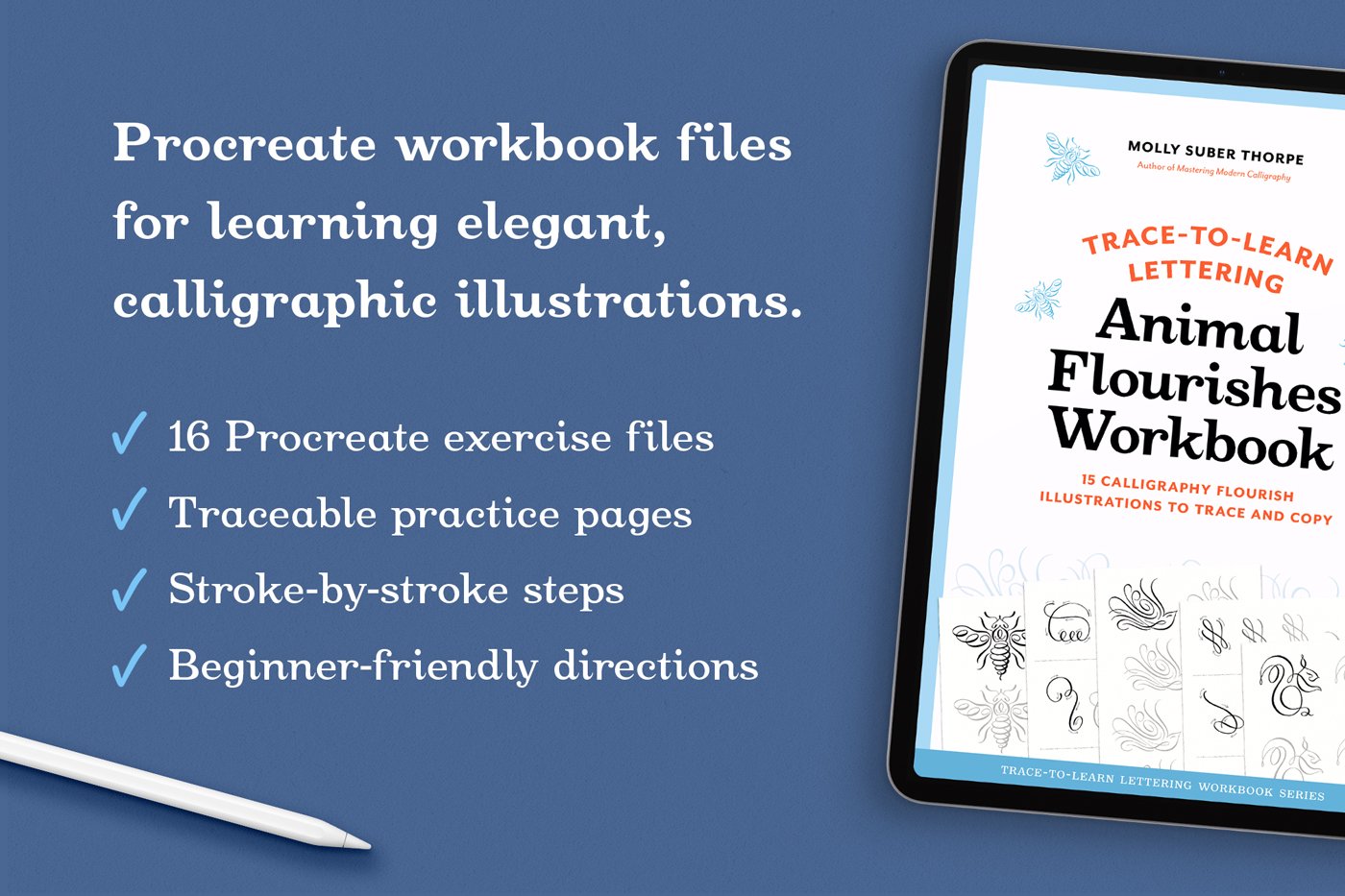
Learn to draw 15 animal flourish illustrations in Procreate, one stroke at a time. Practice iPad calligraphy illustration with traceable files that teach you proper stroke order and technique.
Flourish illustrations are drawings made entirely from calligraphy strokes, with curves and loops that are shaped into artwork rather than letters.
Each animal in this workbook is broken down stroke by stroke, with directional arrows showing you exactly how to draw it. Trace each stroke in the correct order, following the numbered guides and arrows. The animals can be traced again and again by drawing on blank layers above the artwork layers. Tracing is an excellent way to learn shapes and pen strokes. It can improve your illustration skills more quickly than freehand practice alone. (Plus, it’s so much fun!)
How to use this Procreate workbook: A Procreate workbook is like a digital stack of traceable pages. Each “page” is a layer in the file. Just turn off a layer’s visibility to move to the next one. I’ve handled the set-up so that you can simply open any of the files and start drawing. (If this is all new to you, there’s an instructional guide included—and you can always contact me with questions.)
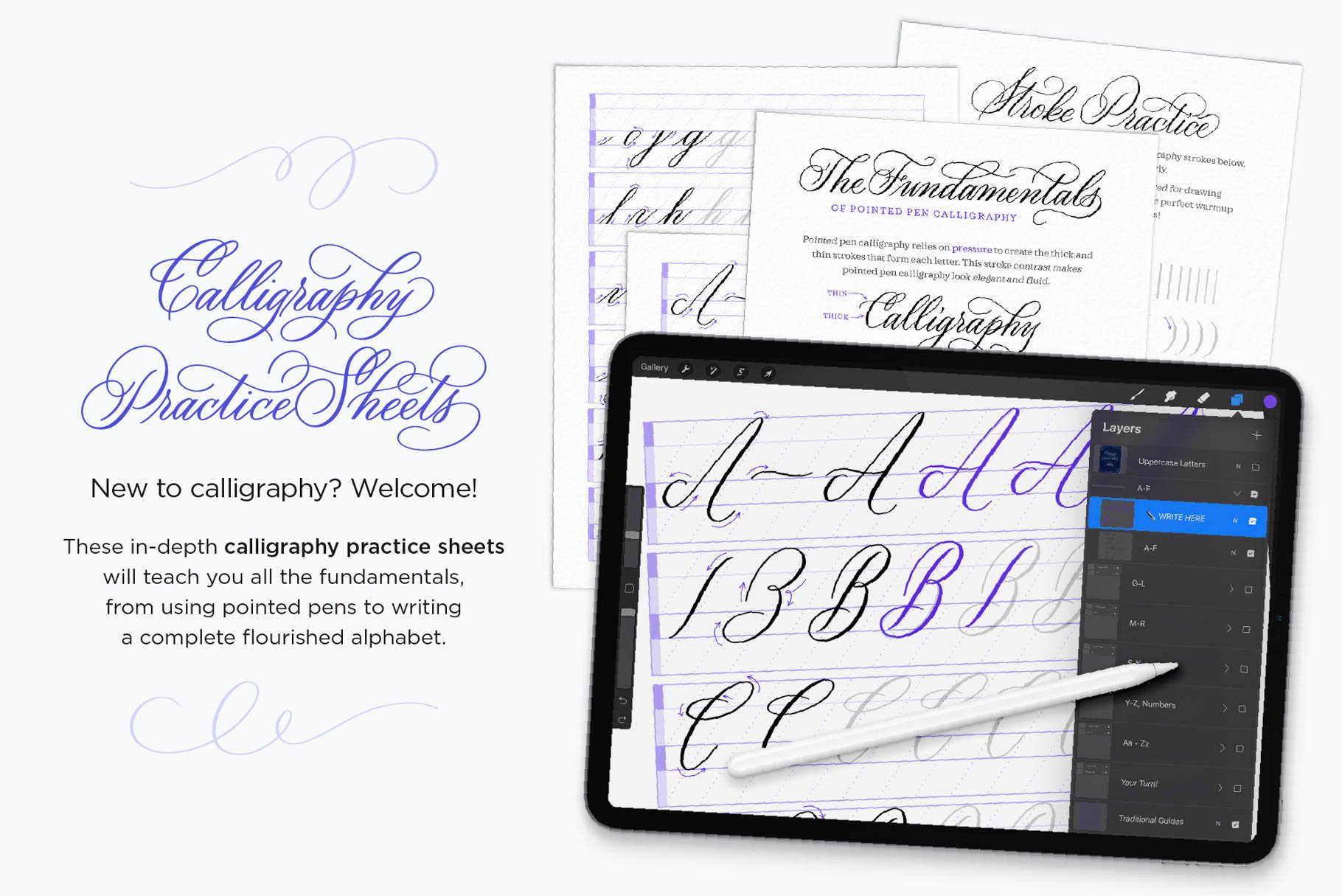
Use any Procreate brush. Select a Procreate brush with good pressure sensitivity that can draw fine lines with light pressure and thicker lines as you press harder, such as a Procreate calligraphy brush (an Apple Pencil is required).
What’s included:
16 Procreate workbook files (.procreate)
Beginner-friendly installation and usage instructions (.PDF)
Prefer paper? This is the digital edition of my analog workbook. You can get the print edition here.